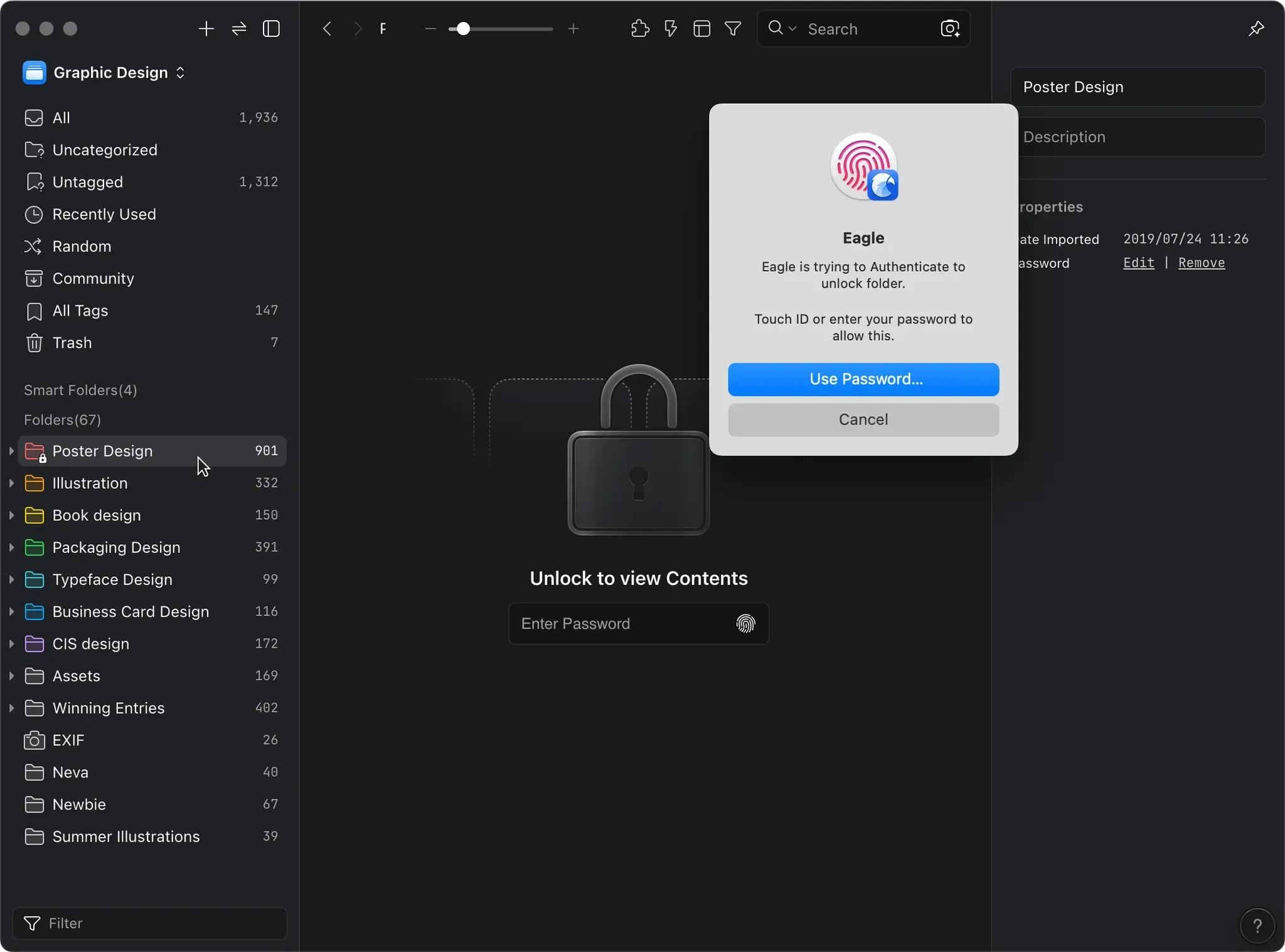
If you want to keep your assets secure while enjoying a faster unlock experience, Eagle supports using Touch ID to unlock the App Lock and folder passwords. This is ideal for shared computers or office environments and effectively prevents others from casually viewing your assets.
- Unlock quickly with a touch—no need to re-enter your password repeatedly
- Apply to the entire Eagle app or only protect specific folders
- Available only on macOS devices with Touch ID
Enabling Touch ID
-
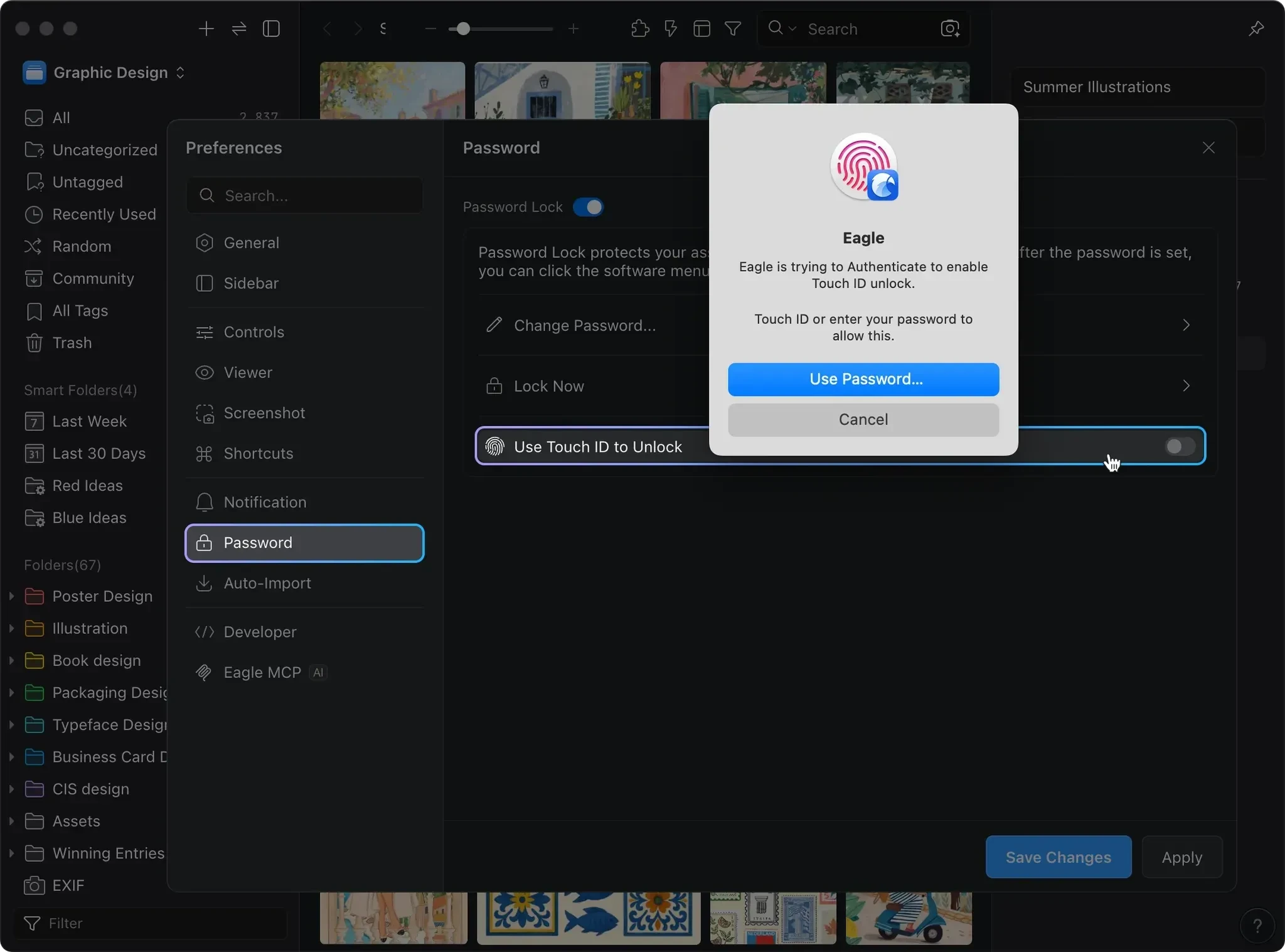
Open "Preferences"
-
In the left sidebar, select "Password"
-
Turn on "Use Touch ID to Unlock"
-
Click "Save Changes"
-
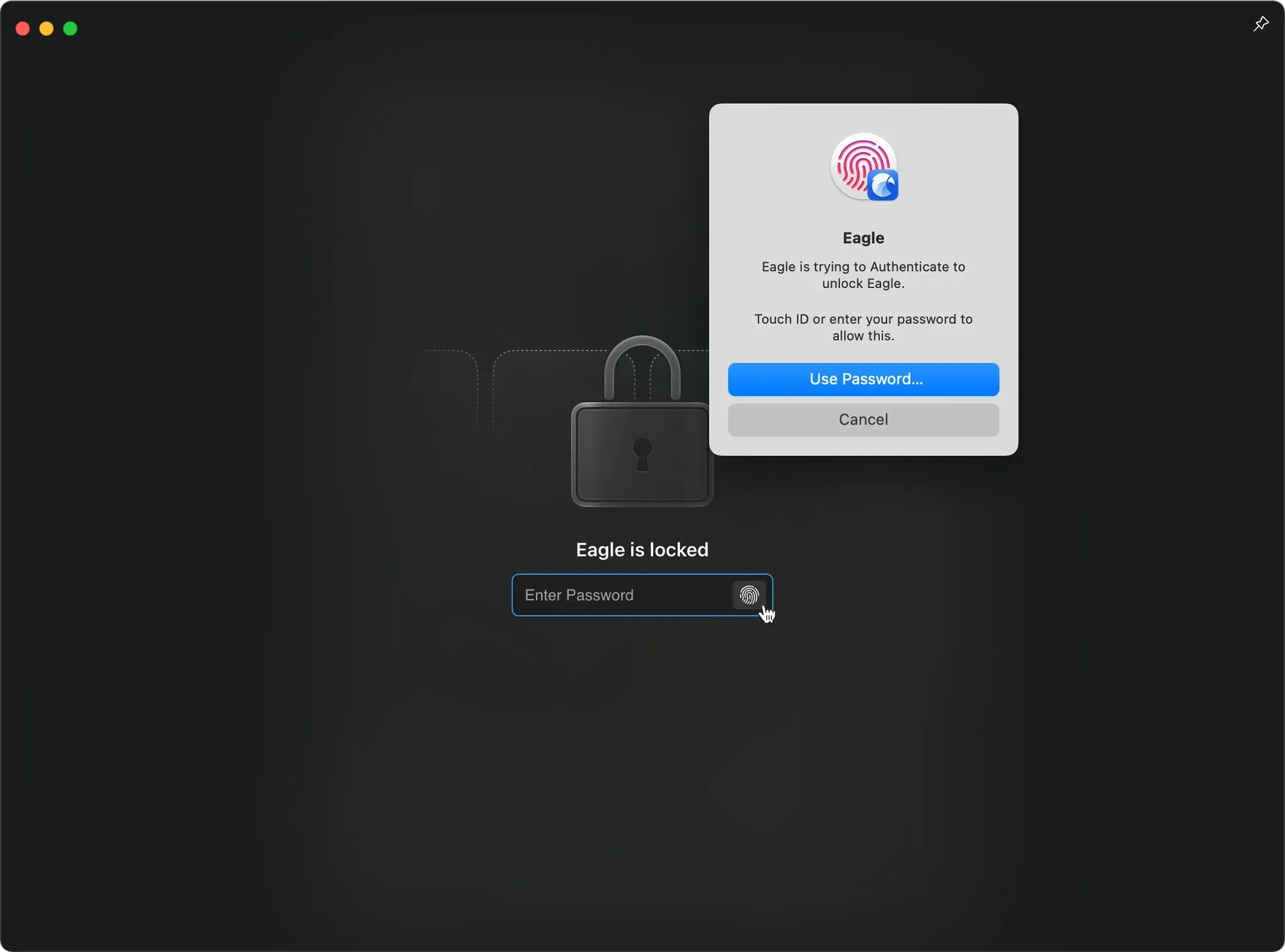
Use Touch ID to unlock the Application Lock
-
Use Touch ID to unlock a folder password