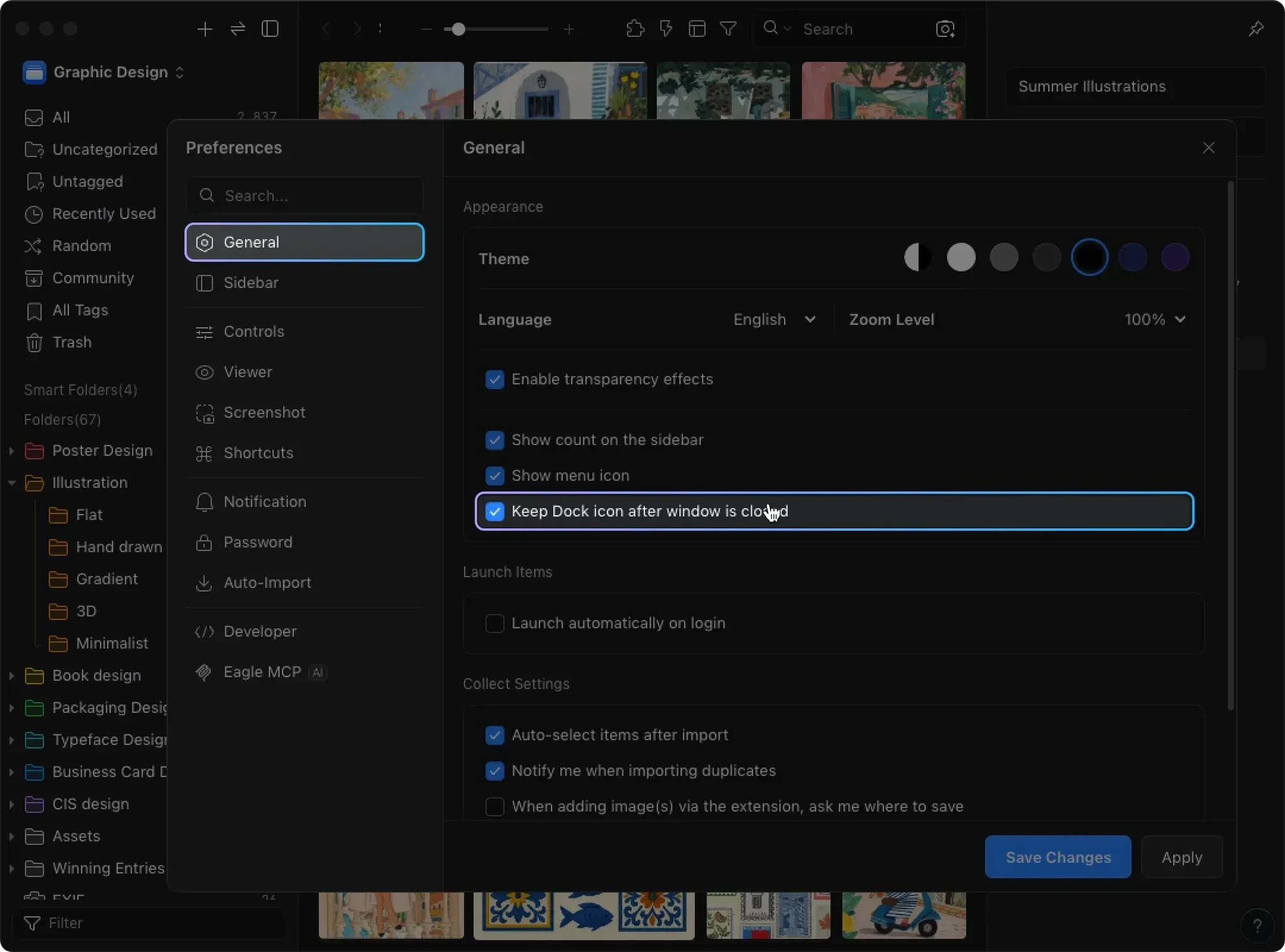
For some users, the persistent icon in the Dock is not necessary, and they prefer to use Eagle only from the menu bar. You can choose in Preferences whether to keep the Dock icon when closing the Eagle window. Here are the steps to hide the Dock icon:
- Open Eagle's "Preferences" and select "General" on the left.
- Uncheck "Keep Dock icon after window is closed".
- Click “Save Changes”.