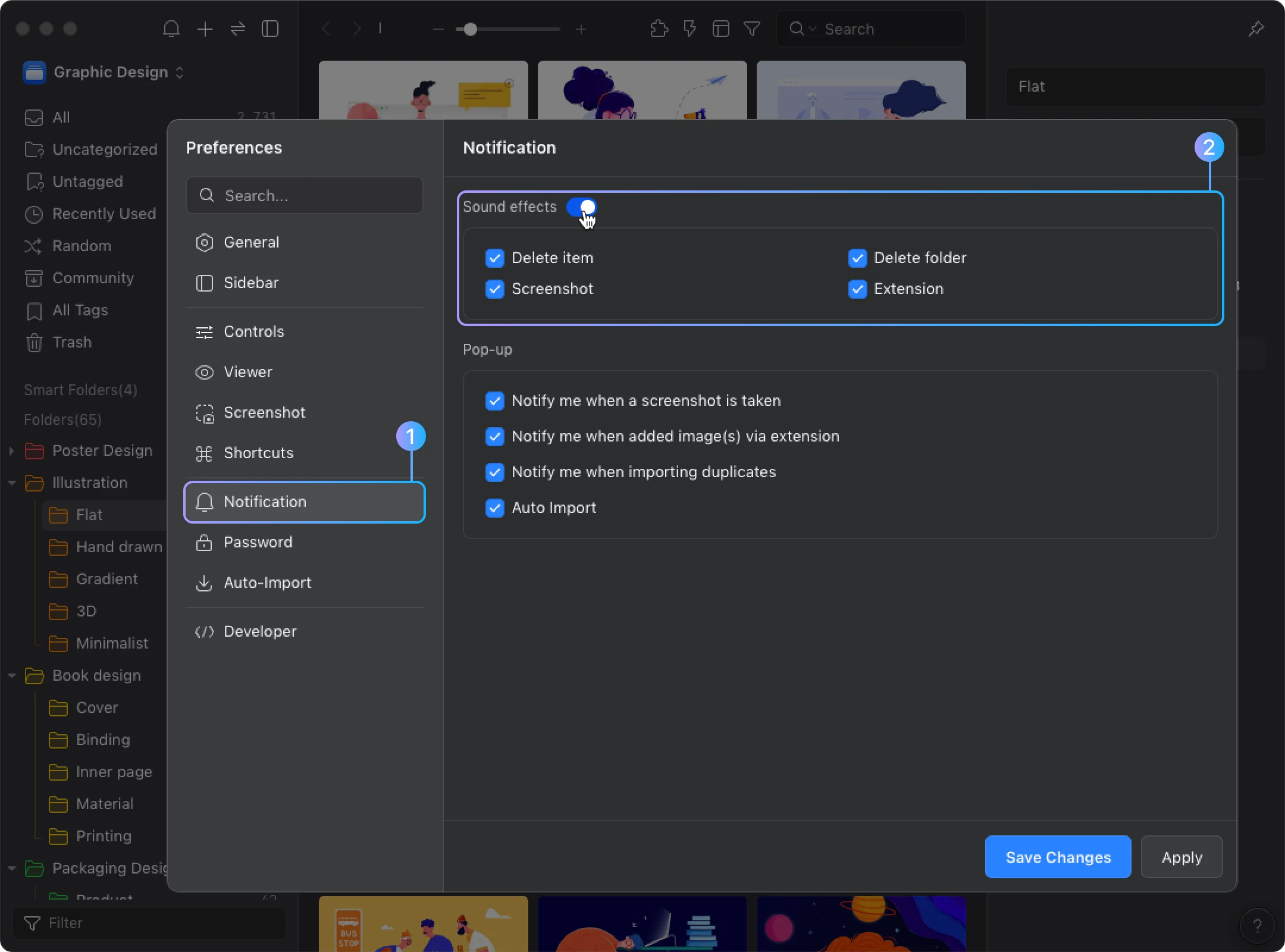
In Eagle's default settings, notification sound effects are provided for actions such as deleting items, deleting folders, taking screenshots, and using the browser extension to collect images. If you wish to disable all sounds or keep specific notification sound effects, follow these steps:
- Open Eagle's "Preferences" and select "Notification" on the left.
- On the right, find the "Enable Notification Sound Effects" toggle and options for the four actions, then enable or disable them according to your preference.
- Apply and save the settings.