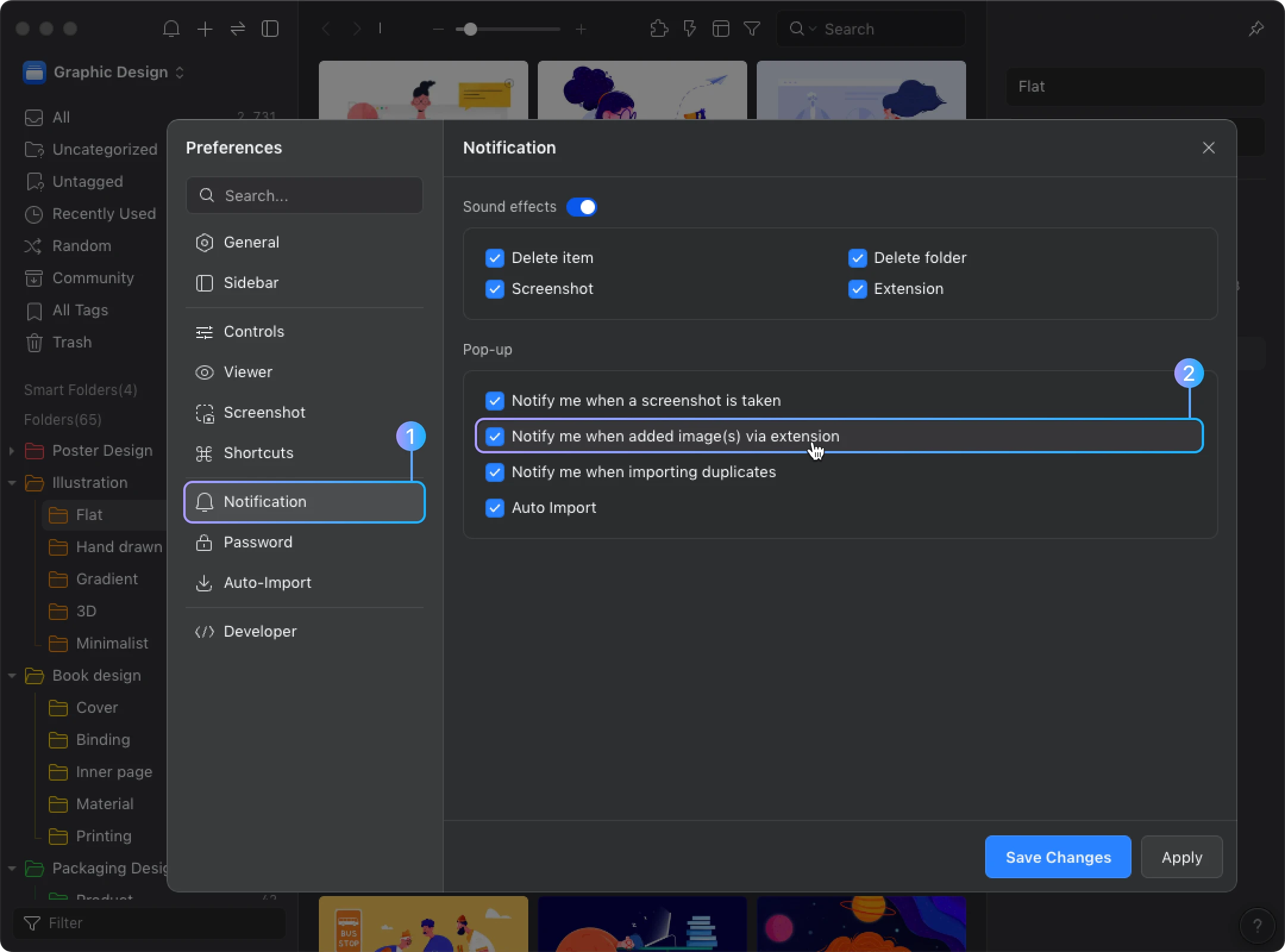
When using Eagle's browser extension to collect images, a notification will appear in the upper right corner of the screen indicating a successful screenshot. For more information about Eagle's browser extension collection, you can refer to this article: Saving web images. If you wish to enable or disable this collection notification, follow these steps:
- Open Eagle's "Preferences" and select "Notification" on the left.
- On the right, find "Pop-up" under “Notify me when added image(s) via extension" and check or uncheck based on your preference.
- Apply and save the settings.