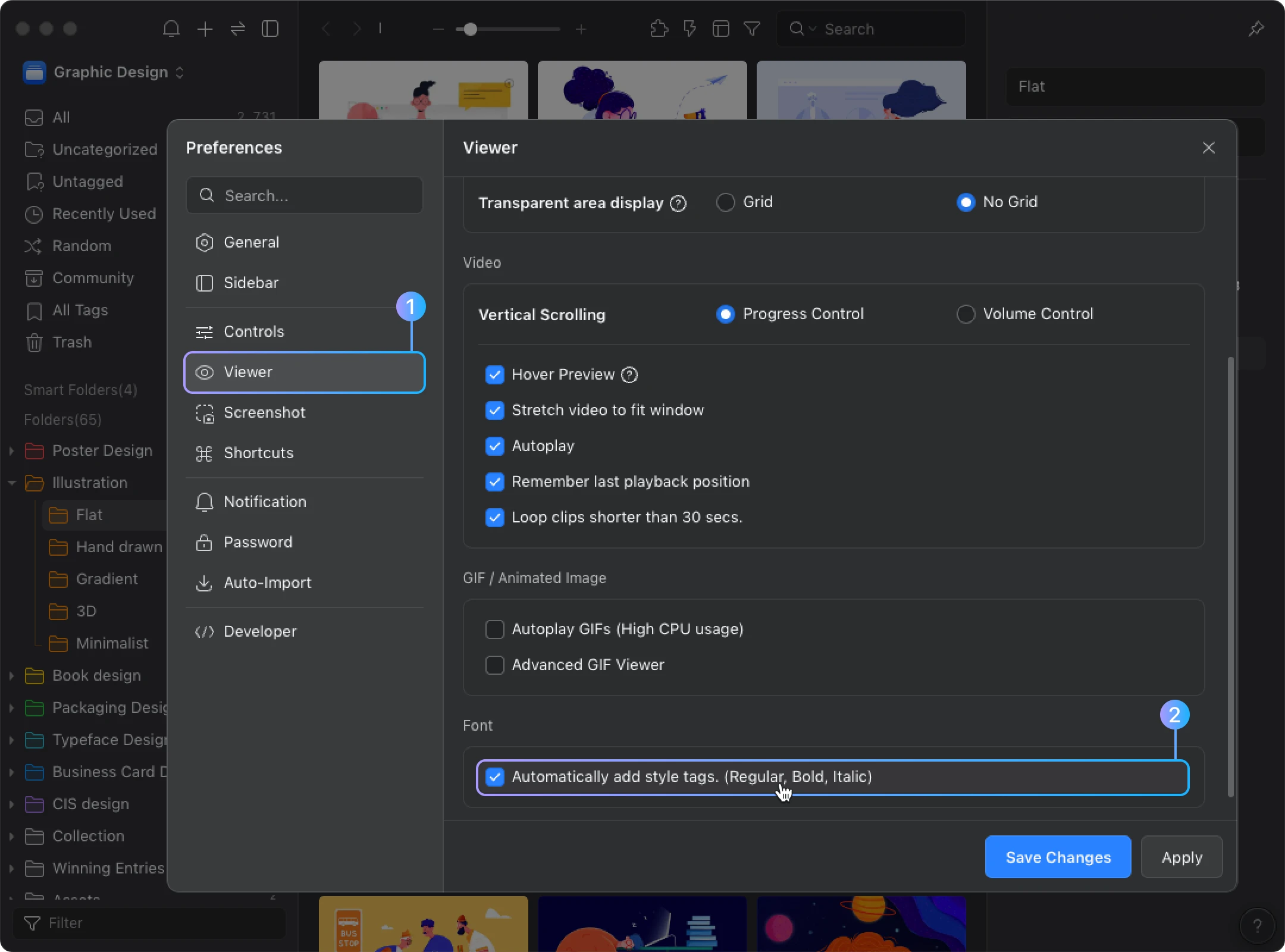
The "Automatically Add Weight Style Tags" feature is enabled by default when importing font files. Eagle will automatically add tags based on the font file styles, such as Regular, Bold, and Light, saving you time on manual categorization. To disable this feature, follow these steps:
- Open Eagle's "Preferences" and select "Viewer" on the left.
- Under the "Font" section on the right, find and check "Automatically add style tags.(Regular, Bold, Italic)" to enable or disable it.
- Apply and save the settings.