
Issue Overview
When fonts or characters appear as boxes in Eagle, it's primarily because the specific characters being displayed are not included in the font currently being used.
To maintain text consistency and design principles, Eagle uses boxes as placeholders to represent unsupported characters. This design approach is similar to other technologies, such as Google Fonts.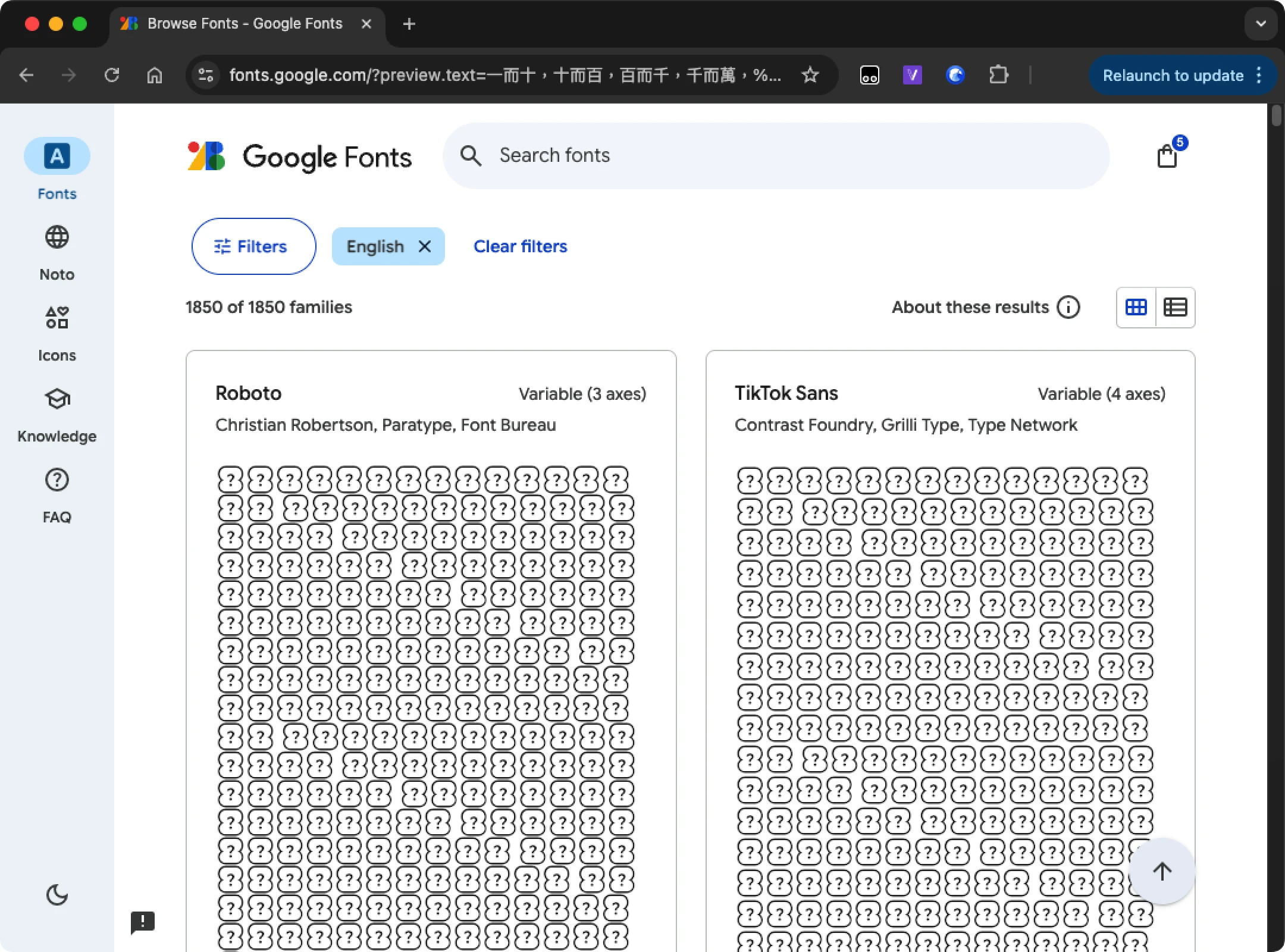
Common Causes
- The font file doesn't contain the character set needed
- The thumbnail or preview requires a font that isn't installed on your system
- Character encoding issues between different language systems
Solution Recommendations
If you're experiencing this issue, try the following steps:
- Install the missing fonts on your system
- Restart Eagle after font installation
- Check if the file uses specialized or uncommon fonts
- For thumbnails, try regenerating the thumbnail by right-clicking the asset
Technical Note
This box display is not an error but a standard visual indicator that helps maintain the application's stability when encountering unsupported character sets.