
The Eagle browser extension displays a standard security warning when installing on Safari, mentioning that the extension may read sensitive information such as credit cards. This is Safari's default security mechanism, not the actual behavior of the Eagle extension. This article will explain the source of this warning and Eagle's privacy protection measures.
Safari's Standard Security Warning Mechanism
Safari browser implements a preventive security policy for all extensions. When you install any extension, the system automatically generates a standard warning:
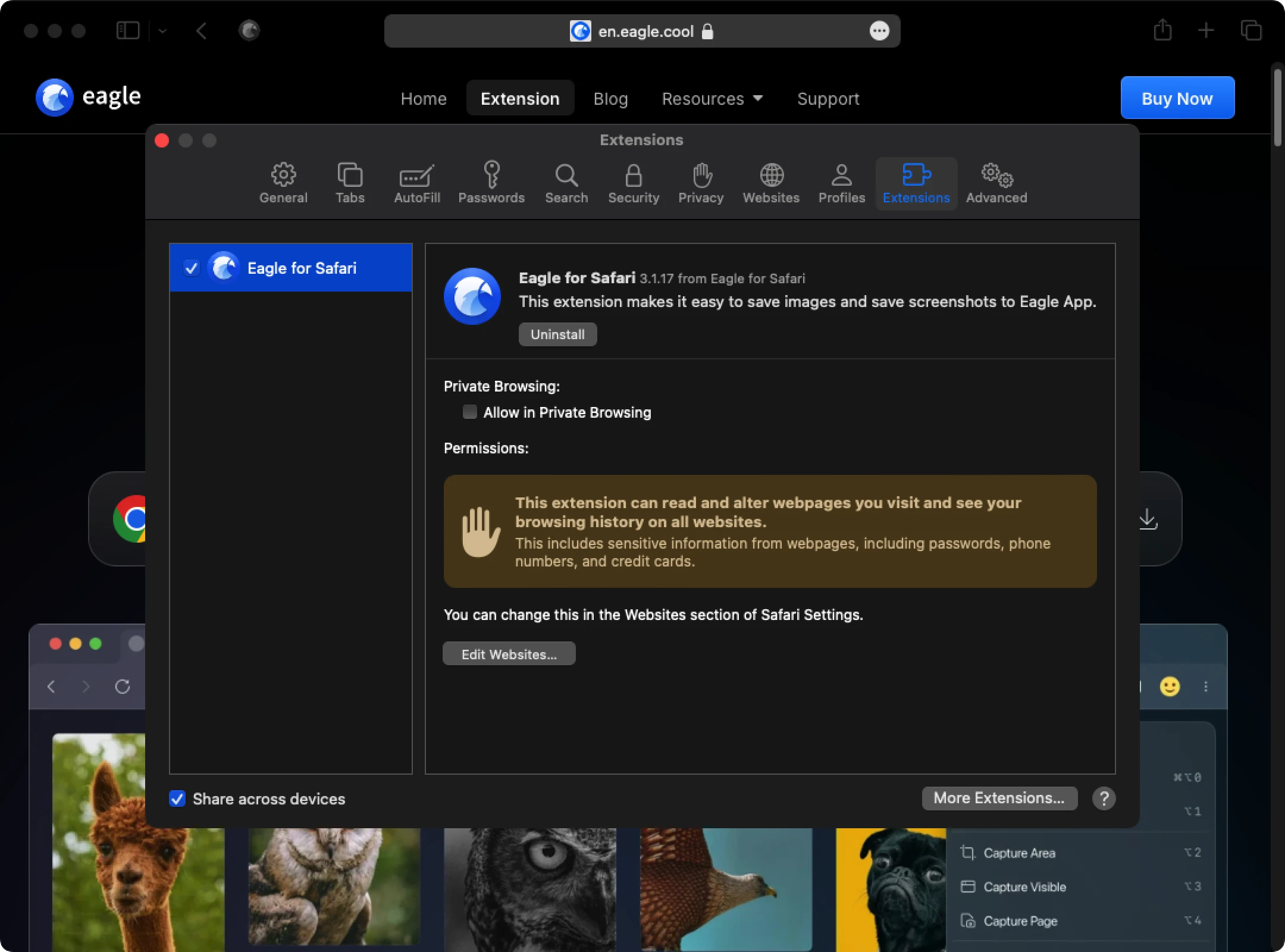
This extension can read and change webpages you visit, and see your browsing history on all websites
This warning is designed to inform users of the range of permissions an extension may require, and does not indicate that the extension will actually use these permissions for sensitive operations.
Actual Usage of Eagle Extension Permissions
The Eagle extension does require "read and modify webpages" permissions, but this is only used for:
- Displaying collection prompt windows on webpage interfaces
- Webpage element interactions required for image collection functionality
These functions require the extension to interact with webpage content, thus triggering Safari's security warning.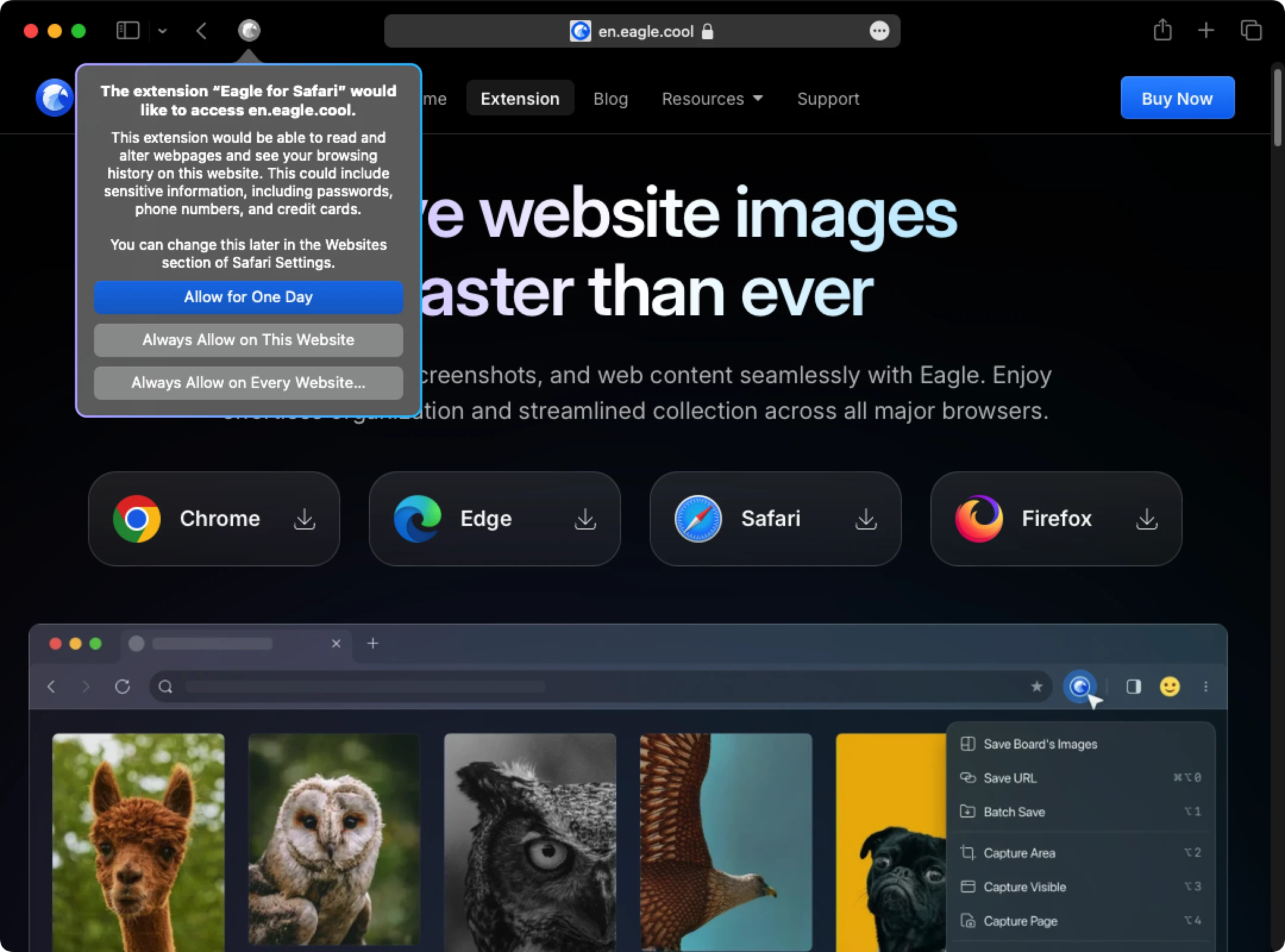
Differences Between Browsers
It's worth noting that other mainstream browsers like Chrome or Firefox may not provide such explicit security warnings for the same extension permissions. This is because different browser vendors have varying policies and wording for security warnings.
Privacy Protection Commitment
We highly value user privacy and security, and hereby declare:
- Eagle extension will not access or store your credit card information
- Eagle extension will not collect any sensitive personal data
- All data processing complies with our Privacy Policy
Please rest assured that Safari's security warning is merely a routine preventive measure designed to raise user awareness of web security, not pointing to specific behaviors of the Eagle extension.