
About Update Notifications
Eagle software regularly sends update notifications to ensure users can access the latest features and fix known issues. If you frequently receive update prompts, it may be due to an unstable software version or unresolved update issues.
Solutions for Frequent Update Notifications
Here are several methods that can help you manage Eagle update notifications:
- Ensure stable network connection: Unstable network may cause incomplete update checks
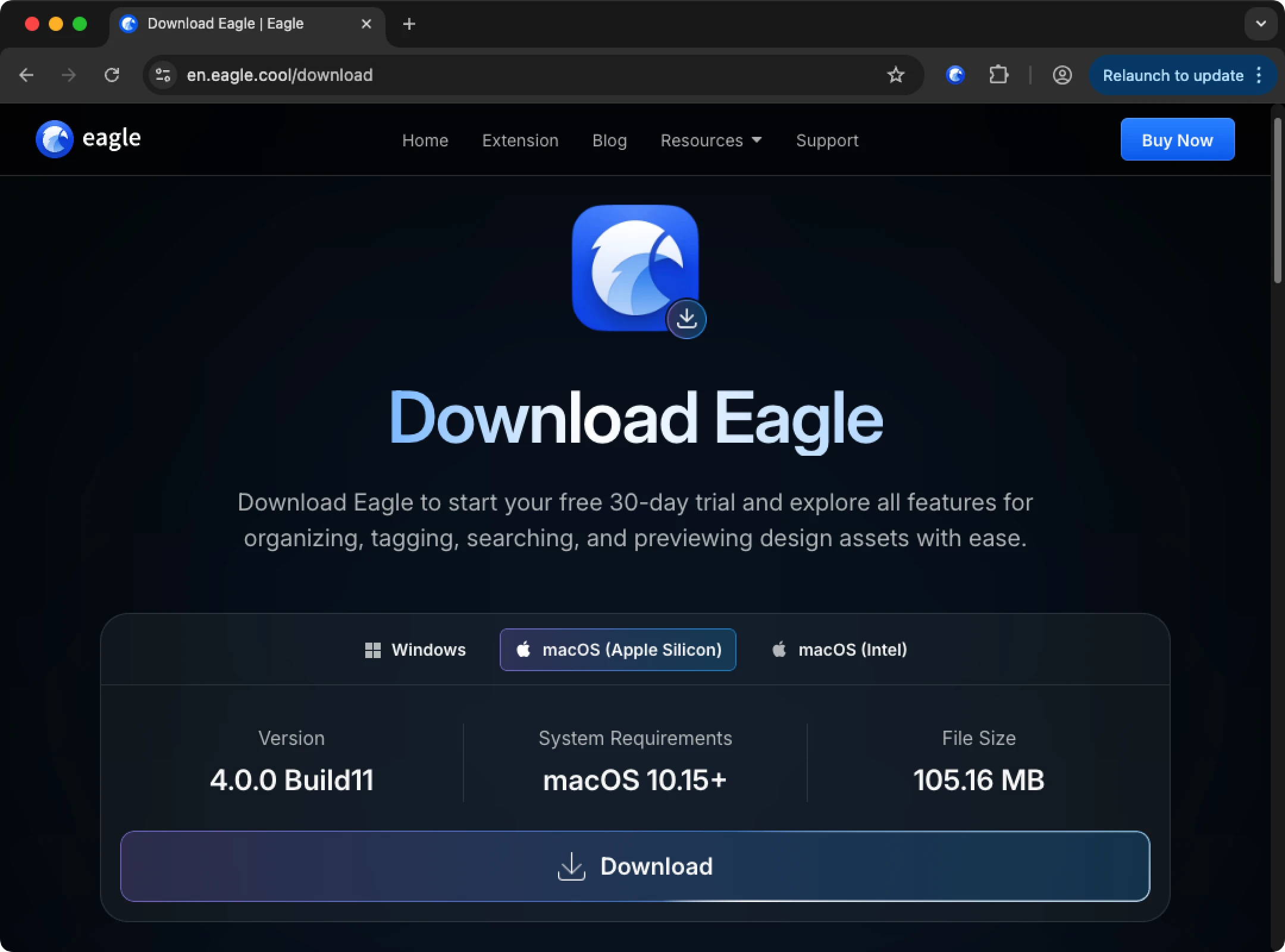
- Manually check for updates: Visit the official download page to check for any available patches or update notes.
Important Notes
- Eagle currently does not provide an option to permanently disable update notifications, as this ensures users can receive important security updates and feature improvements
- Regular software updates help maintain application stability and security
- If update notifications significantly impact your workflow, consider performing updates during non-working hours