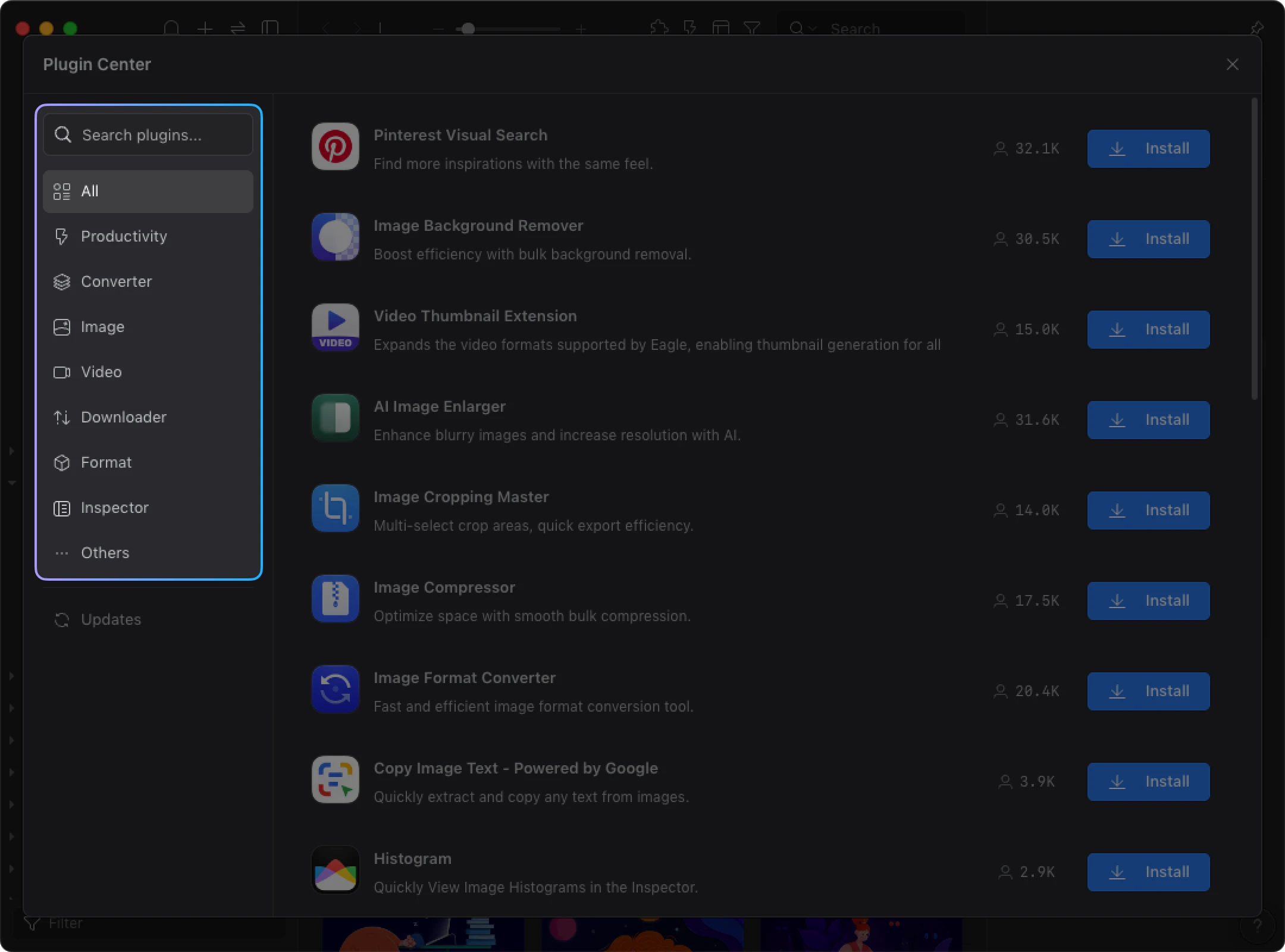
If you're unable to locate the Plugin Center in your Eagle menu, it's likely because you're using an outdated version of the software. Follow these steps to resolve this issue:
Update Your Eagle Software
- Close Eagle completely
- Download the latest version from https://en.eagle.cool
- Install the new version, preferably overwriting the old installation to avoid potential conflicts
Accessing the Plugin Center
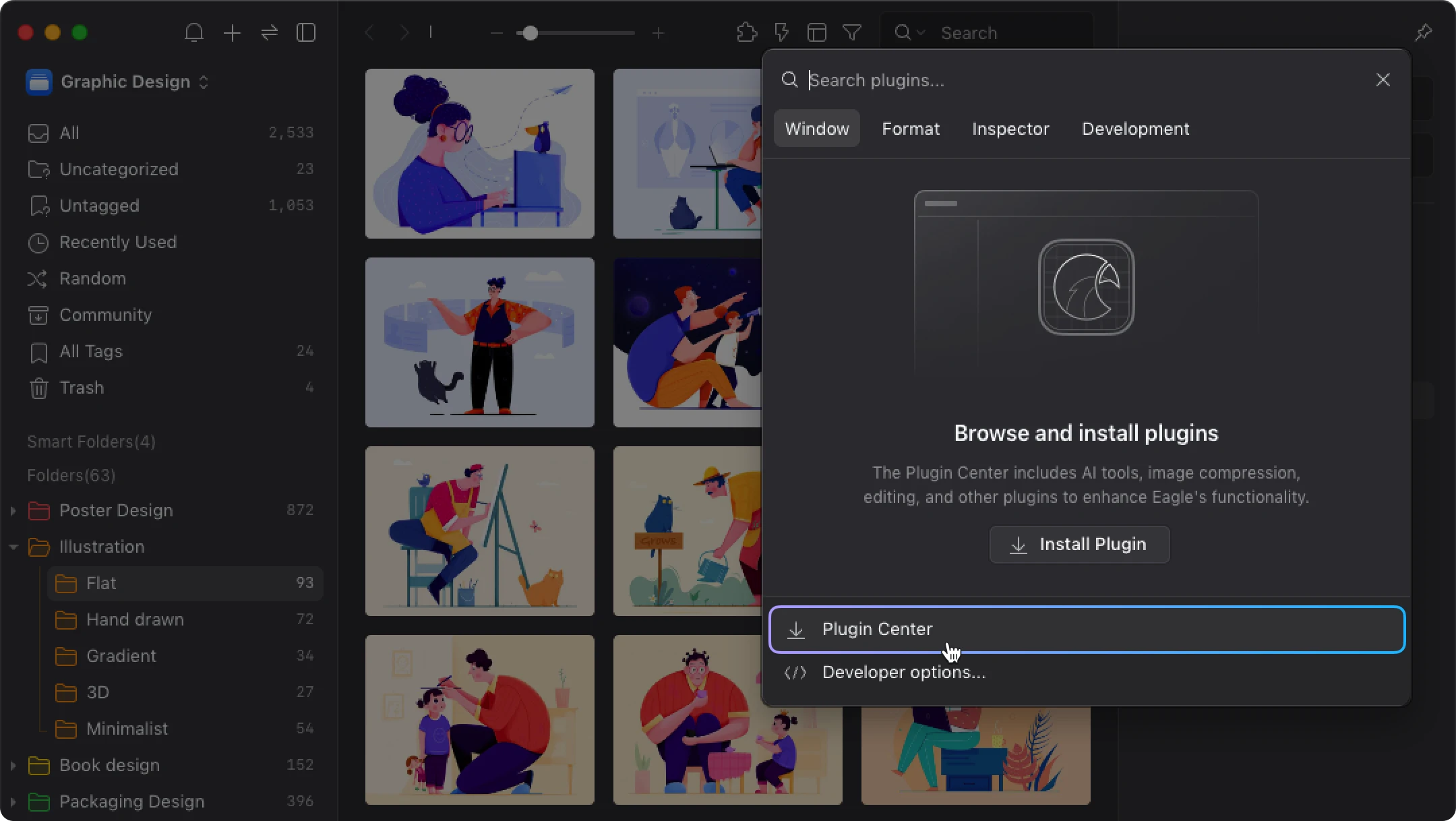
After updating, you can access the Plugin Center using any of these methods:
-
Click "Plugins" in the menu bar, then select "Plugin Center"
-
Click the puzzle icon above the middle list in the interface, then select "Plugin Center"

-
Press the "P" key on your keyboard, then select "Plugin Center"
Installing Plugins
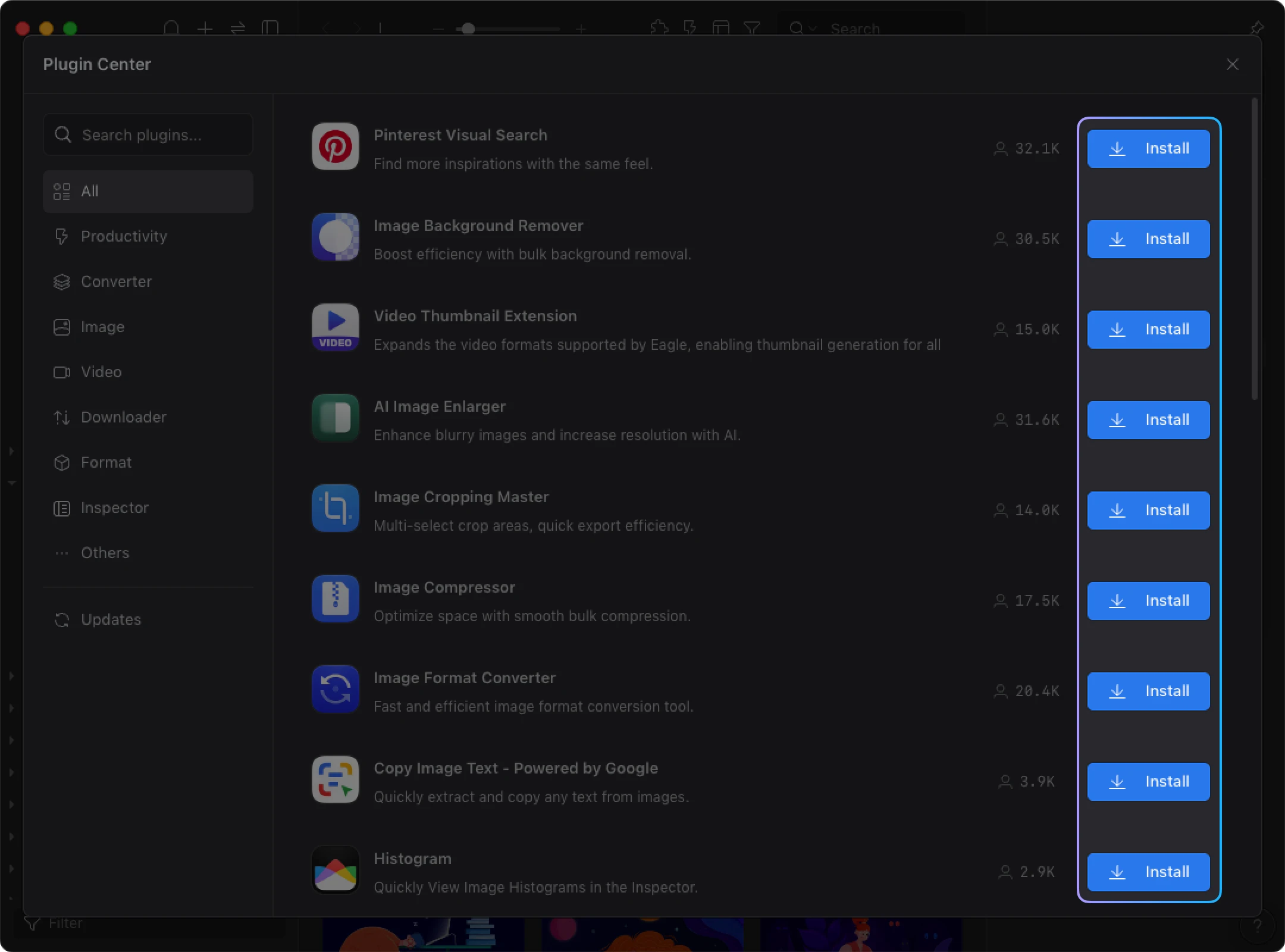
In the Plugin Center window, you can browse and install plugins according to your needs: