
Preview Limitations
Eagle currently only supports previewing the first page of Office documents such as PPT, DOC, XLS, etc. This design is primarily intended to help users quickly identify and locate files, rather than provide complete document browsing functionality.
Technical Reasons
Implementing complete Office document preview functionality faces the following technical challenges:
- Microsoft has not publicly disclosed all technical details of Office document formats
- Developing full-page preview may cause application performance degradation
- Preview quality cannot be guaranteed to match native applications
How to View Complete Documents
If you need to view the complete content of a file, you can:
- Right-click on the file
- Select "Open with default app"
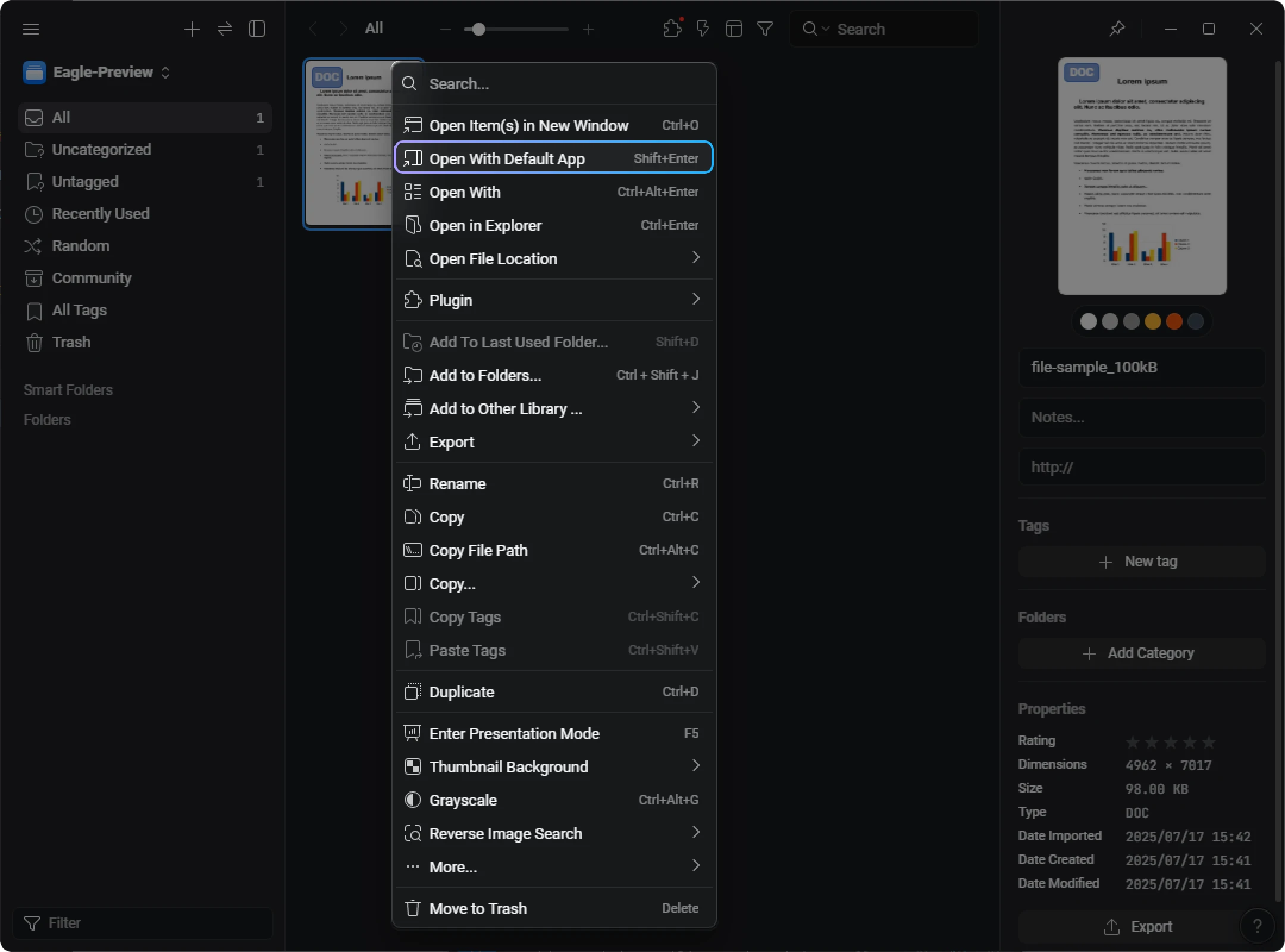
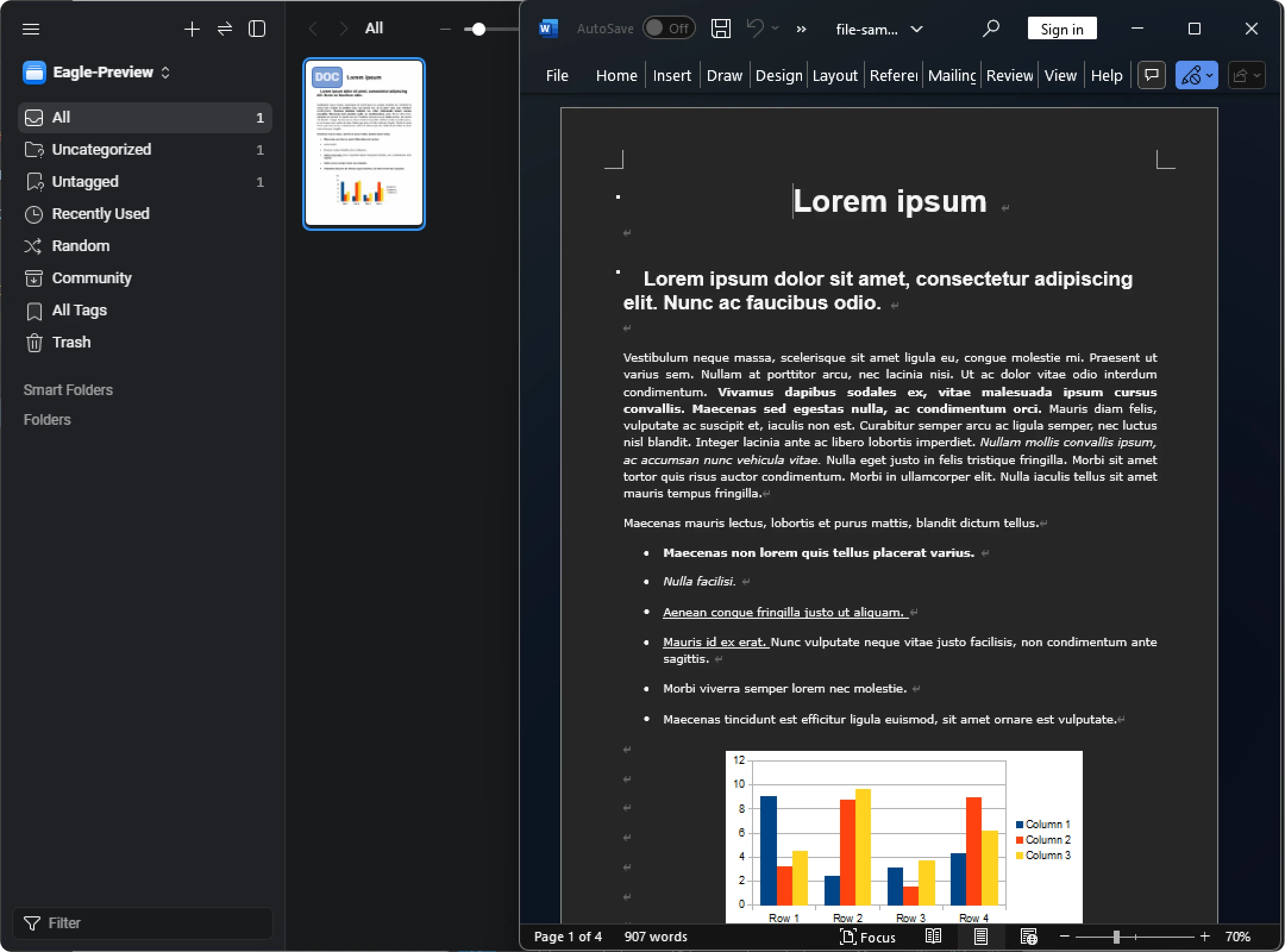
- View or edit the document in the native application
Notes
We will continue to monitor user needs and feedback, and may consider developing more comprehensive document preview features in the future. Thank you for your understanding and support!