
When you click on the library name, Eagle displays a list of libraries you have recently opened. You can use the "Library > Clear History" function to clear this list, keeping only the library currently in use.
Operation Effect Comparison
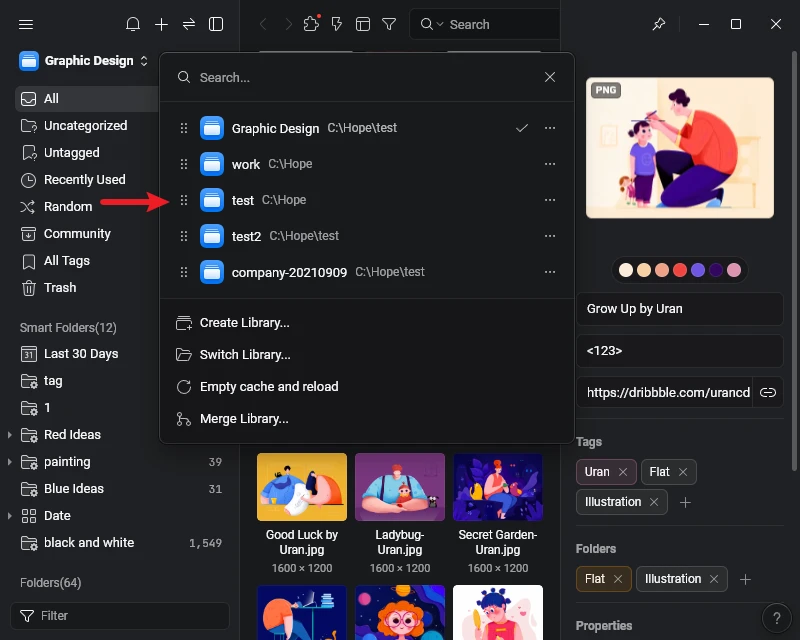
Before Clearing:
The library list shows multiple libraries you have previously opened.
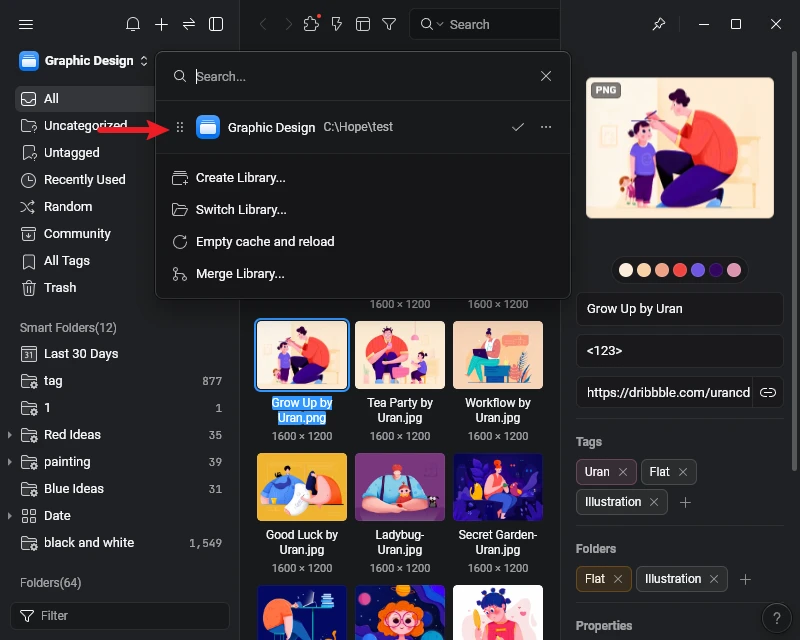
After Clearing:
The library list only retains the currently open library.
Notes
- This operation only clears the recently opened library list and does not delete any actual library files or content
- After clearing the history, if you need to open other libraries, you will need to select them again through "Library > Switch Library"