
In Eagle, smart folders and groups have similar functions, but they each have distinct characteristics in resource management and categorization. The team designed the "groups" feature primarily to enhance user experience, helping users manage and categorize resources more intuitively.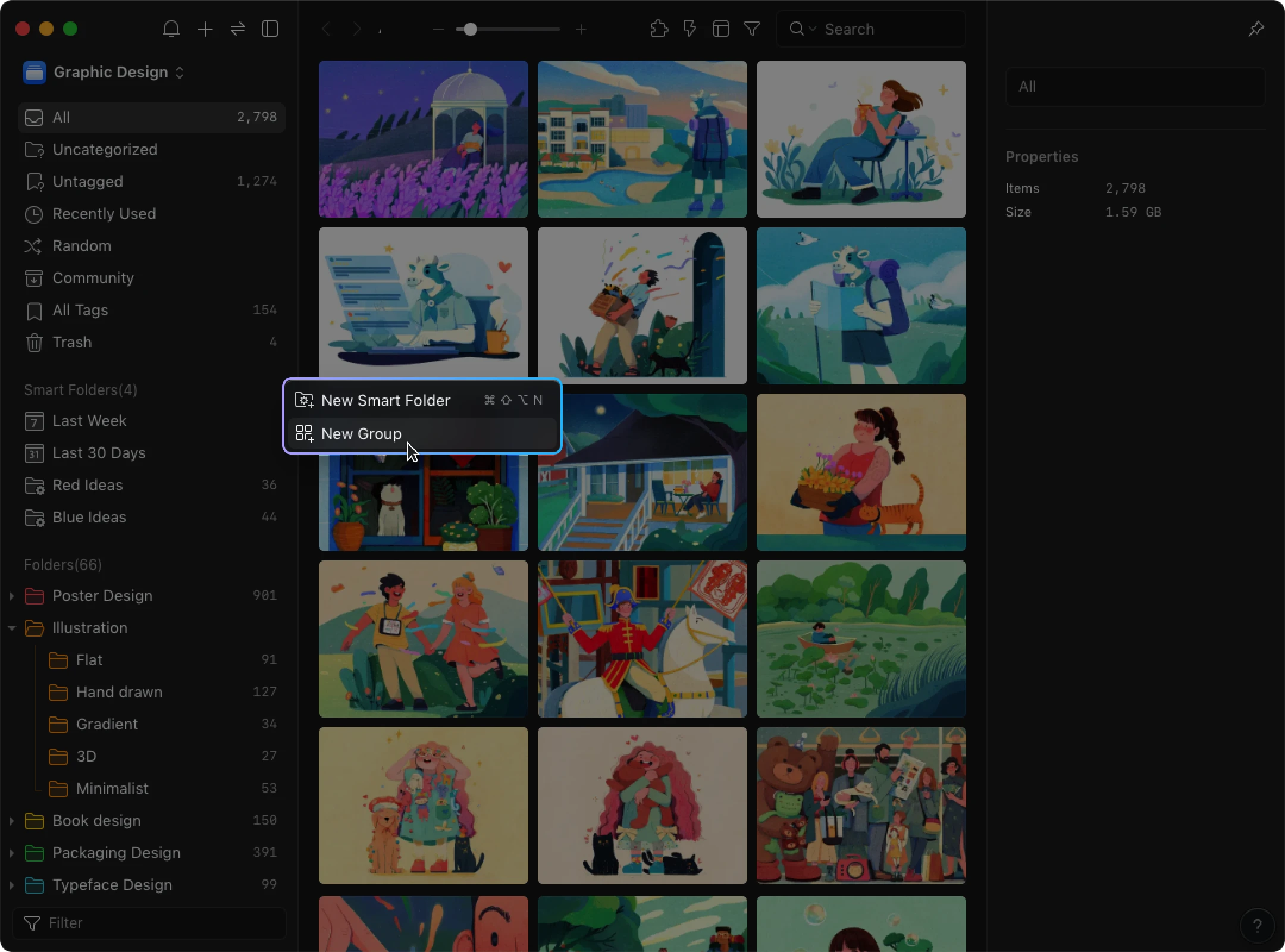
Smart Folders
The core function of smart folders is automatic filtering. They can automatically filter and display material files that meet user-defined conditions. Users can update filtering criteria at any time to adapt to different management needs.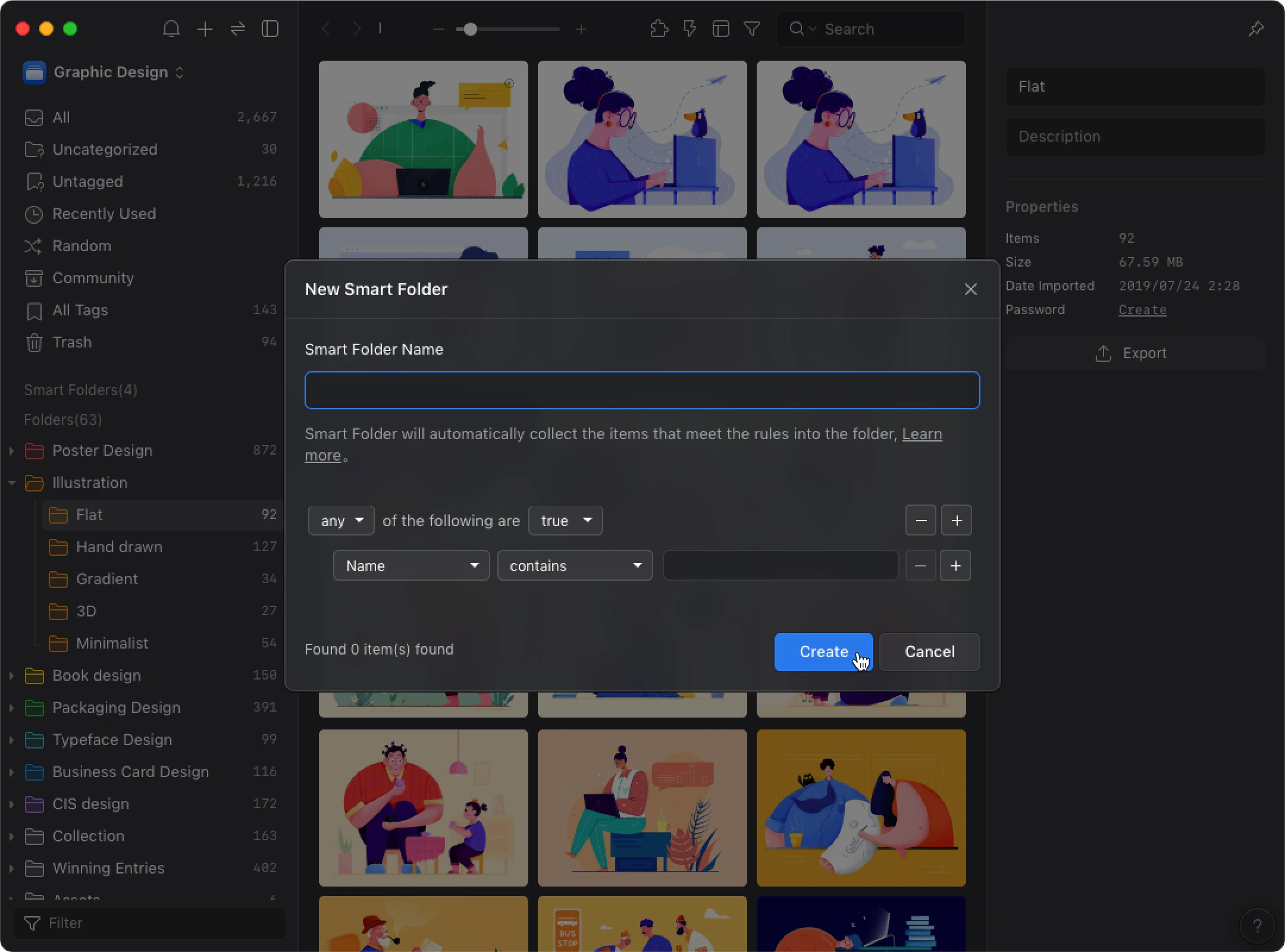
Groups
Groups can also filter files based on user-defined conditions. The distinctive feature of groups is that they can serve as a higher level above smart folders, enabling smart folders to perform multi-level filtering, giving users more flexibility in resource management. If multi-level filtering is no longer needed, users can remove smart folders from groups and convert the original group into a new smart folder for use.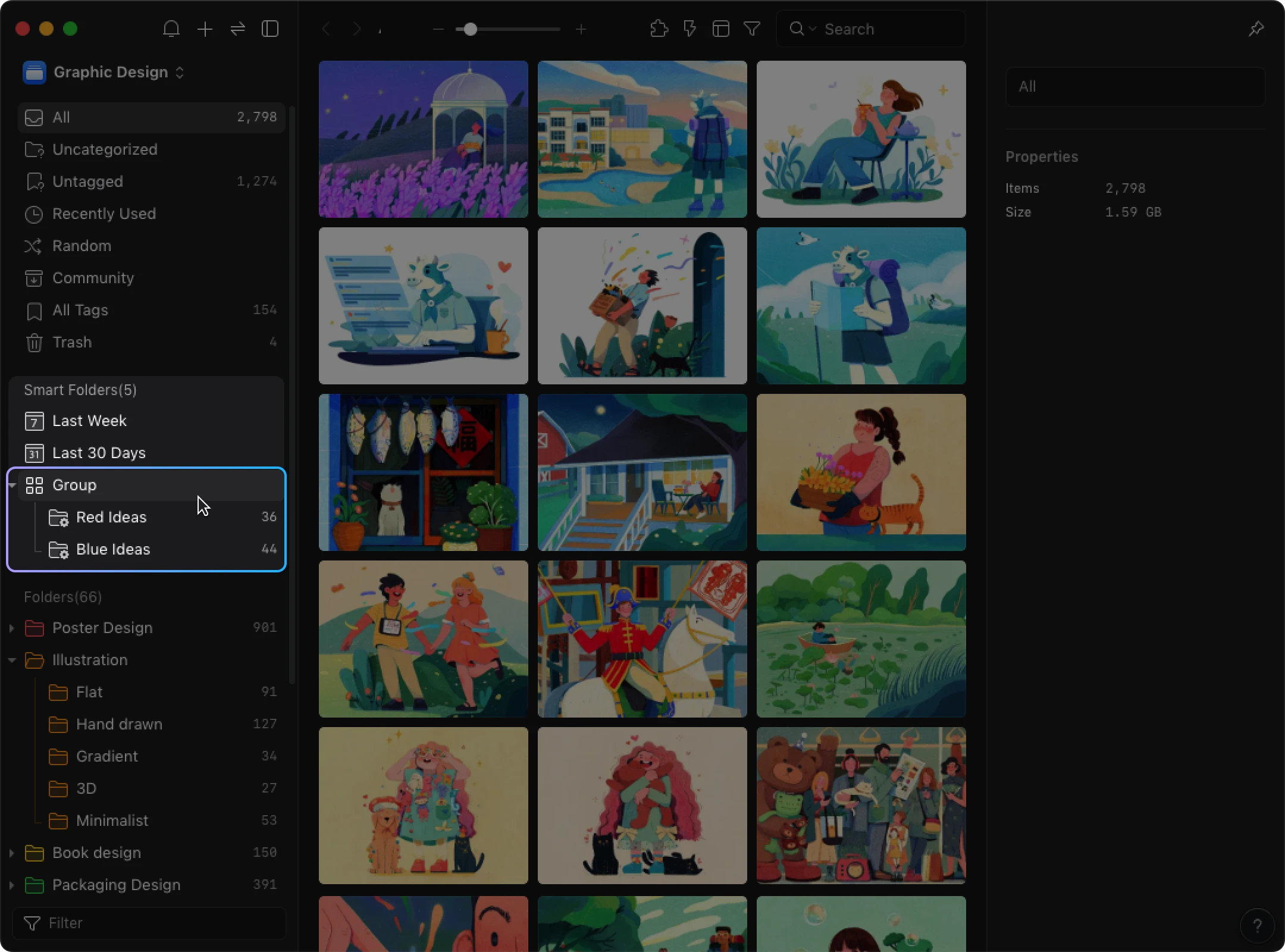
Key Considerations
- Smart folders are suitable for single-level automatic filtering needs
- Groups are suitable for complex filtering scenarios requiring multi-level organization
- Both support dynamic updates, allowing filtering criteria to be adjusted at any time
- You can choose the more suitable organizational method based on personal usage habits