
You can download the Eagle extension from the Chrome Web Store page, with the following installation steps:
- Use the Brave browser to open the link below:
https://chromewebstore.google.com/detail/eagle-for-chrome/lieogkinebikhdchceieedcigeafdkid - Click the "Add to Brave" button on the page to proceed with the installation.
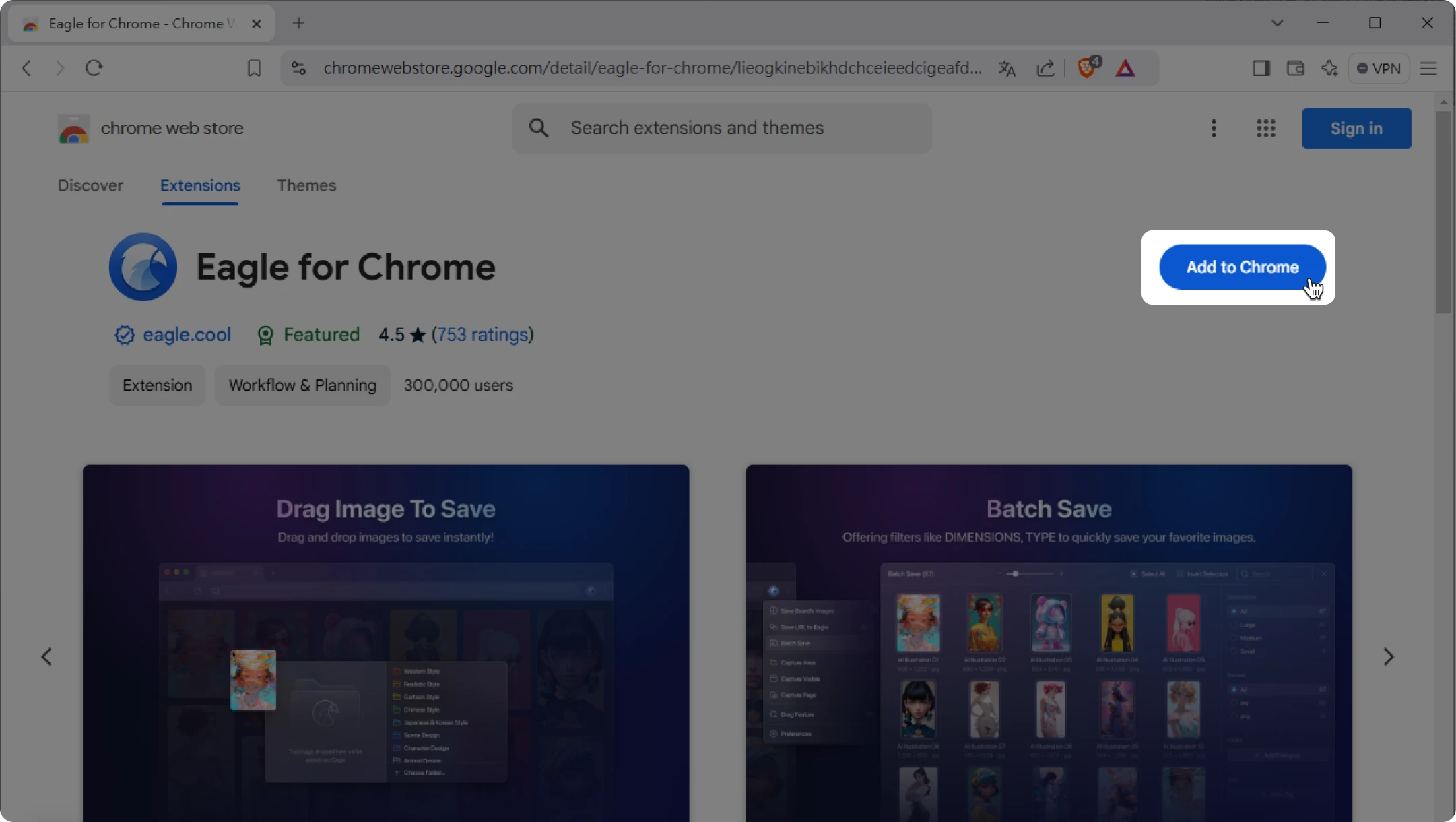
- Click "Add extension."
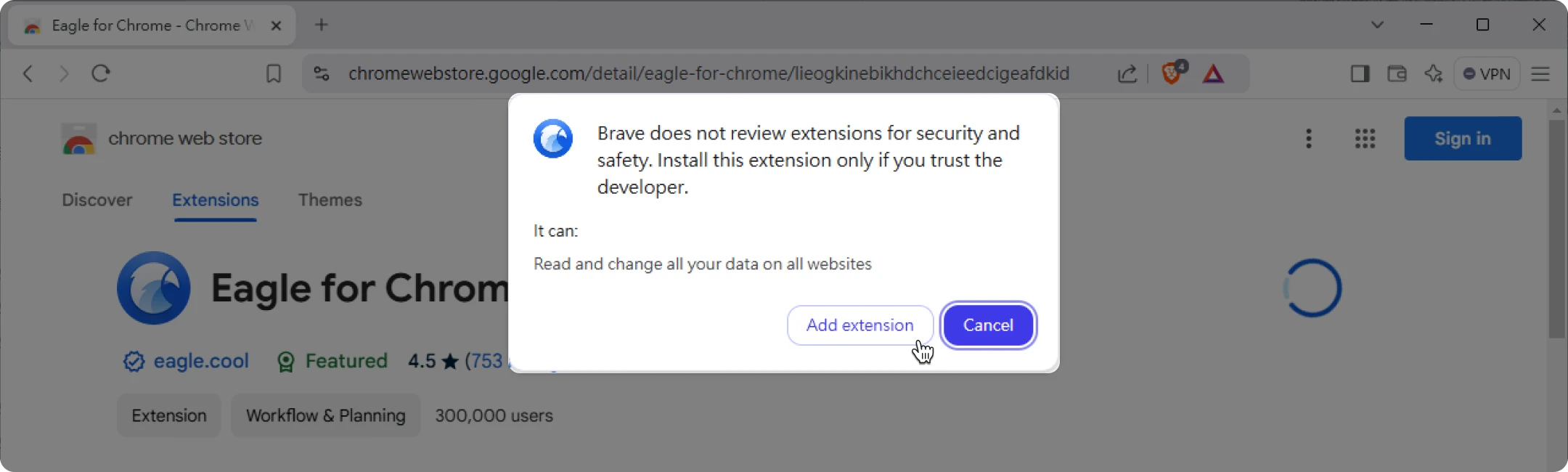
- Once installed, the Eagle extension icon will appear in the upper right corner.
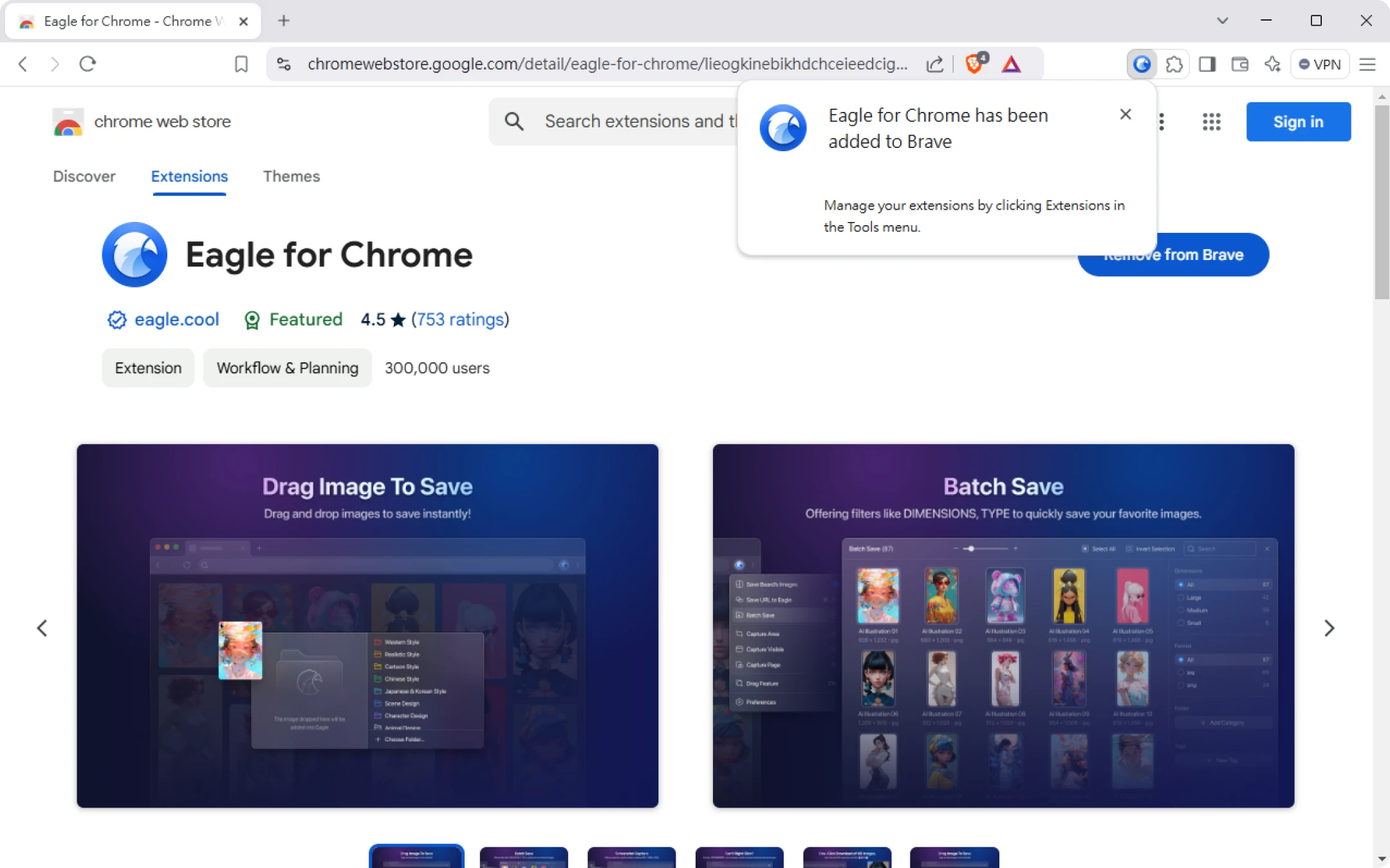
Note: For web pages that were open before the extension was installed, please try manually refreshing the page to ensure the Eagle extension functions correctly.