
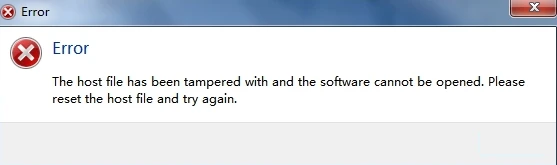
 The software displays this window because the device has previously modified the system host file. Modifying the host file not only prevents important software functions from running properly, but also causes your device to be unable to access Eagle-related services normally.
Solution:
We need to correct the host file on the device to resolve this issue. Please follow the steps below:
- Open File Explorer
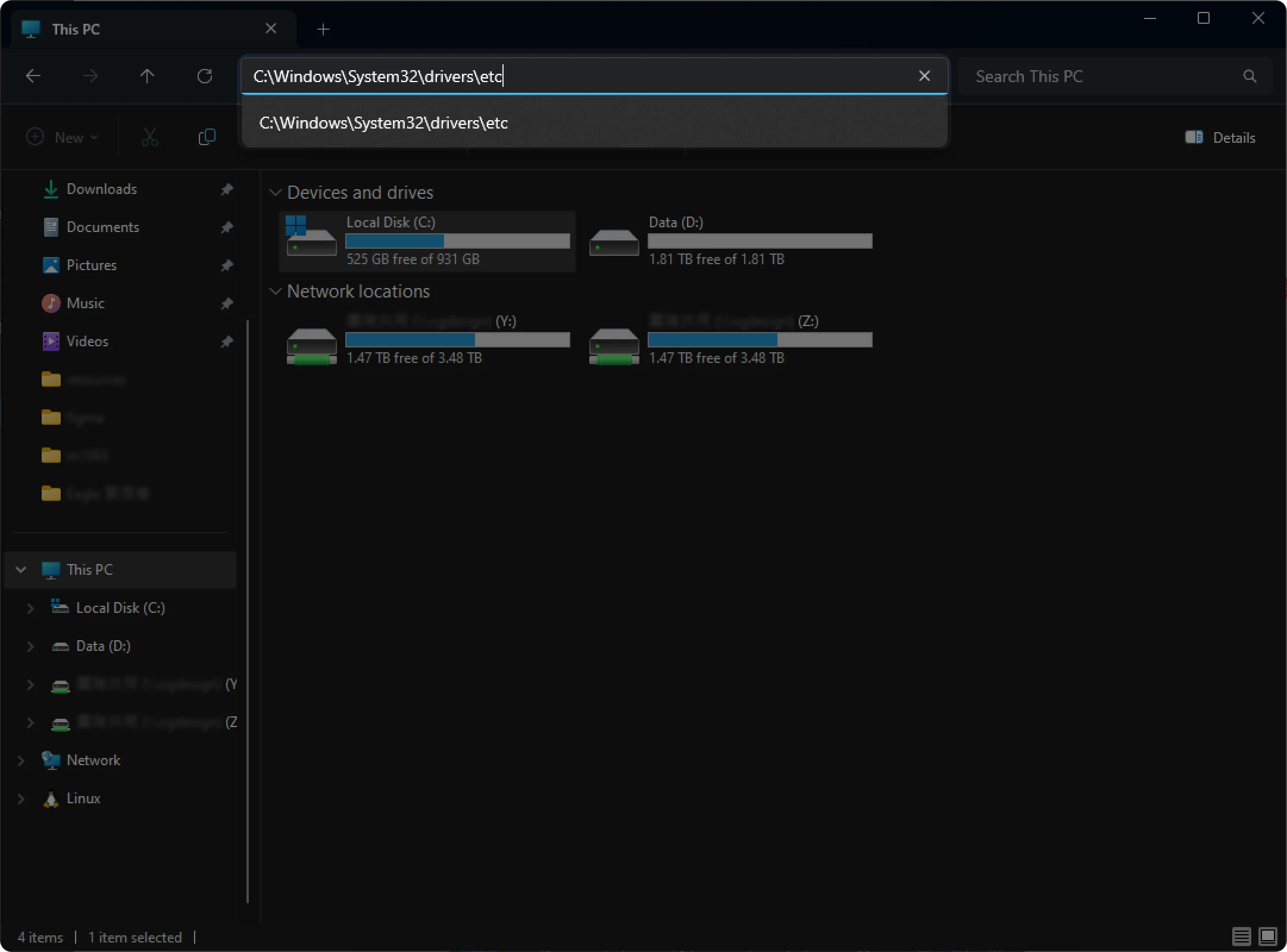
- Navigate to the system drive path "C:\Windows\System32\drivers\etc"
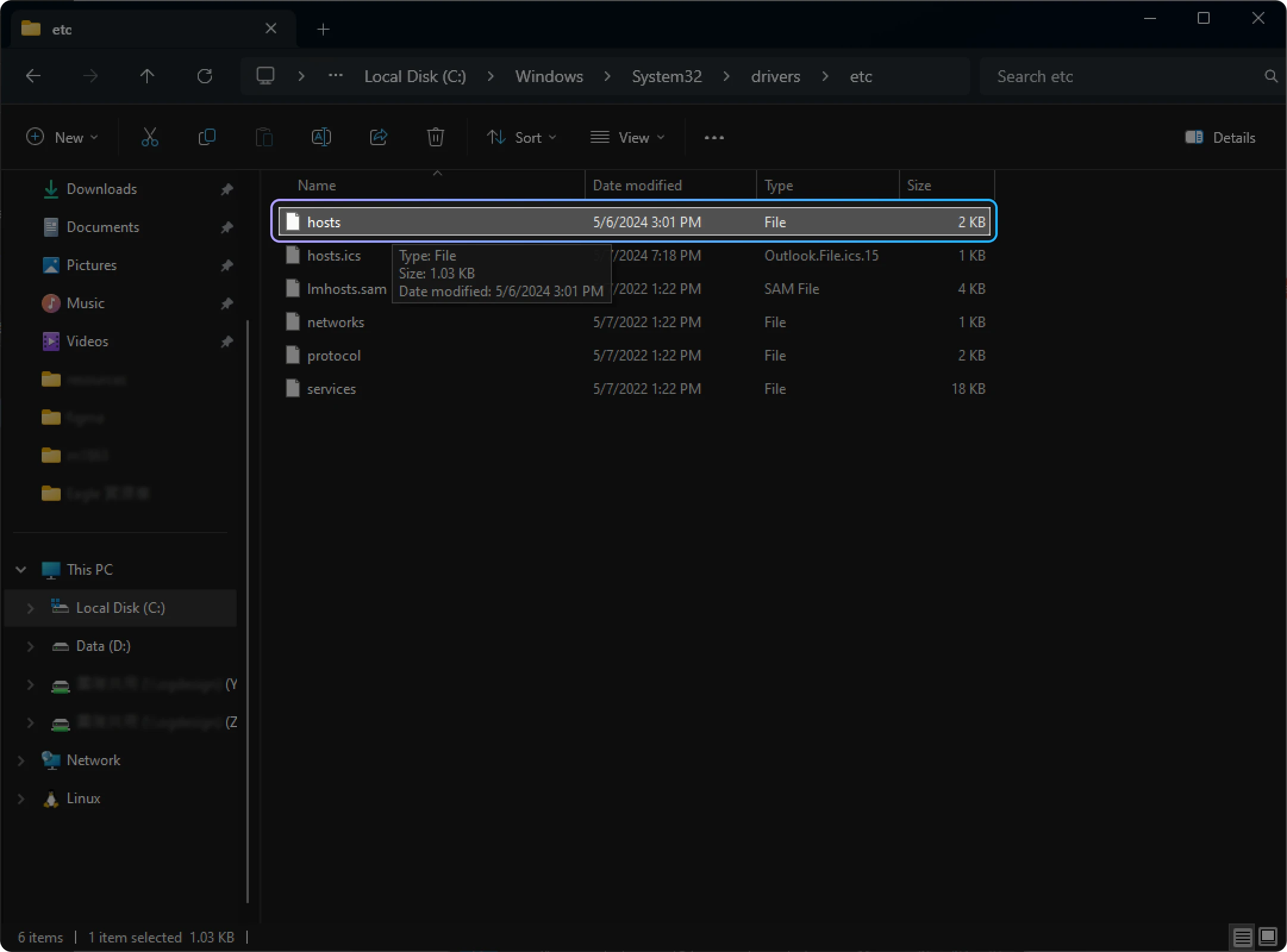
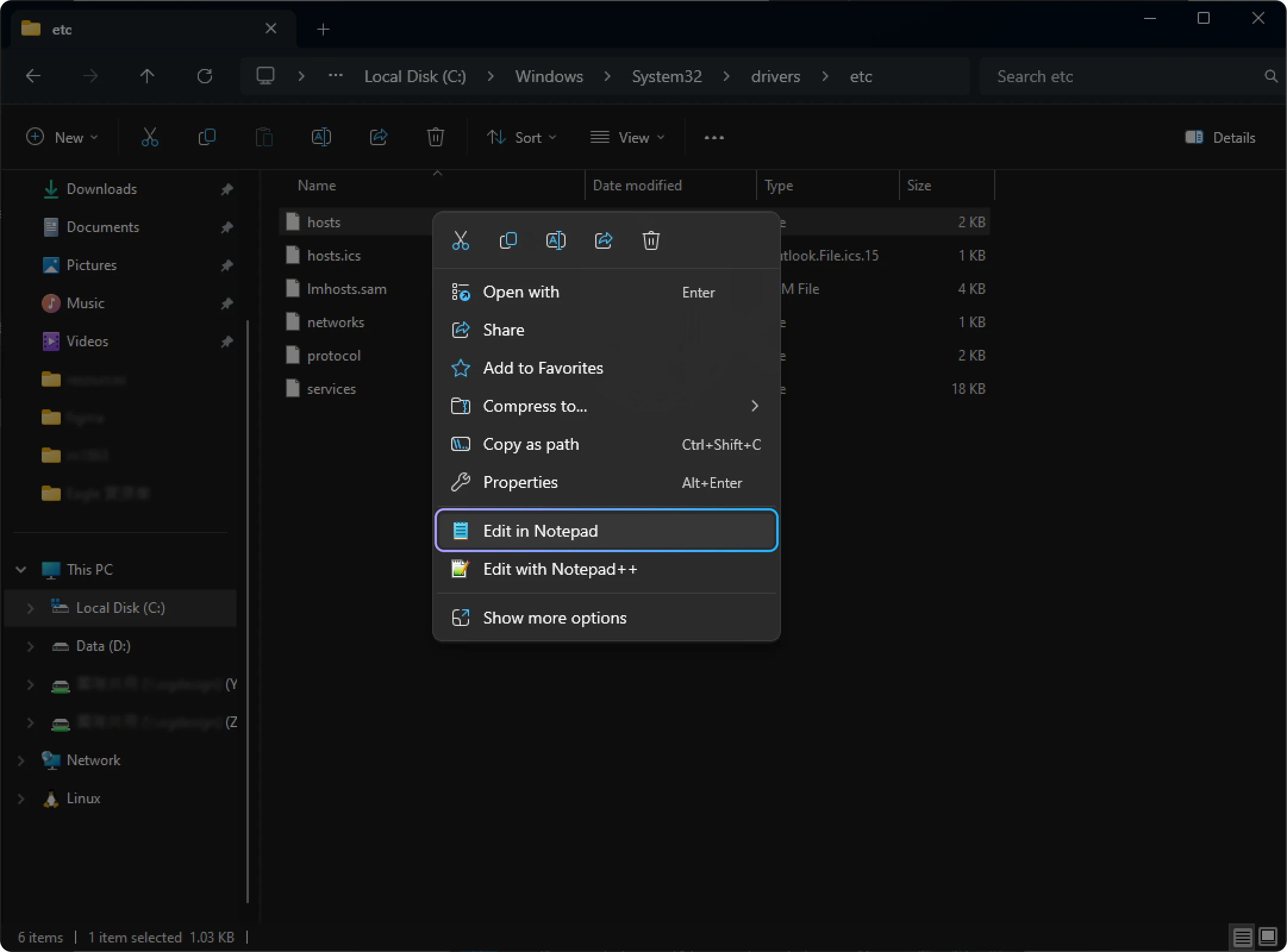
- Find the "hosts" file and open it with "Notepad"
- Delete any text related to "eagle" and "aliyuncs" from the file, then save it.Since this configuration file is a system file, regular users don't have permission to modify it. We can save the new hosts file to another location, then drag it into the system's etc directory. Click "Continue" to provide administrator privileges so the hosts file can be successfully placed in the folder.
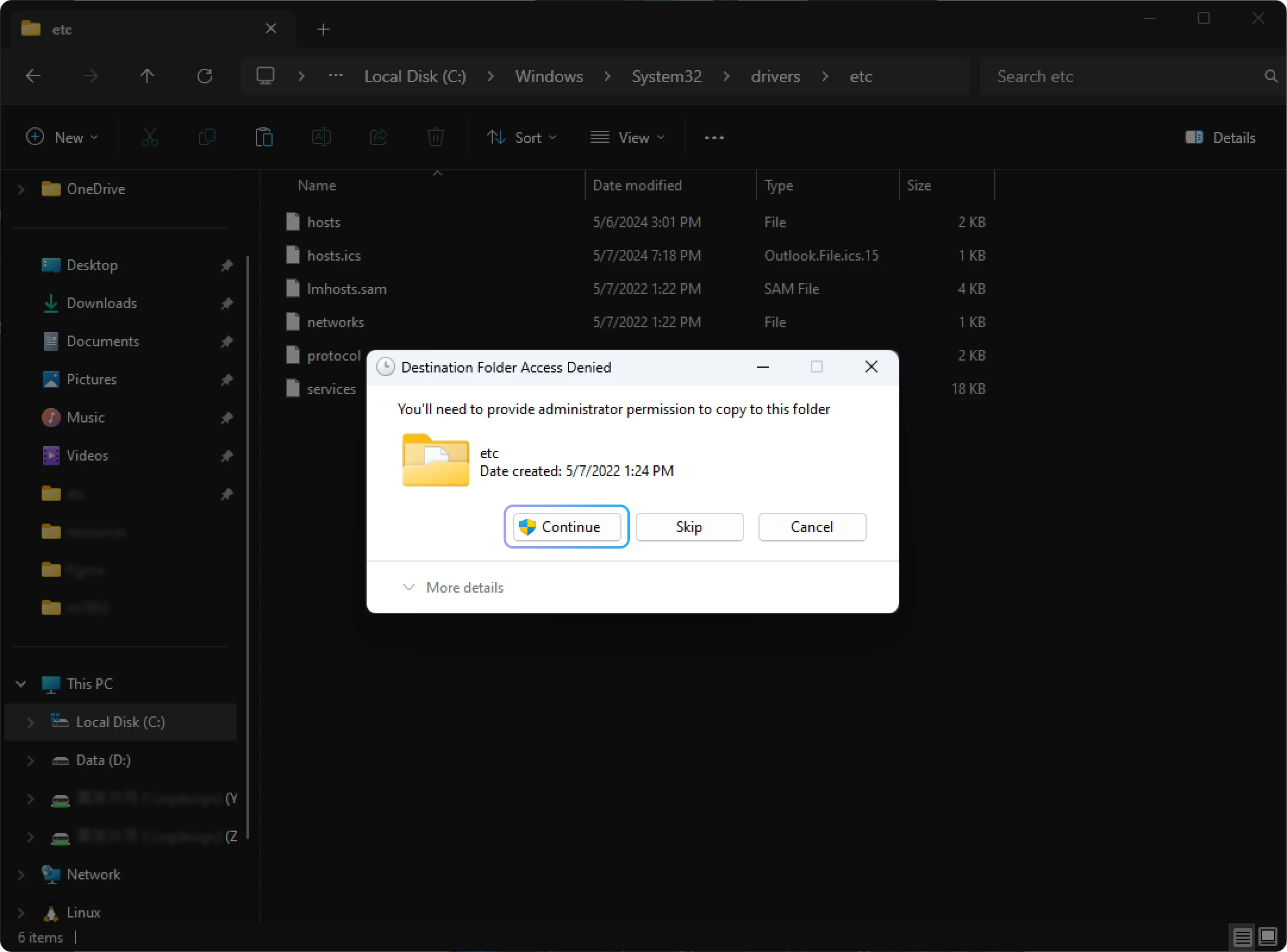
- This completes the Windows hosts file repair!
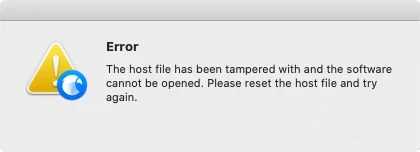 The software displays this window because the device has previously modified the system host file. Modifying the host file not only prevents important software functions from running properly, but also causes your device to be unable to access Eagle-related services normally.
Solution:
We need to correct the host file on the device to resolve this issue. Please follow the steps below:
- Open Finder
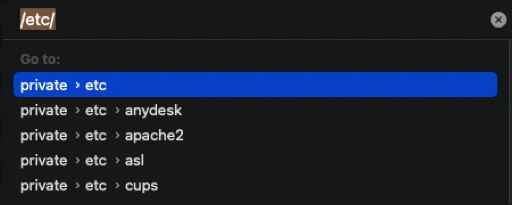
- Open Finder and click on the top menu "Go" > "Go to Folder"

- Paste the path "/etc/" and click Go
- Find the "hosts" file and copy it to the desktop
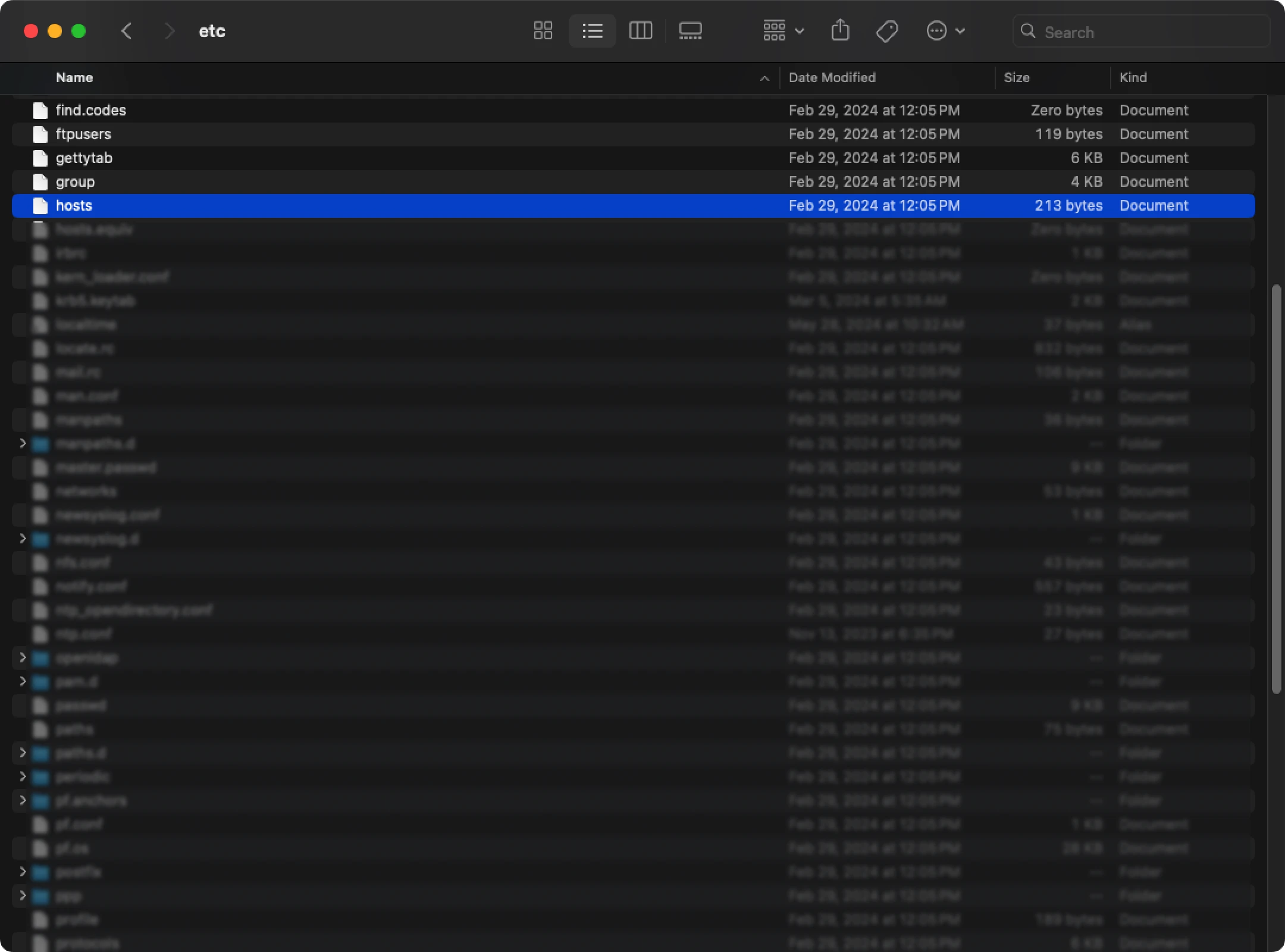
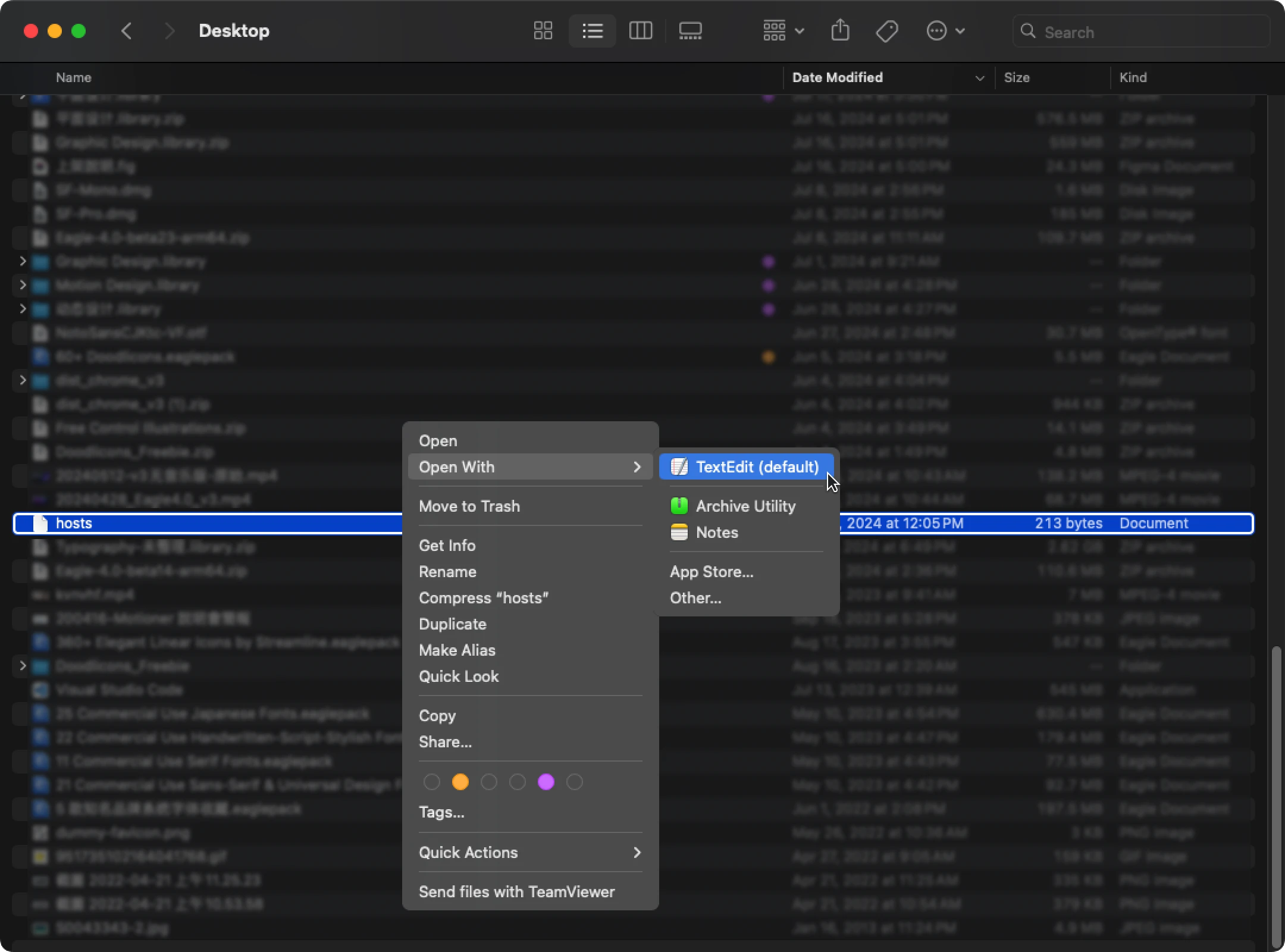
- Use "TextEdit" or another text editing application to open the hosts file on the desktop
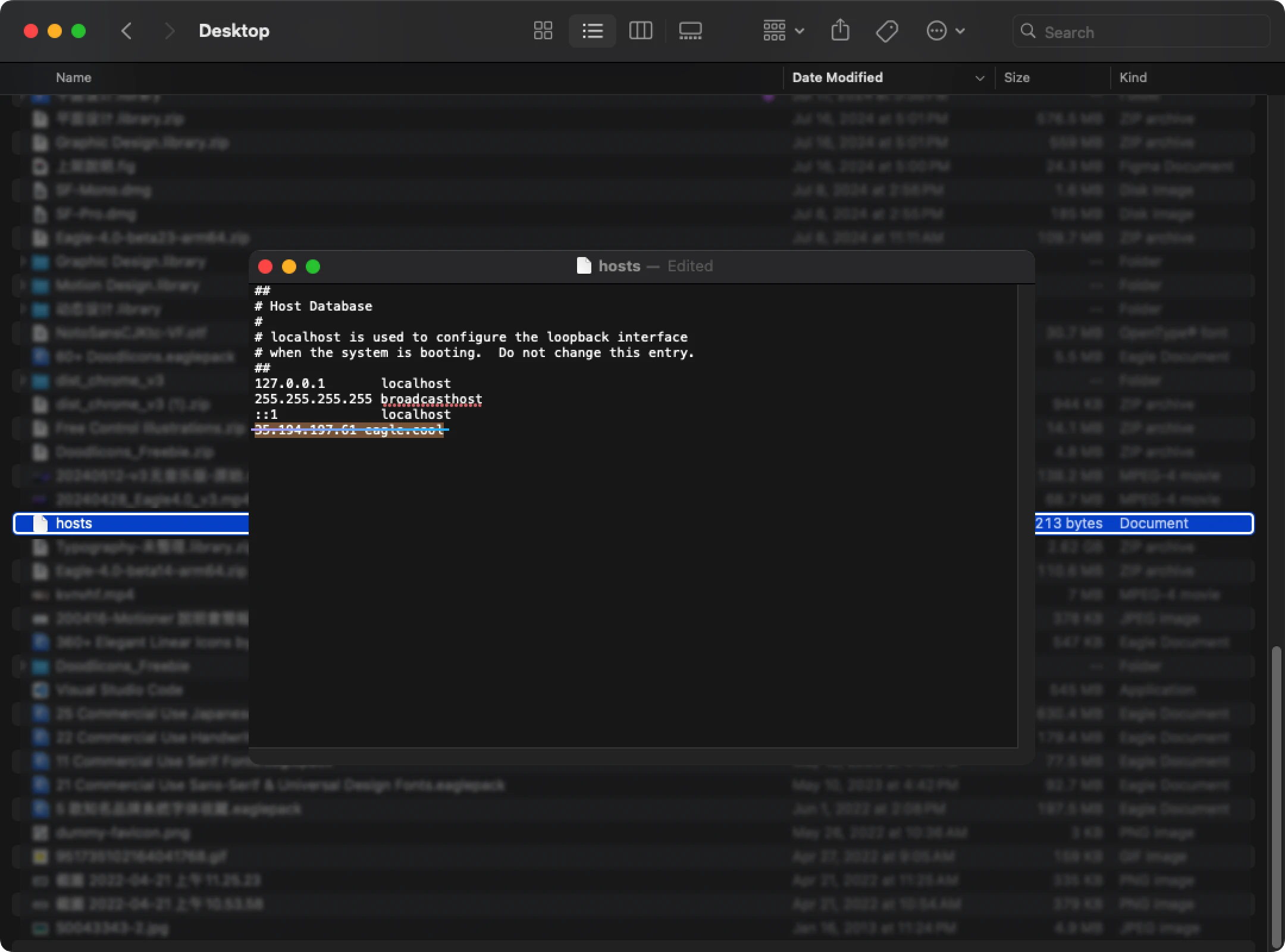
- Delete any text related to "eagle" and "aliyuncs" from the file, then save it.
- Copy the repaired hosts file from the desktop back to the /etc/ path opened in Finder. When pasting, select "Replace" and enter your system password to complete the operation.
- Reopen the Eagle software, and it should now work normally.