
The reason may be related to the user's permission setting. It could be fixed by modifying the Windows registry, please see the following steps:
- Click on the Start menu in the bottom-left corner and search for "regedit".
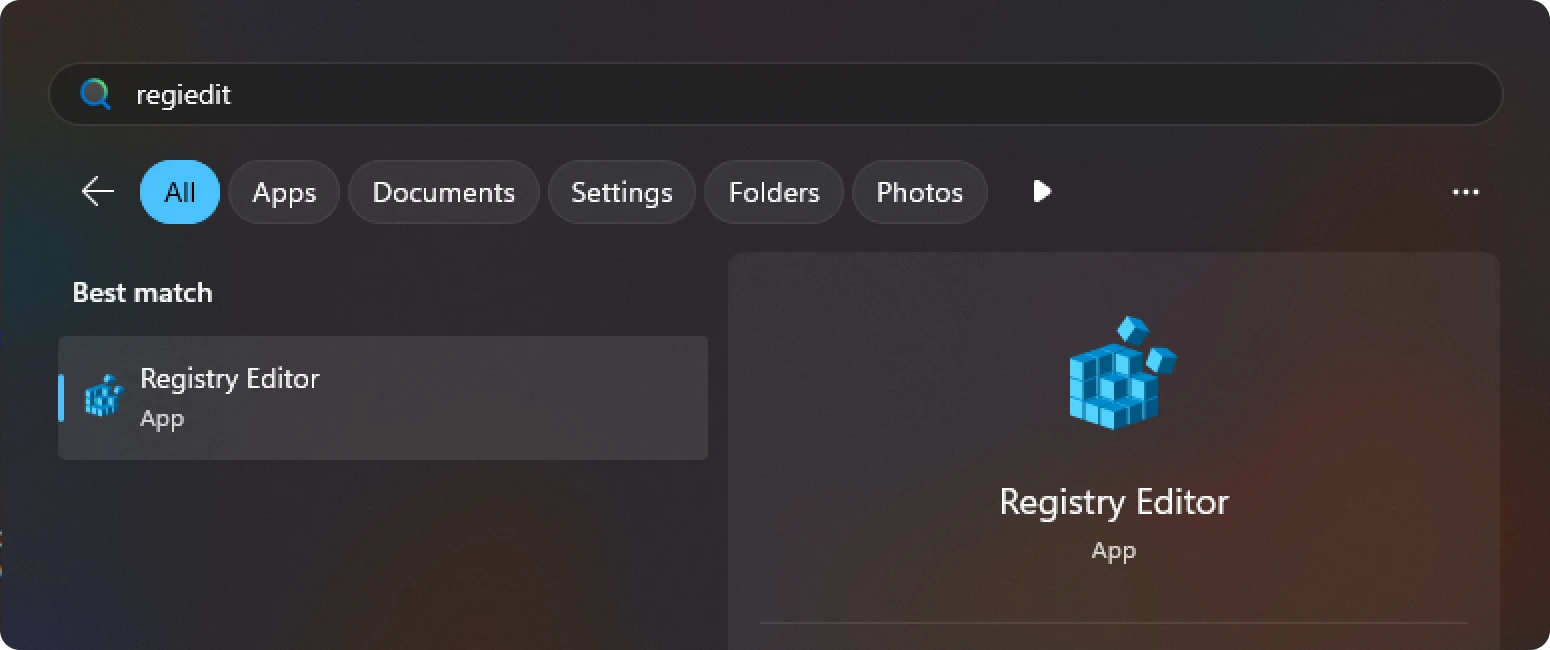
- Click "regedit" to run the registry editor.
- Go to the directory to modify EnableLUA value
Find the directory on the left and click sequentially HKEY_LOCAL_MACHINE > SOFTWARE > Microsoft > Windows > CurrentVersion > Policies > System or directly enter Computer\HKEY_LOCAL_MACHINE\SOFTWARE\Microsoft\Windows\CurrentVersion\Policies\System in the path column.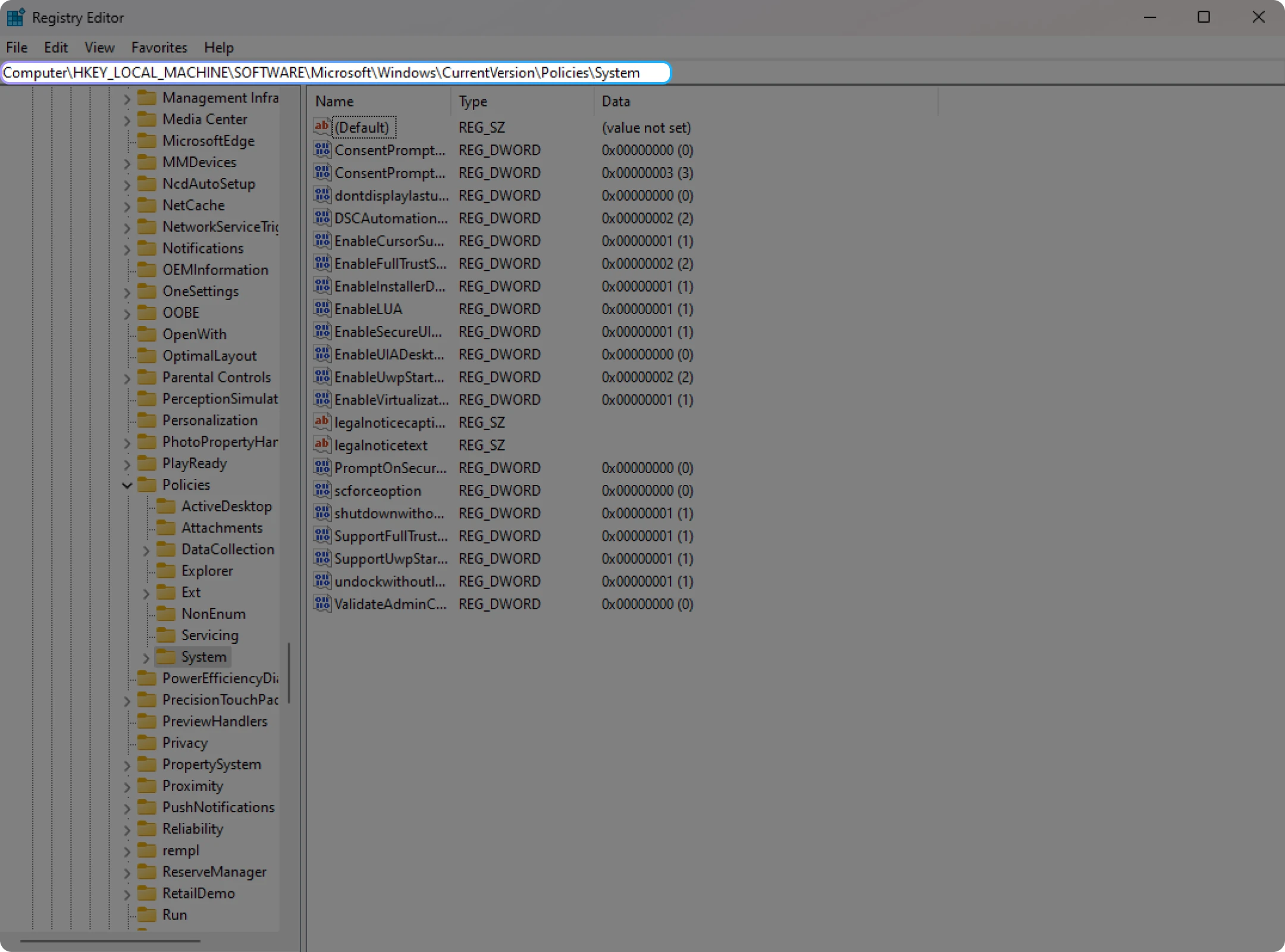
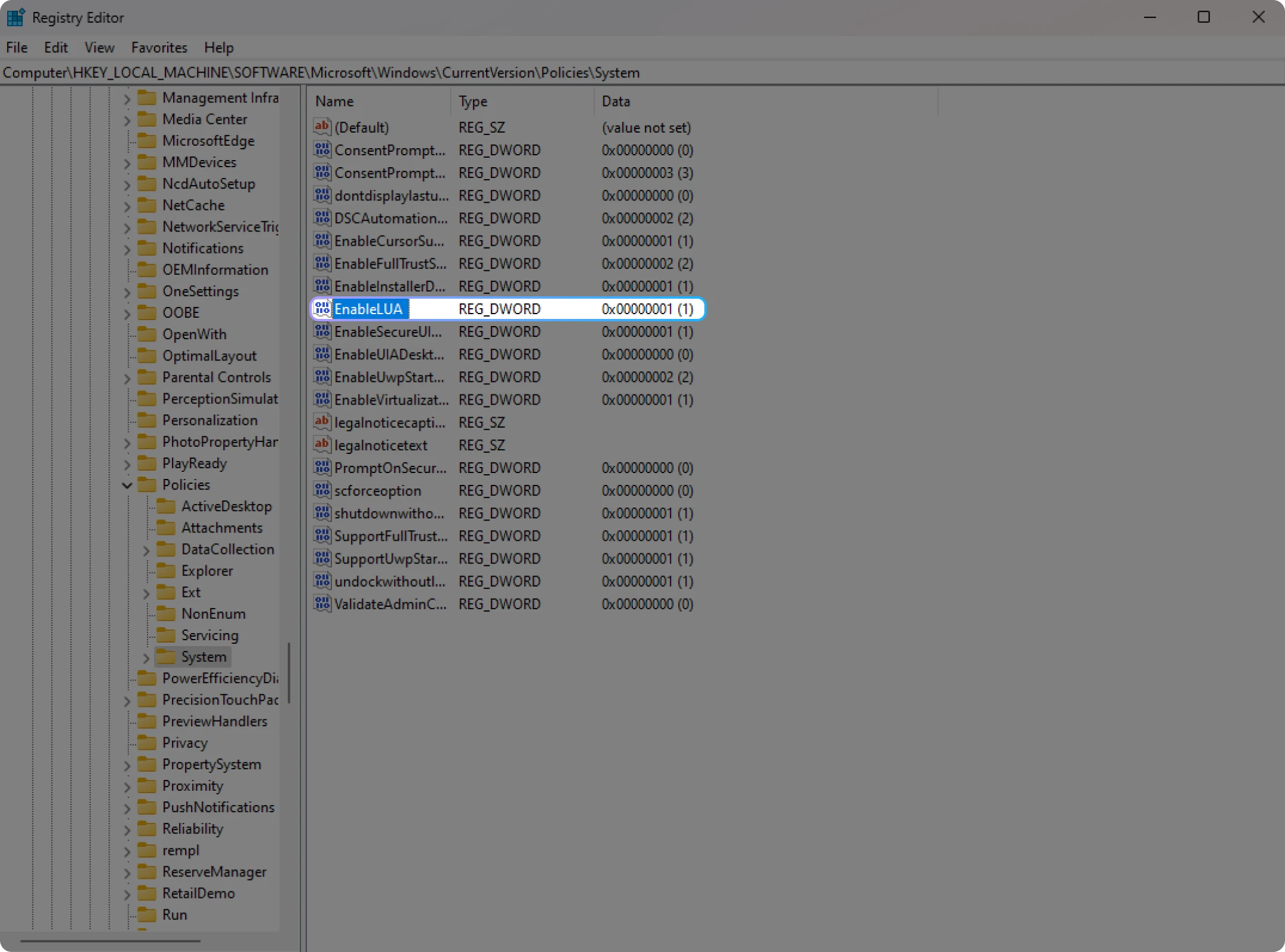
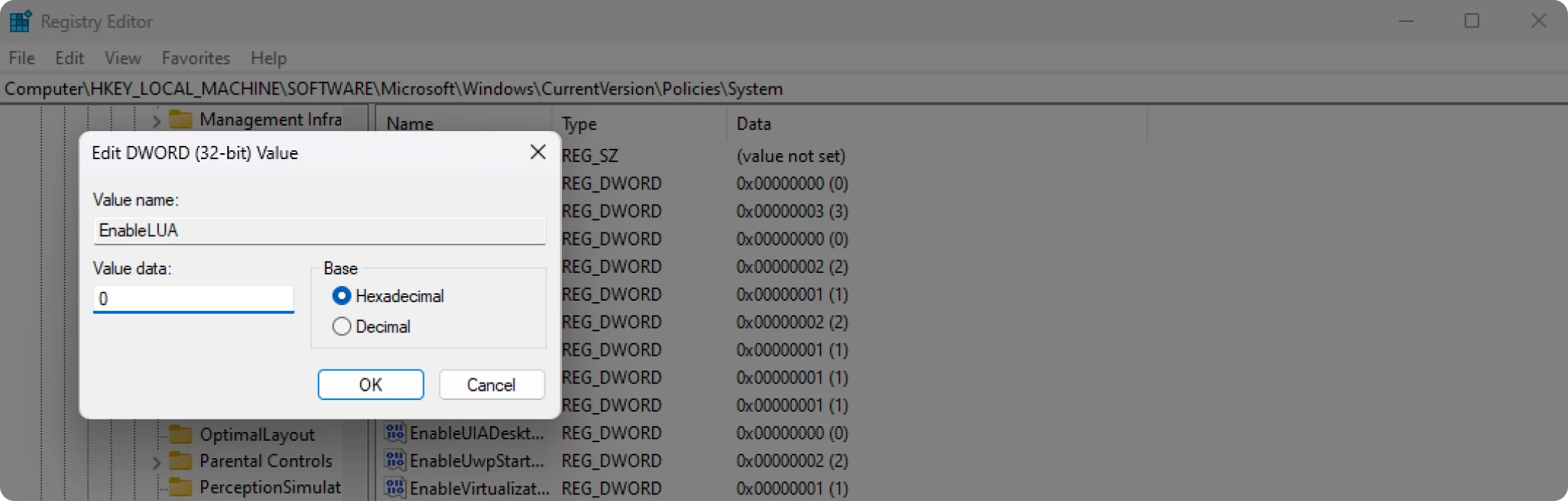
- Modify the EnableLUA value.
Find the EnableLUA in the list, open it and change the value from 1 to 0, then restart the device, re-open Eagle and try to see if the issue has been solved.
If the above solution still doesn't work, please contact us.