
In Eagle, you can sort images or files by different date types to organize and find your materials more effectively.
Sorting Steps
You can set up date sorting in two ways:
- Click the "Sort by" button in the toolbar
- Right-click in an empty area of the file list to open the context menu
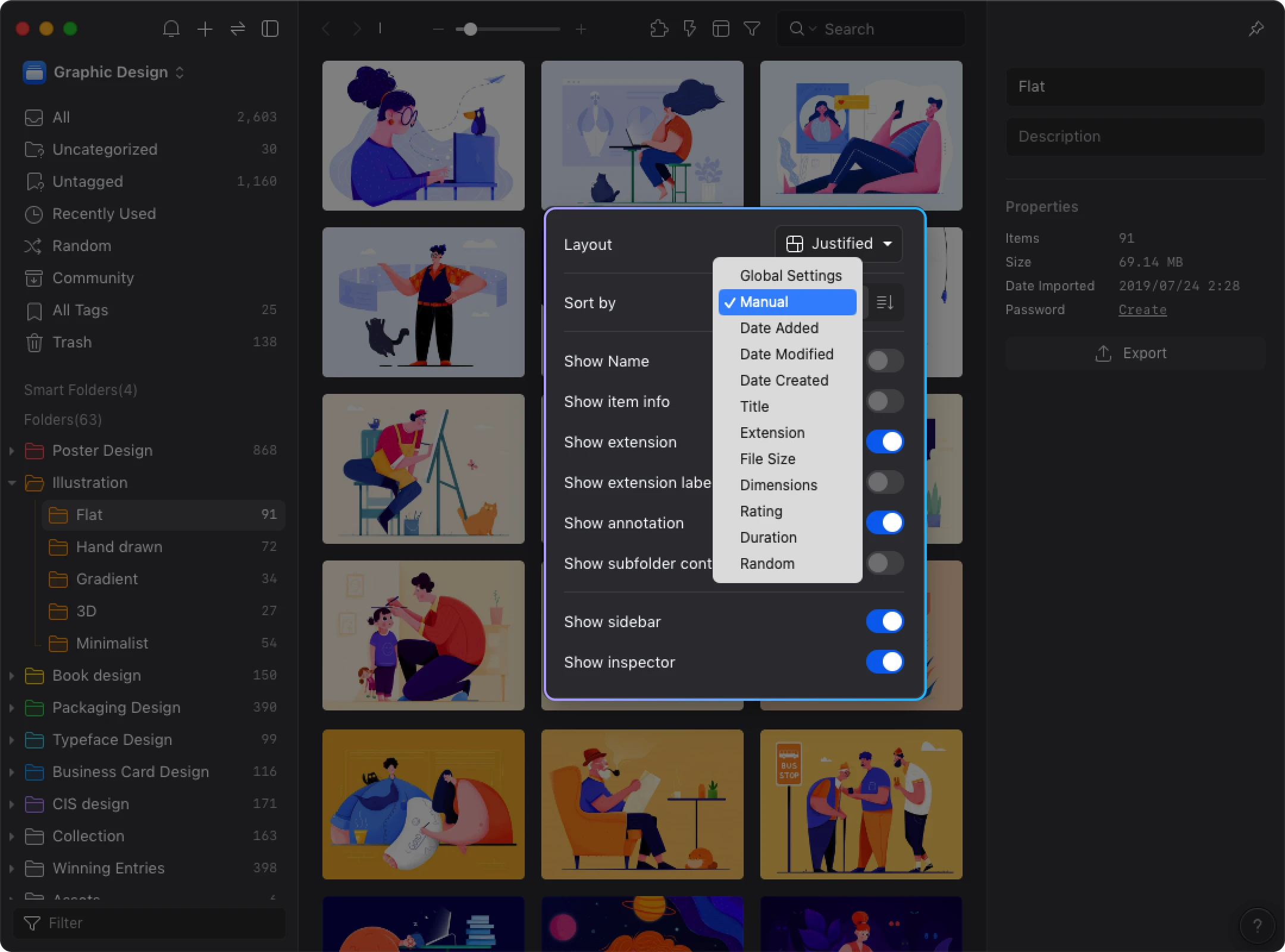
Available Date Sorting Options
Eagle provides three date sorting methods:
- Date Added: Sort by the time when files were imported into Eagle
- Date Created: Sort by the original creation time of files
- Date Modified: Sort by the last modification time of files
You can also click the icon next to the date option to toggle the sorting order (ascending or descending).
Key Considerations
- Date sorting functionality applies to all files in the library, including images, videos, and documents
- Different sorting methods help you view your material collection from different perspectives
- Sorting settings will remain unchanged until you manually modify them