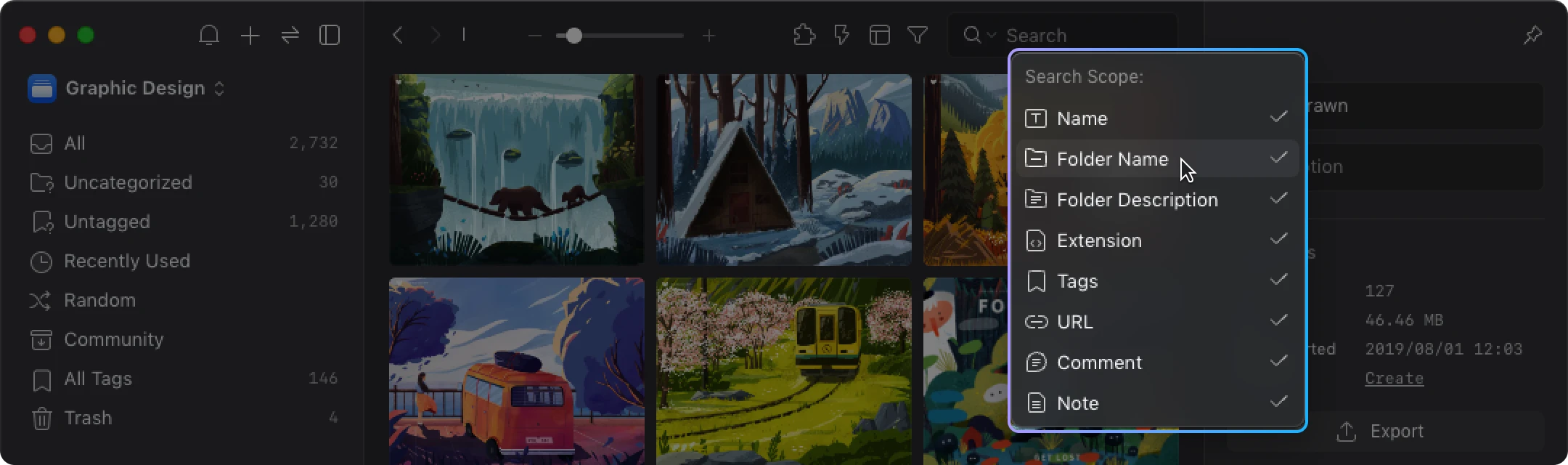
If you need to search for a file using a folder name, you can simply enter the folder name in the search box at the top right corner of the Eagle app.
Search Process
- Type the folder name you're looking for in the search box at the top right corner
- Press Enter to start the search

Troubleshooting
If the folder you want doesn't appear in the search results, follow these steps:
- Click on the magnifying glass icon next to the search box
- Make sure the "Folder Name" option is checked in the search filters