
Adding images from QQ or WeChat to Eagle is very simple - just use the drag-and-drop feature to complete it quickly. No need to download first and then import; direct dragging saves you time and operation steps.
Operation Steps
- Open both QQ/WeChat and Eagle applications simultaneously
- In QQ or WeChat, select the image you want to save
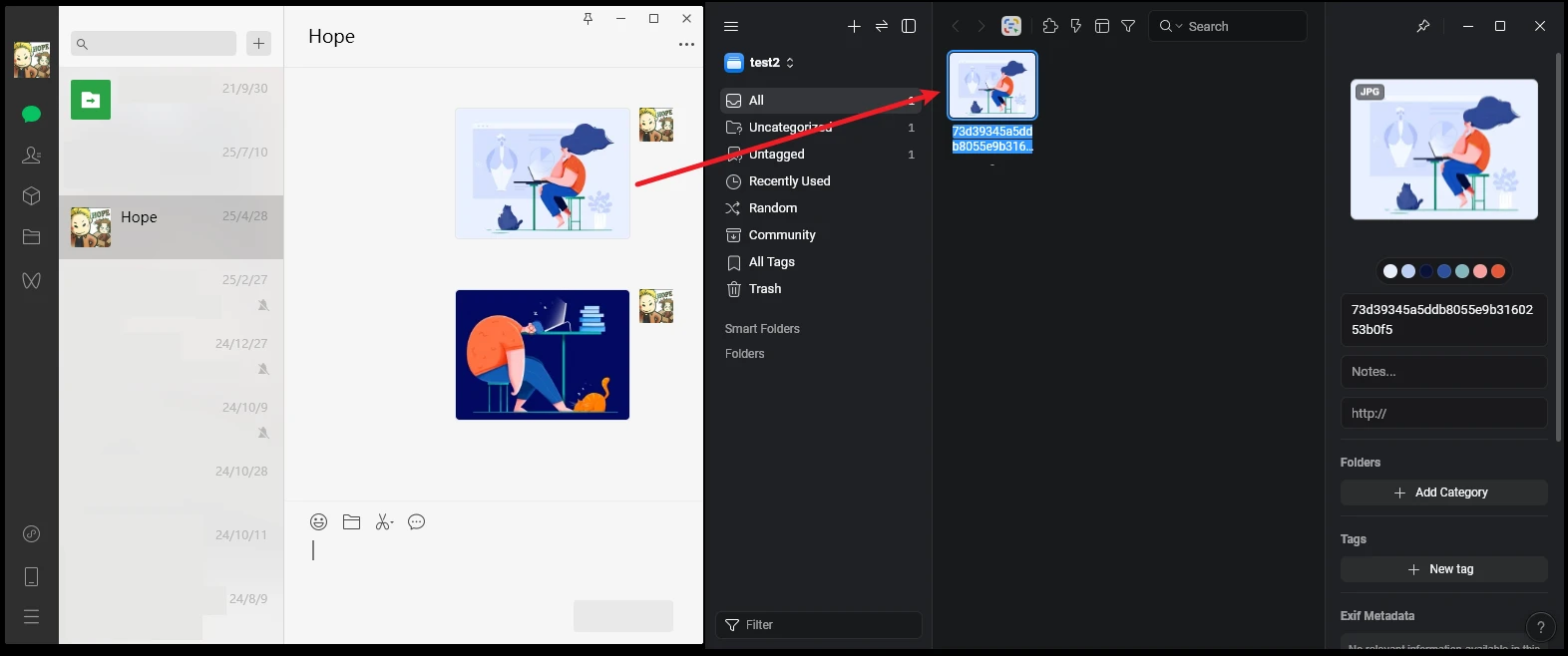
- Click and hold the image, then drag it to the Eagle interface
- Release the mouse, and the image will be automatically imported into Eagle
Operation Demonstration
Important Notes
- Make sure not to release the mouse button during the dragging process until the pointer is within the Eagle window
- This method works for various types of images, including photos, emojis, and screenshots from chats