
In Eagle, you can replace organized asset files while preserving all tags, categories, ratings, and other information. This feature requires Eagle 4.0 build12 or later.
How to Replace
-
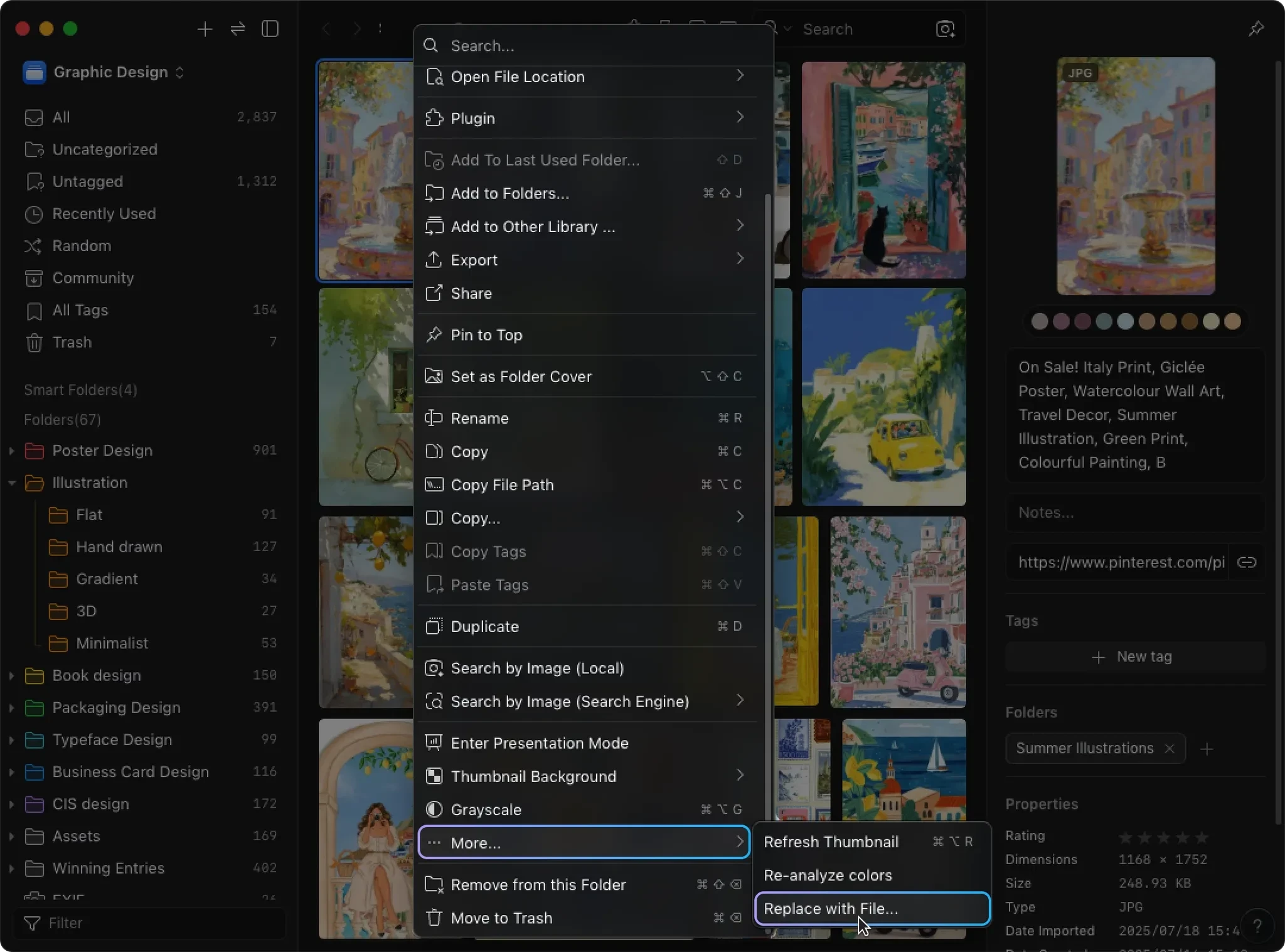
Right-click the file you want to replace.
-
Select "More" > "Replace with File..."
-
Browse and select the new file you want to use.
-
Click "Replace File" to complete the replacement.