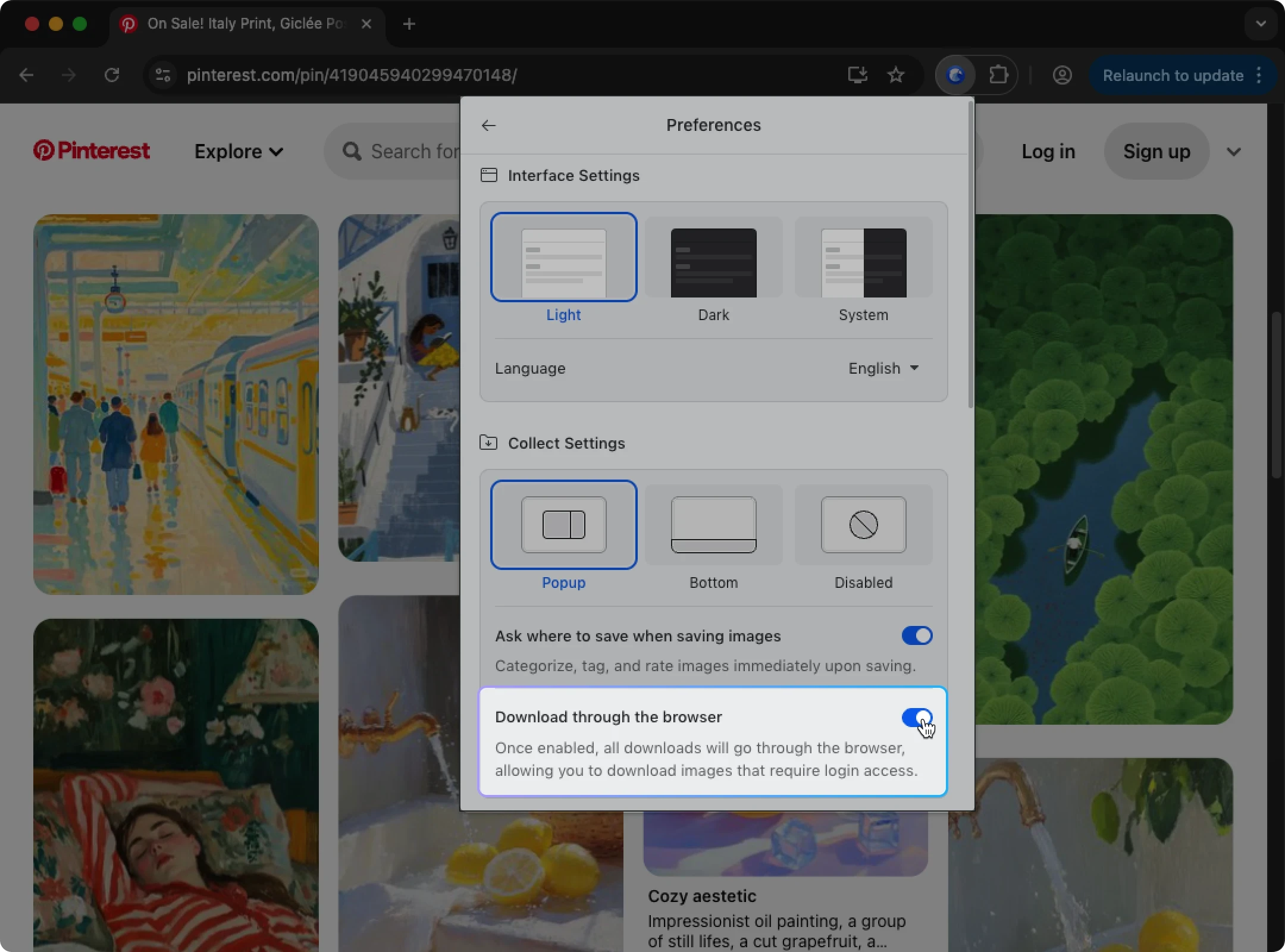
When using Eagle to collect images from international websites like Dribbble, Behance, and Pinterest, some users may encounter "download timeout" or "file corruption" prompts. This is usually caused by network access restrictions or proxy settings. Here are two effective solutions:
Using Browser Extension for Downloads (Recommended Solution)
Eagle Browser Extension version 3.1.0 and above introduces the "Download through the browser" feature. When this feature is enabled, download tasks will be handled directly by the browser, fully utilizing the browser's network access capabilities to complete collections. This solution is particularly suitable for:
- Users who only have access capabilities within the browser
- Cases where browser proxy is used
- Users who need to reduce network traffic and improve download efficiency
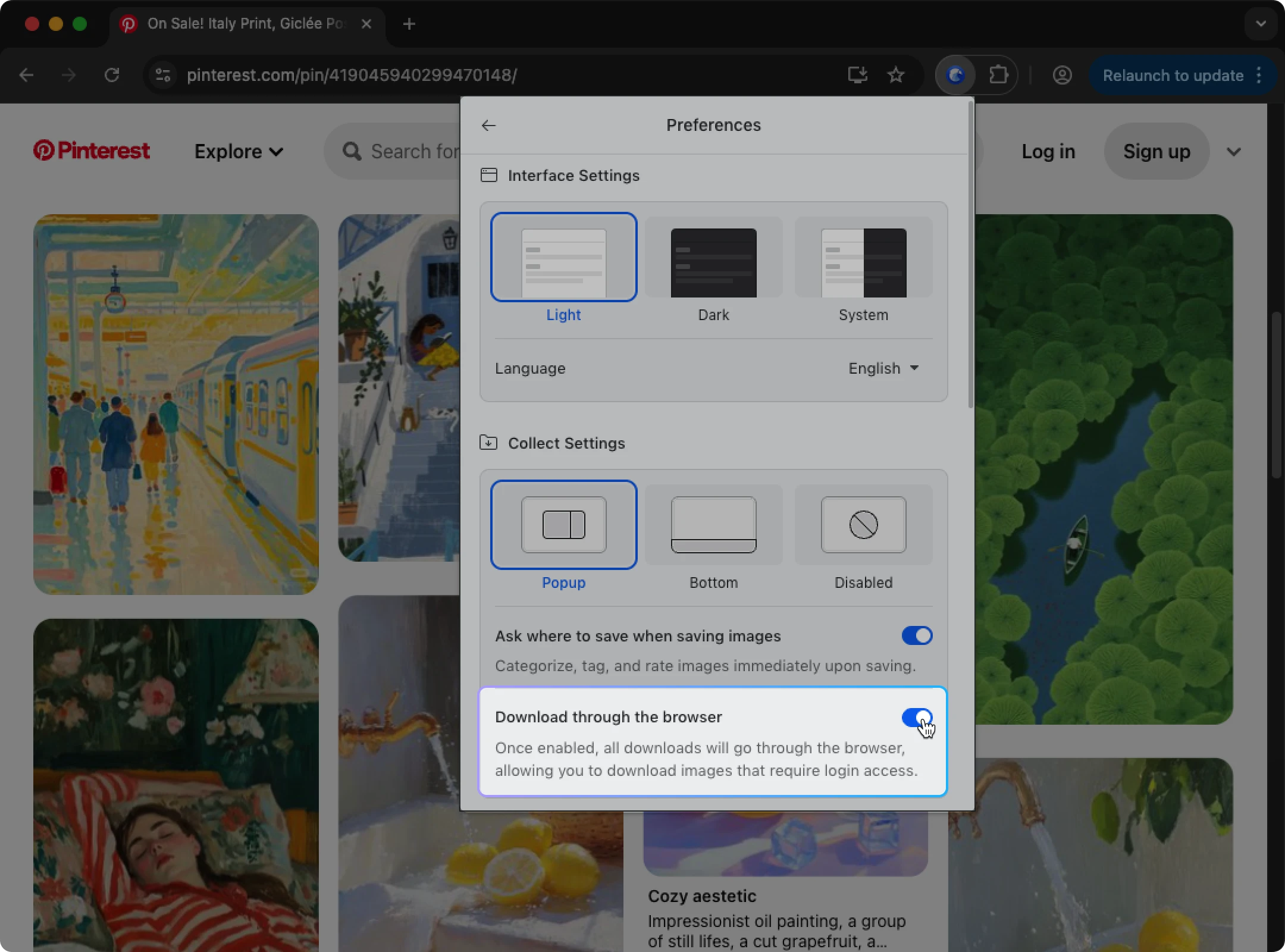
Steps to Enable:
- Ensure your Eagle Browser Extension is updated to version 3.1.0 or higher
- Click the Eagle extension icon in your browser
- Go to extension settings, find and enable the "Download through the browser" option
Once enabled, you can smoothly collect images from international websites in your browser, avoiding download failures caused by Eagle application's inability to access resources.
VPN Solution (Alternative Approach)
If you are not using the latest features of the browser extension, or wish to adopt other methods to solve the problem, you can consider the following approaches:
-
Use system-level proxy tools: Some proxy tools used by users are limited to browsers only and cannot provide network access capabilities for other applications in the system. It is recommended to use system-level proxy tools such as Shadowsocks or Lantern to ensure that all applications including Eagle can properly access international resources.
-
Check proxy tool stability: Proxy servers may have instability issues, causing poor network connections. It is recommended to try switching to other servers, as proxy internet services usually provide servers from multiple countries to choose from when purchased.
-
Ensure normal network environment: If you are not using any proxy tools and cannot access related websites, it may be due to network environment restrictions. It is recommended to consult friends who can smoothly access these websites to obtain suitable network solutions.
Important Notes
- It is recommended to first try updating and enabling the "Download via Browser" feature of Eagle Browser Extension
- System-level proxy is more effective for collecting international resources than browser-only proxy
- If the problem persists, it is recommended to check the overall stability of your network connection