
Introduction
Eagle allows you to preview animations in your 3D models by installing a specialized extension. This article explains how to set up and use this feature with your 3D model files.
Setup Steps
-
Install the plugin "3D Format Extension".
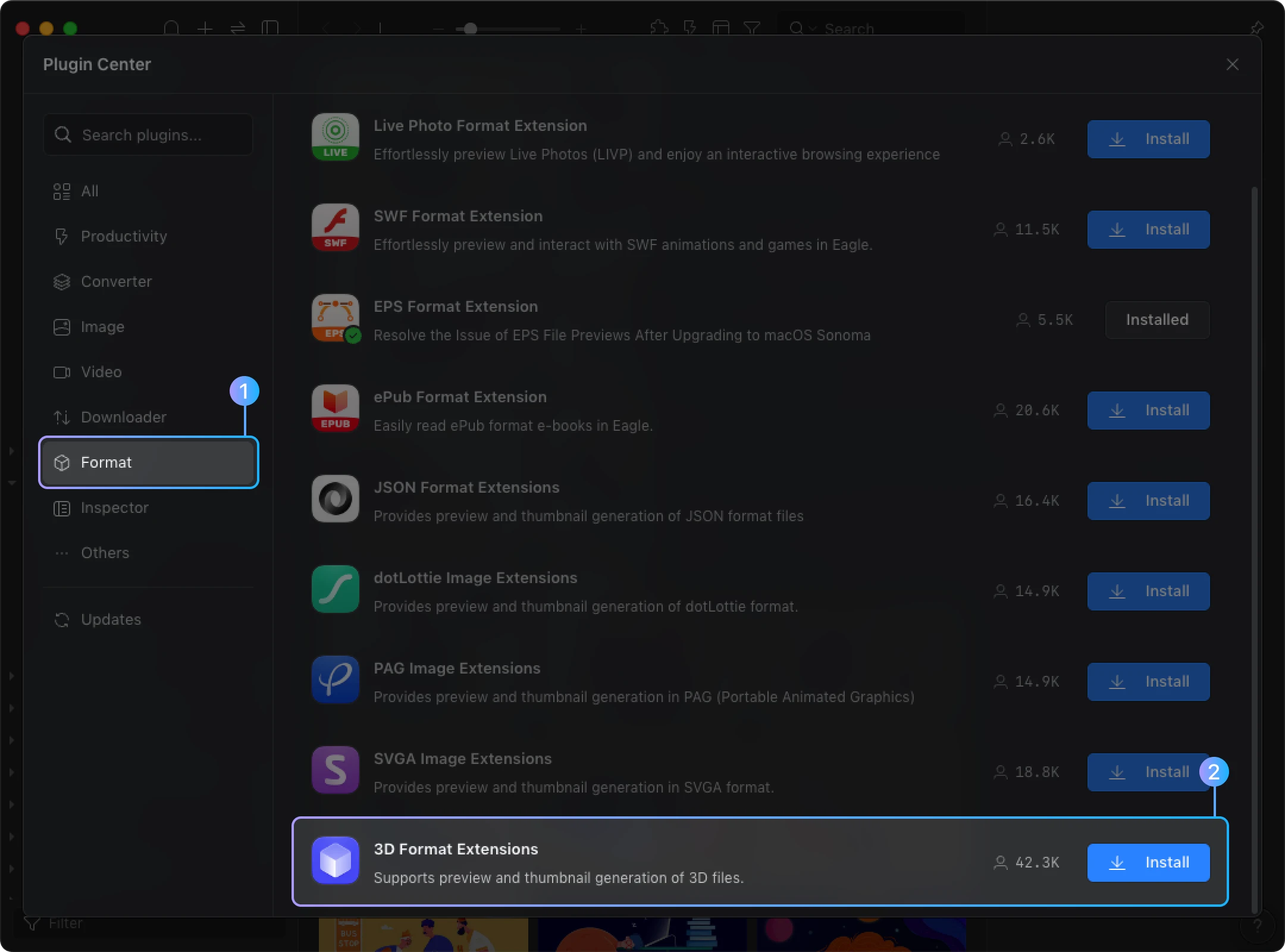
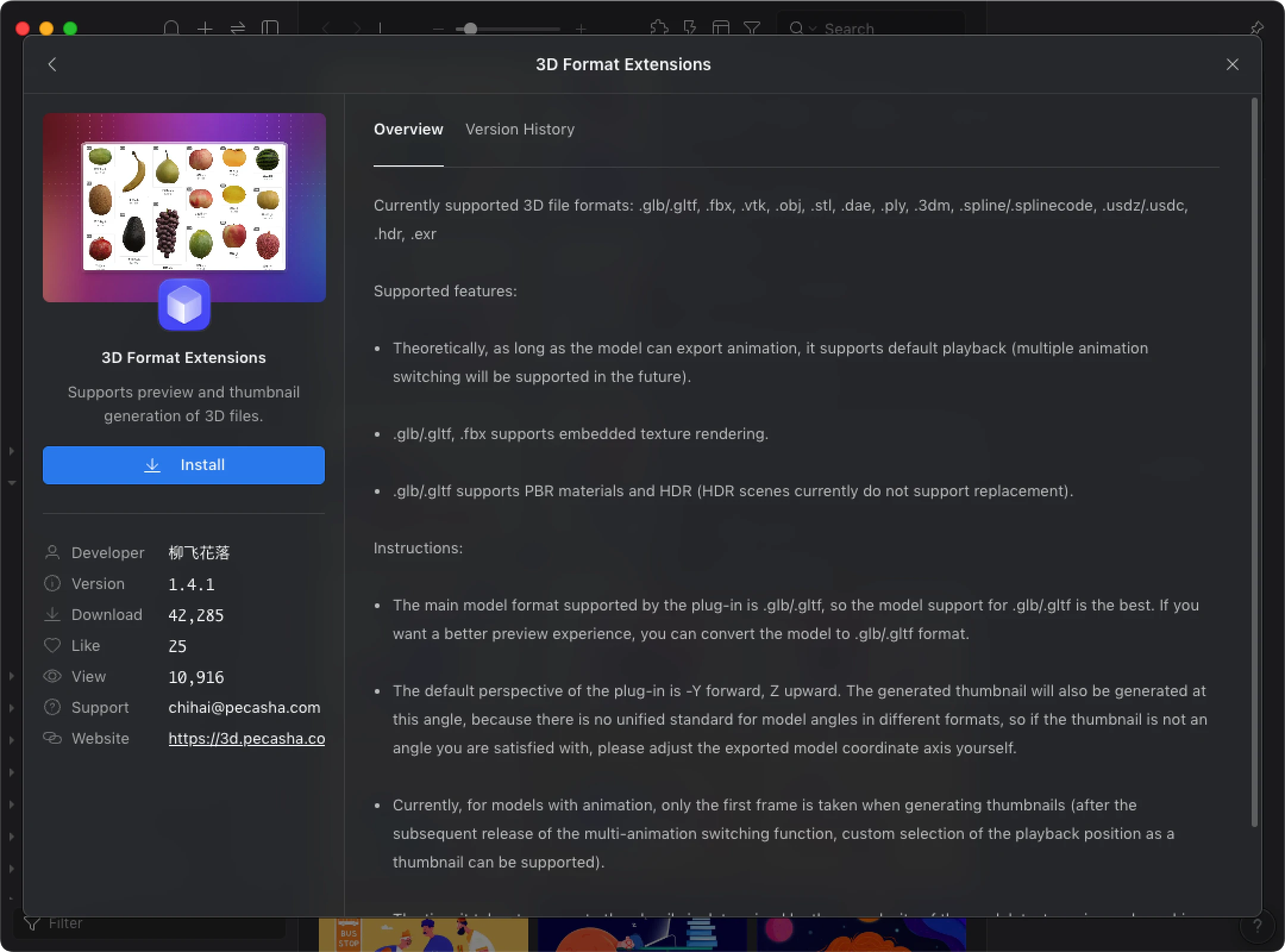
-
After installation, right-click on the 3D file and select "More" > "Refresh Thumbnail" to generate the animation preview.
Key Notes
- This feature works with animated 3D model formats like glTF, USDZ, and FBX
- If the animation doesn't appear after refreshing, ensure your 3D file contains animation data
- For large models, the preview generation might take a few moments to complete