
You can horizontally flip images in Eagle. Horizontal flipping can affect only the preview or be written to the file as a permanent change.
Setting the Save Method for Horizontal Flipping
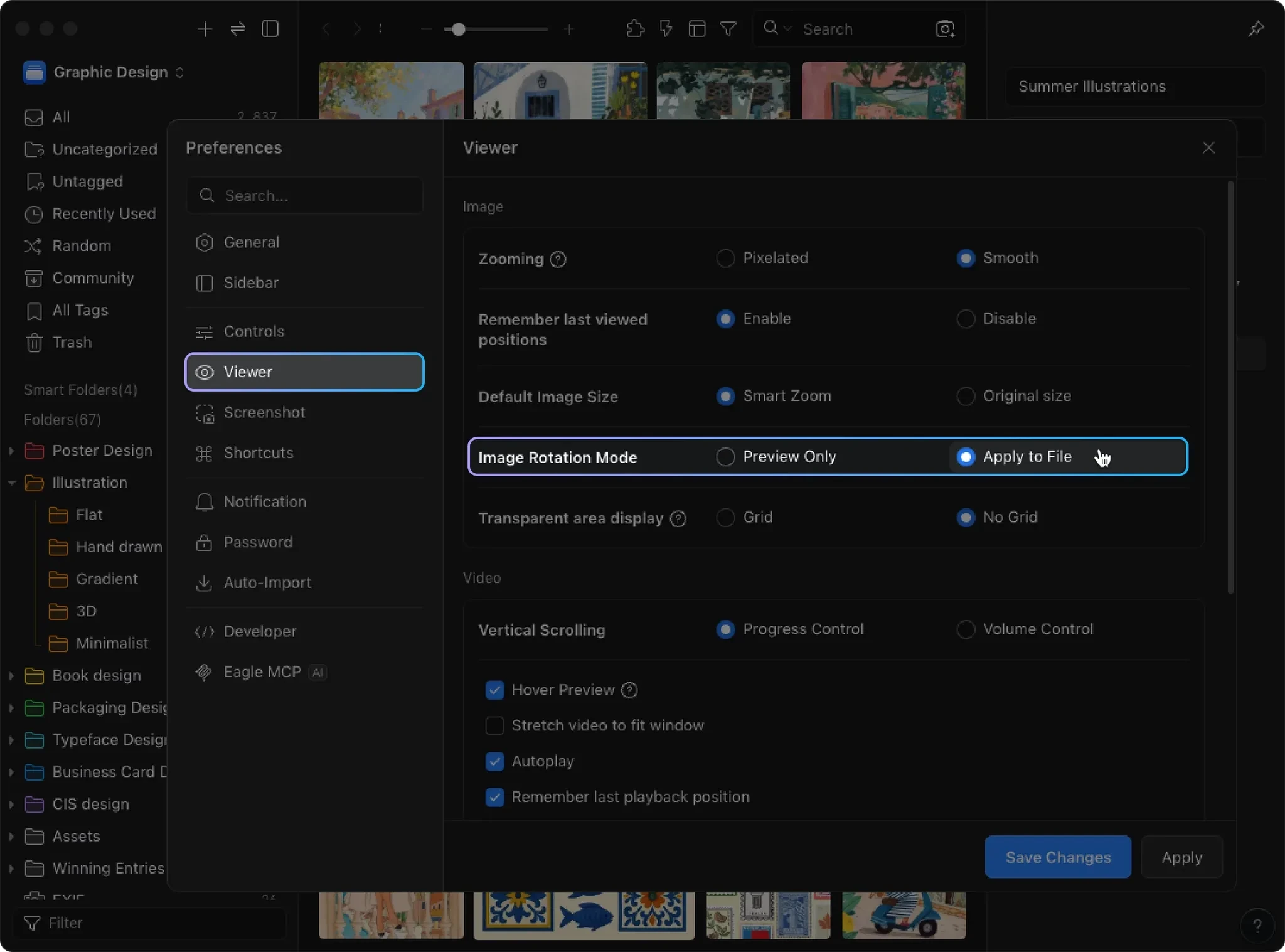
You can adjust the save method for horizontal flipping in preferences by following these steps:
- Open Eagle "Preferences" and select "Viewer" > "Image Rotation Mode".
- Choose according to your needs:
-
Preview Only: Only display the horizontal flip effect in detail mode without modifying the original file
-
Apply to File: Permanently save the horizontal flip result by modifying the original file
-
How to Horizontally Flip Images
Please follow these steps:
Click the "Horizontal Flip" button in the toolbar
