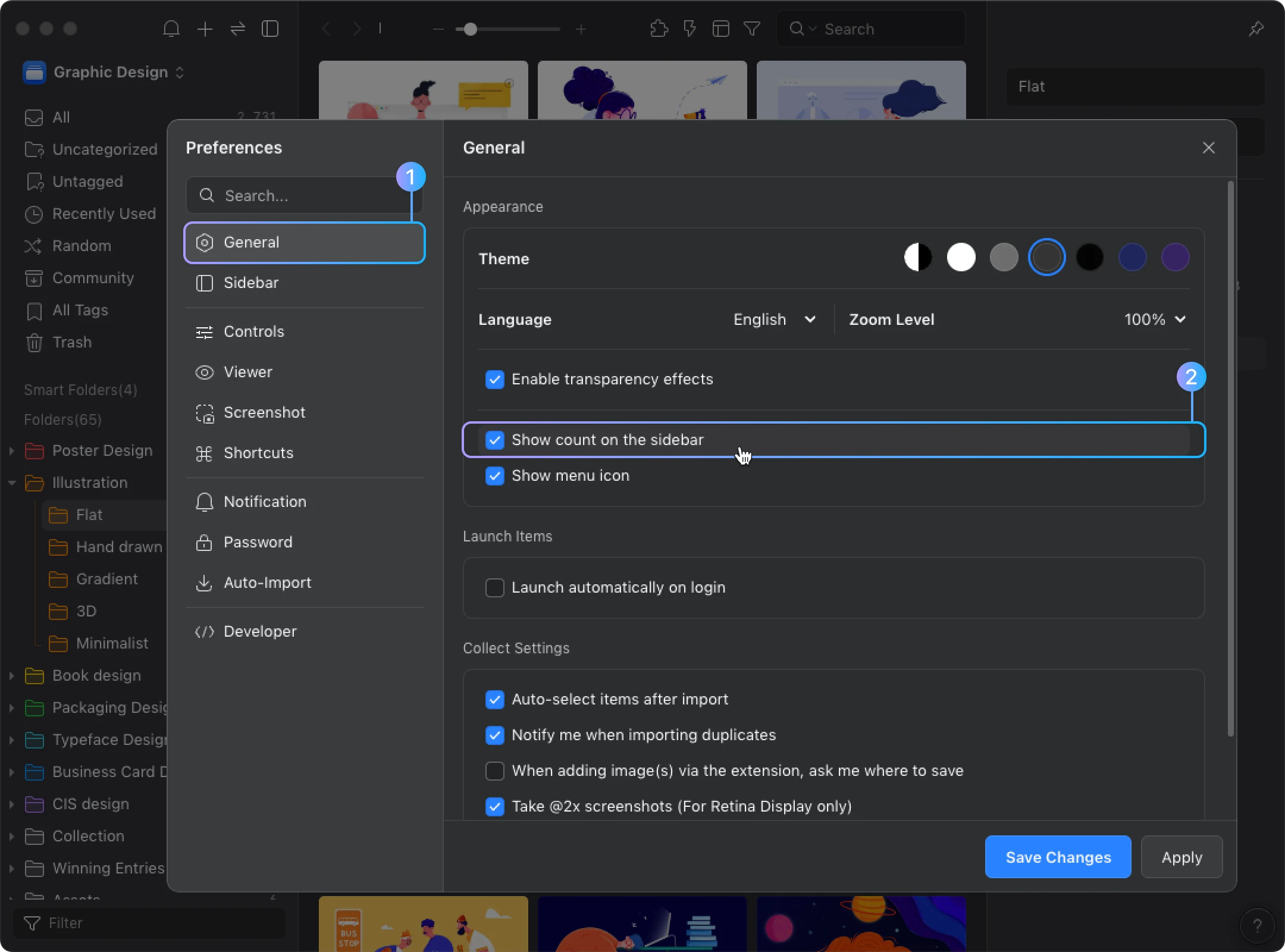
In the sidebar of the Eagle interface, default file items are displayed to help users quickly confirm the classification status and quantity of the library. If you want to hide the file count, you can follow these steps:
- Open Eagle's "Preferences" and select "General" on the left.
- Under "Show count on the sidebar" on the right, it is enabled by default. You can uncheck it according to your preference.
- Apply and save the settings.