
Mac users can display the Eagle icon in the top menu bar for convenient and quick access to the screenshot feature. For detailed screenshot instructions, please refer to this article Capturing screenshots. This feature is enabled by default. Here are the steps to hide the Eagle icon from the system menu bar:
-
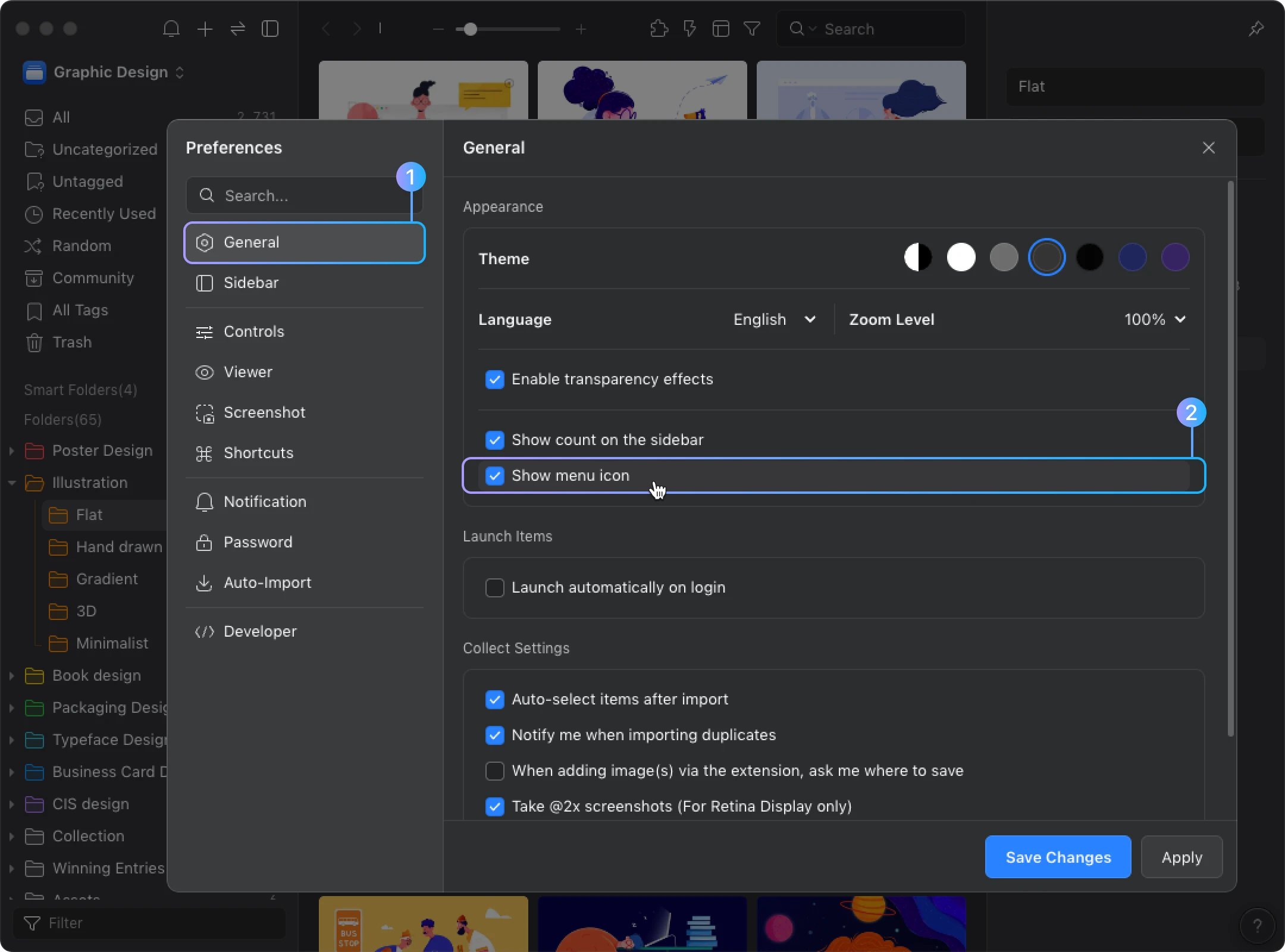
Open Eagle's "Preferences" and select "General" on the left.
-
On the right under the "General" category, find "Show menu icon" under the "Appearance" section, and uncheck this option.
-
Apply and save the settings.
Note: This setting option is only available for Mac systems.