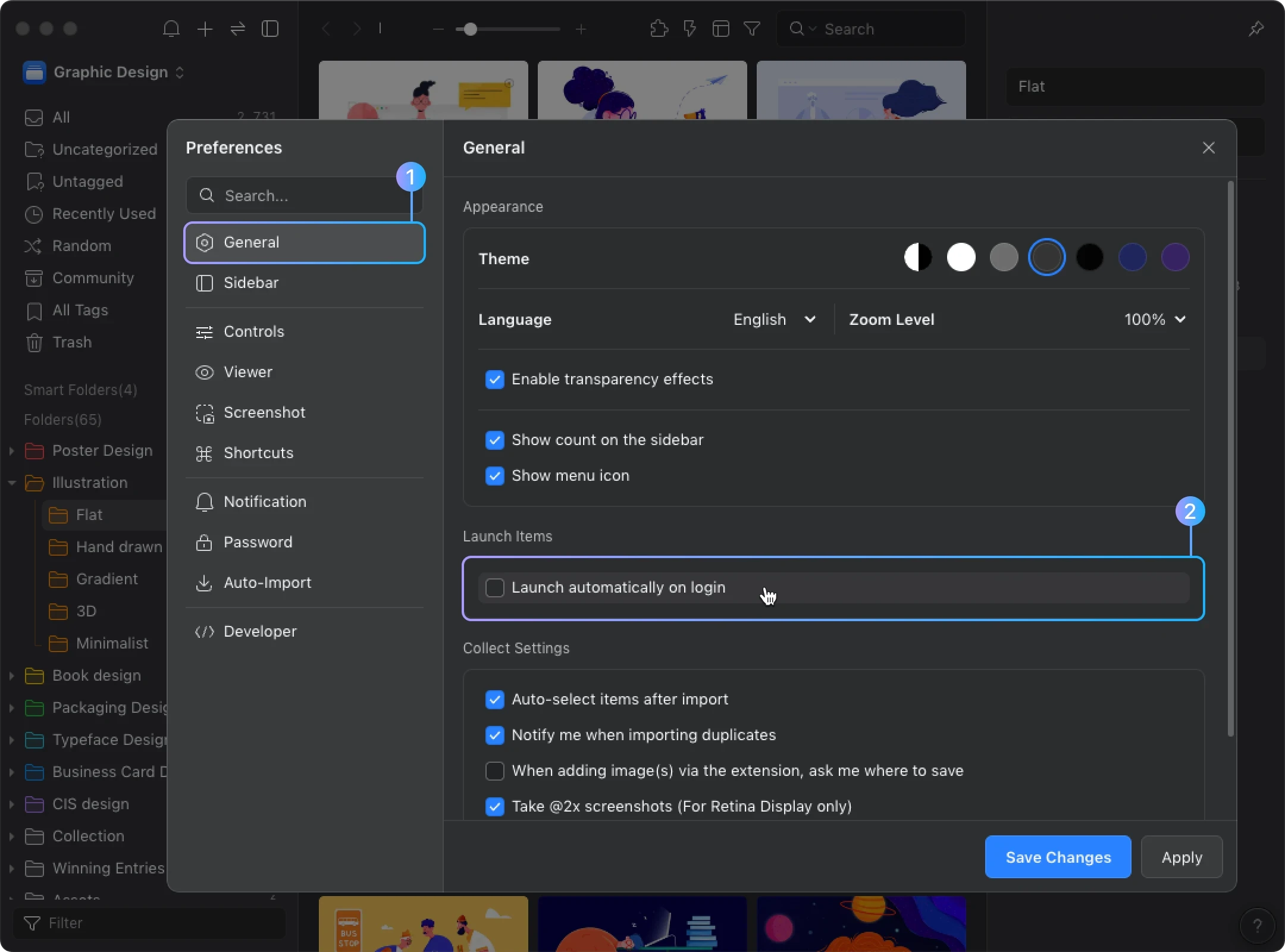
If you want Eagle to automatically start every time your computer boots up, you can enable the "Startup Launch" feature, which eliminates the need to manually open it. Here are the steps to set it up:
- Open Eagle's "Preferences" and select "General" on the left.
- Under "Startup Items" on the right, check "Launch automatically on login."
- Once set, Eagle will automatically launch when you restart your computer.