
Eagle software doesn't include a built-in printing function as its core design focuses on managing and organizing design materials rather than printing outputs. However, you can still print your Eagle files using a simple workaround.
How to Print Files from Eagle
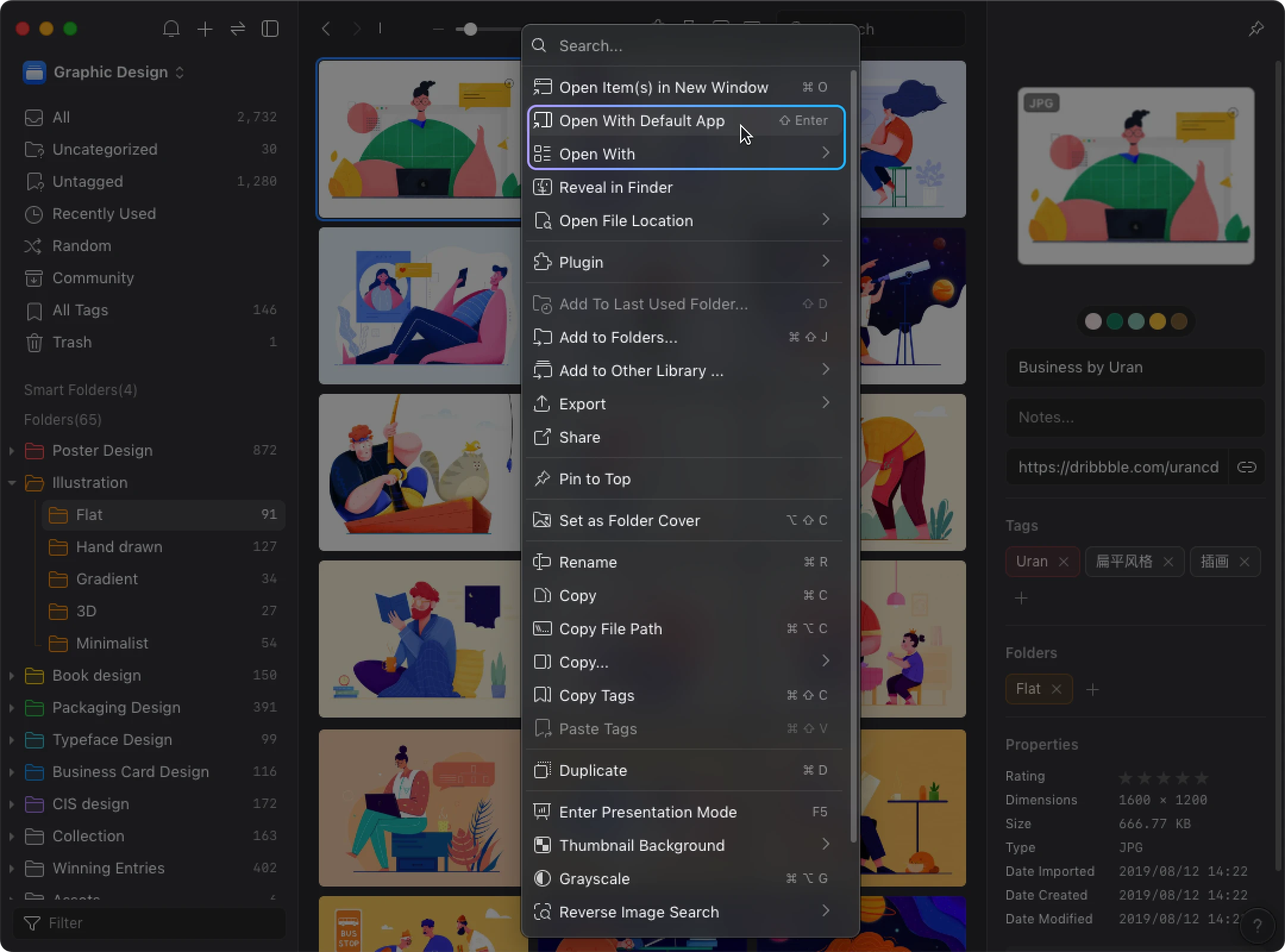
To print files stored in Eagle:
- Locate the file you want to print in your Eagle library
- Right-click on the file
- Select "Open With Default App" or "Open with another application"
- Use the printing function in the opened application to complete your printing task
Important Notes
- Eagle focuses on material management rather than printing functionality
- Using external applications provides more flexibility for your printing needs
- This method works with any file type that has a compatible application installed on your system