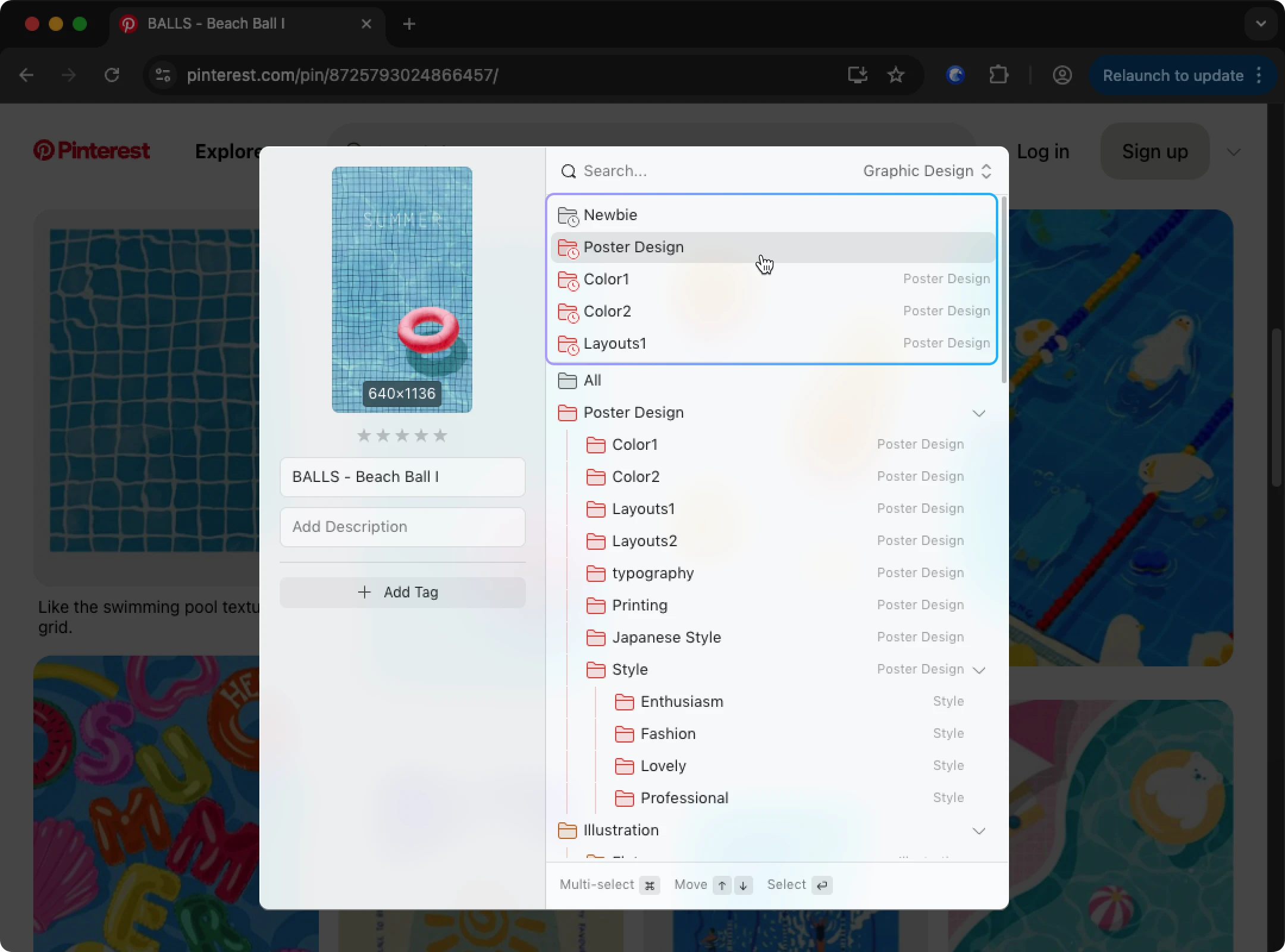
Eagle's browser extension currently doesn't support automatically saving images to your currently selected folder or inheriting the previous folder selection. This article explains the default behavior and how to efficiently organize your collected items.
Default Saving Behavior
When collecting images from your browser without specifying a destination folder, Eagle will place them in the "Unclassified" section by default.
After completing your collection, you can find your newly added content in either the "All" or "Unclassified" sections of Eagle.
Quick Folder Selection
The collection window displays your recently and frequently used folders to help you quickly classify materials. This feature makes organizing your content more efficient despite the lack of automatic folder inheritance.