
Items in Eagle's Trash are not automatically deleted, similar to your computer's Recycle Bin or Trash. To completely remove files from Eagle, you must manually empty the Trash. Since these files continue to occupy disk space until removed, we recommend regularly clearing your Trash to optimize storage.
How to Empty the Trash
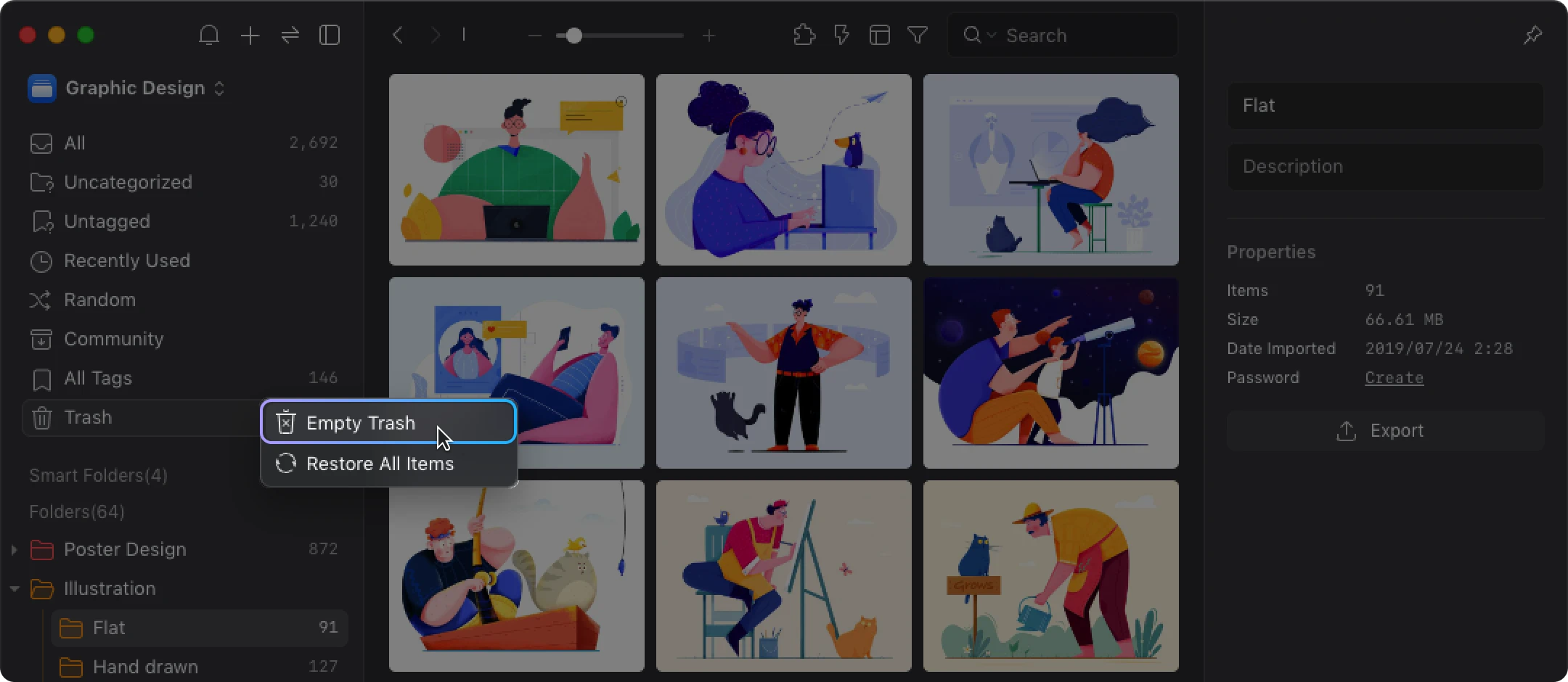
You can manually empty the Trash by right-clicking on the Trash icon in the sidebar and selecting the "Empty Trash" option.
Key Points to Remember
- Items in Trash continue to occupy disk space
- No automatic deletion occurs
- Regular manual emptying is recommended for optimal performance
- Once emptied, files cannot be recovered