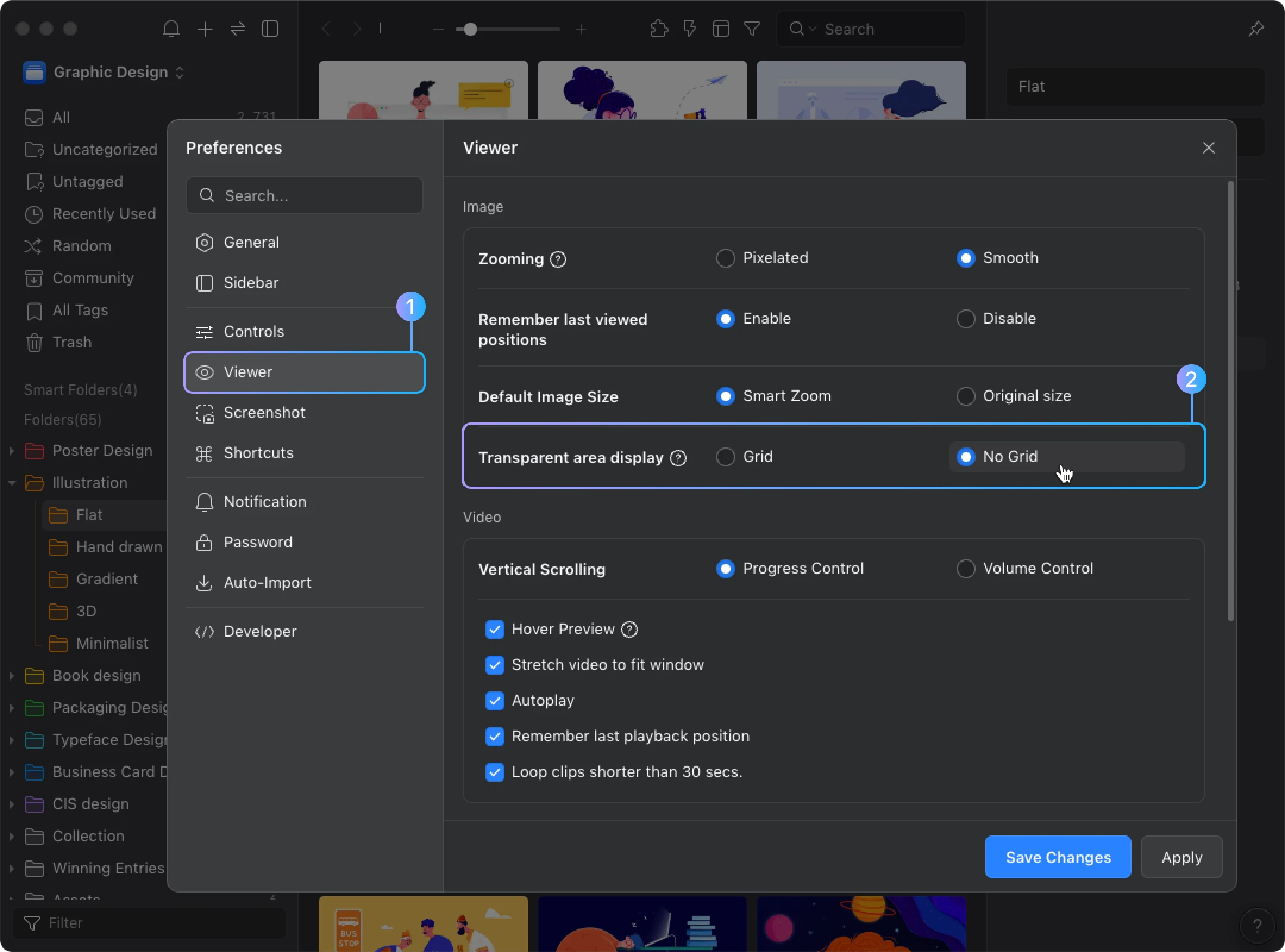
When viewing the transparent background of PNG files in Eagle, or quickly locating files with transparent backgrounds in your library, you can enable the "Transparency Area Settings" to display a grid background. By default, Eagle hides the grid background. If you want to toggle the grid background display, follow these steps:
- Open Eagle's "Preferences" and select "Viewer" on the left.
- Under the "Images" section on the right, find "Transparent area display" and set to display or hide the background grid according to your preference.
- Apply and save the settings.
Additionally, you can also change the thumbnail background in the list. For more details, refer to this article: Change the Thumbnail Background