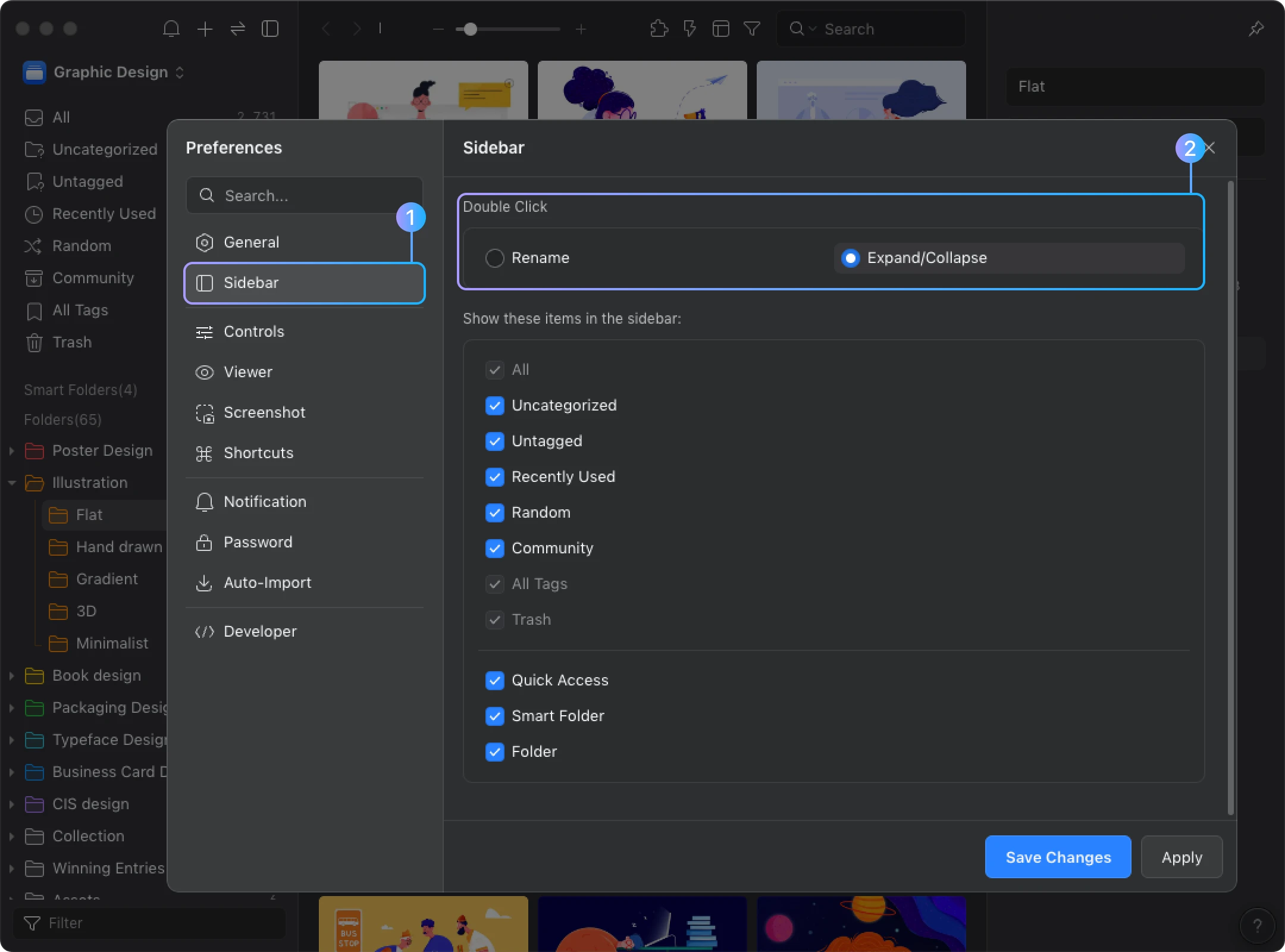
In Eagle, you can customize the behavior of a left mouse double-click on the sidebar (such as smart folders, folders). By default, double-clicking will "expand/collapse" the folder, but you can change it to "rename" the folder instead. Here are the steps to set it up:
- Open Eagle's "Preferences" and select "Left Sidebar" on the left.
- Under "Double-Click" on the right, choose "Rename" or "Expand/Collapse" according to your preference.
- Apply and save the settings.