
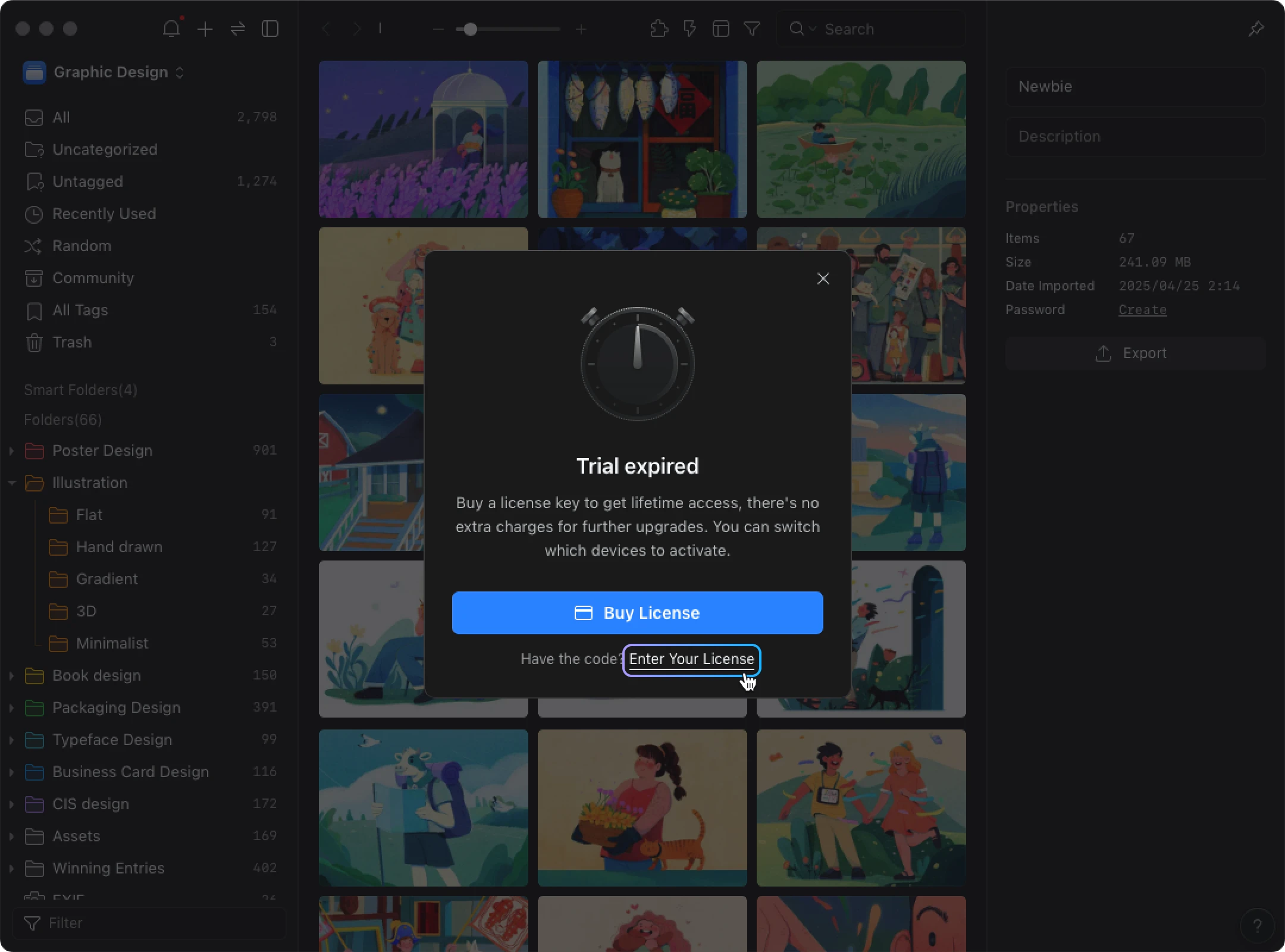
Eagle uses device identification to determine eligibility for the 30-day trial period. If you're seeing a "Trial Expired" message when installing Eagle for the first time, it likely means someone previously installed Eagle on your device (such as a company computer).
Don't worry - we offer complimentary 30-day trial license keys to ensure you still get the full trial experience.
How to Request a Trial License Key
- Contact us through the Help Center support ticket system
- Use the subject line: "Device Trial Issue - Requesting Trial License Key"
- Our team will automatically send you a trial license key
How to Activate Your Trial License Key
Once you receive our reply, you'll find your free trial license key in the email. Follow these steps to activate it:
-
Open the Eagle application
-
Click on "Enter License Key"
-
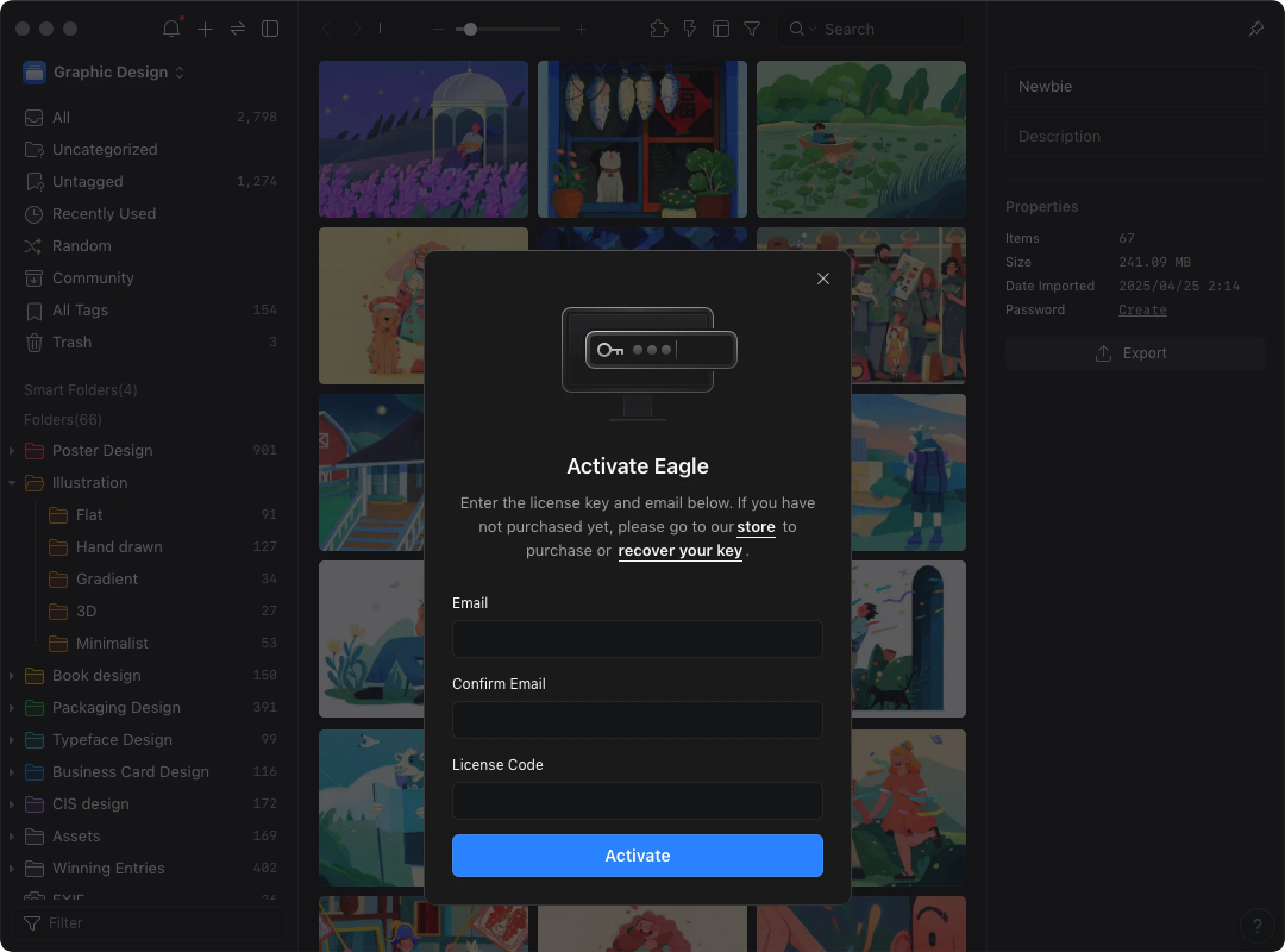
Copy and paste the license key into the input field and enter your email address
-
Complete the activation and begin using Eagle!
Note: The trial license key will automatically expire after 30 days. After this period, you can purchase an Eagle license if you wish to continue using the software.