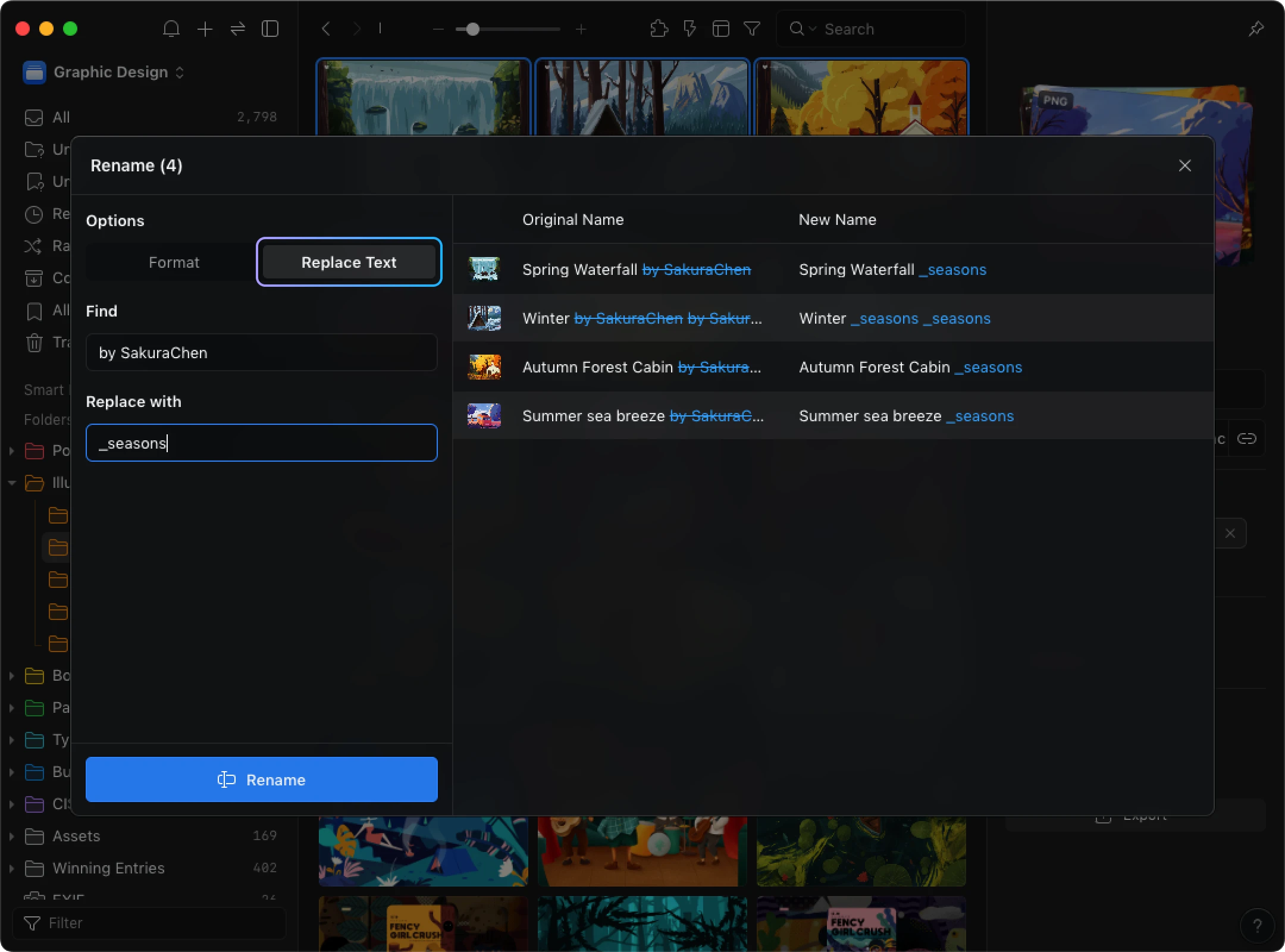
If you want to rename the images as serial numbers or replace the name, the "Batch Rename" feature can meet your needs.
Multi-select images you want to rename, right-click the images and select "Rename Items". The Batch Rename provides "Format" and "Replace Text" two features. 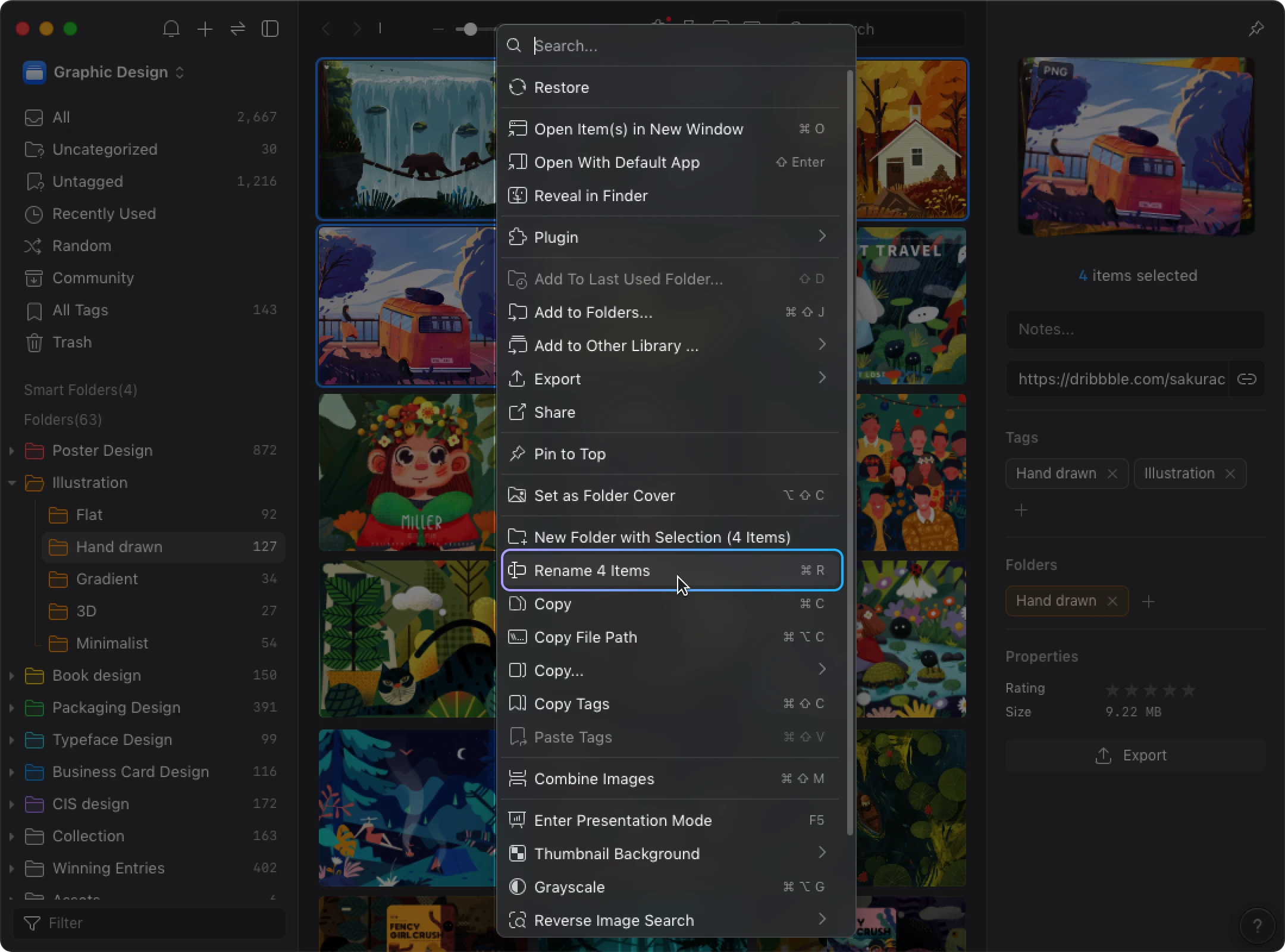
Format
Enter the format you want to rename the folder, Eagle provides three different formats.
Name
Enter the name and code, different codes have different functions, there are introduces of different codes below:
- Serial Number %N
Enter code "%N", Eagle will automatically add a serial number to the image name.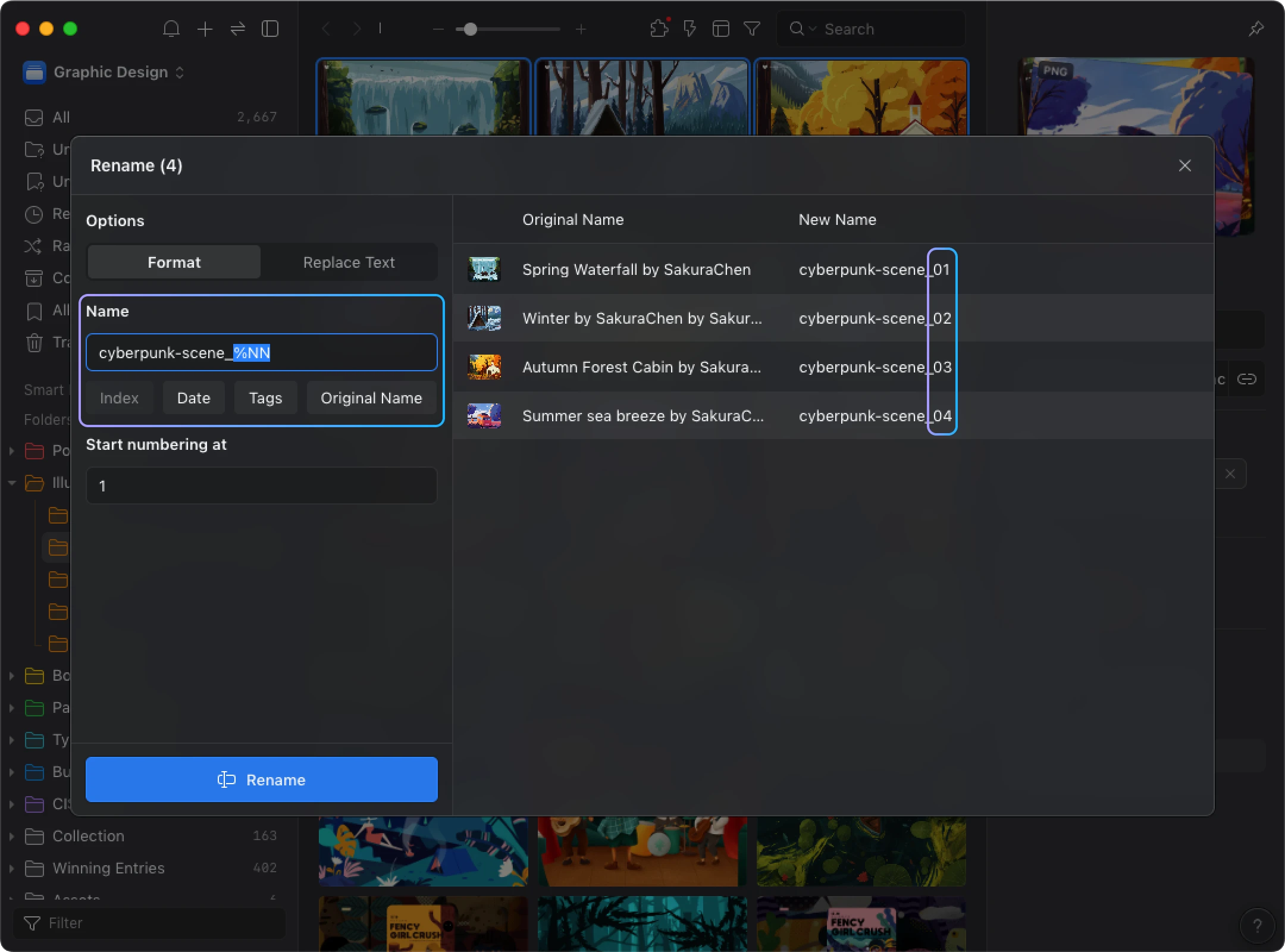
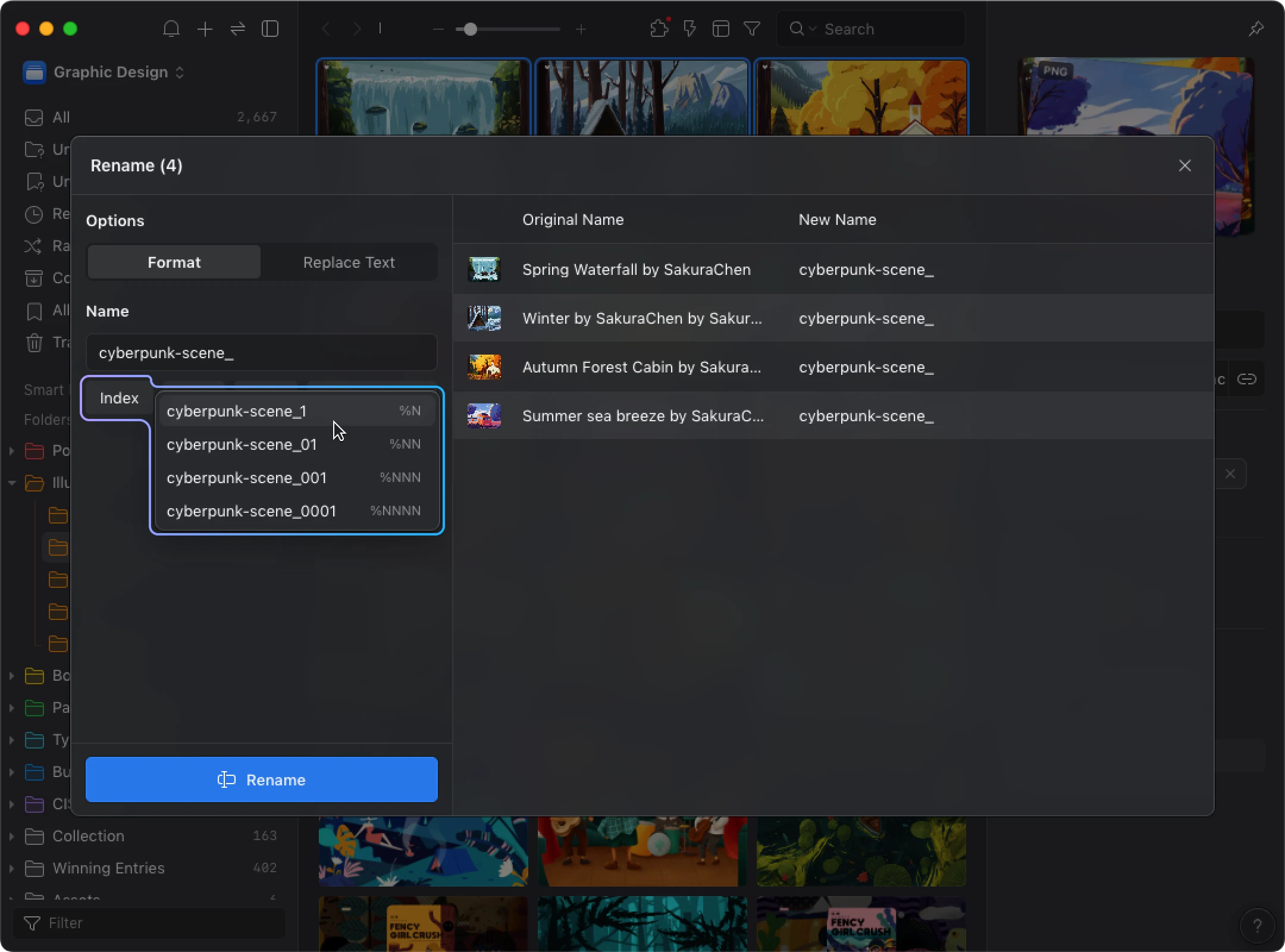
- Date %D
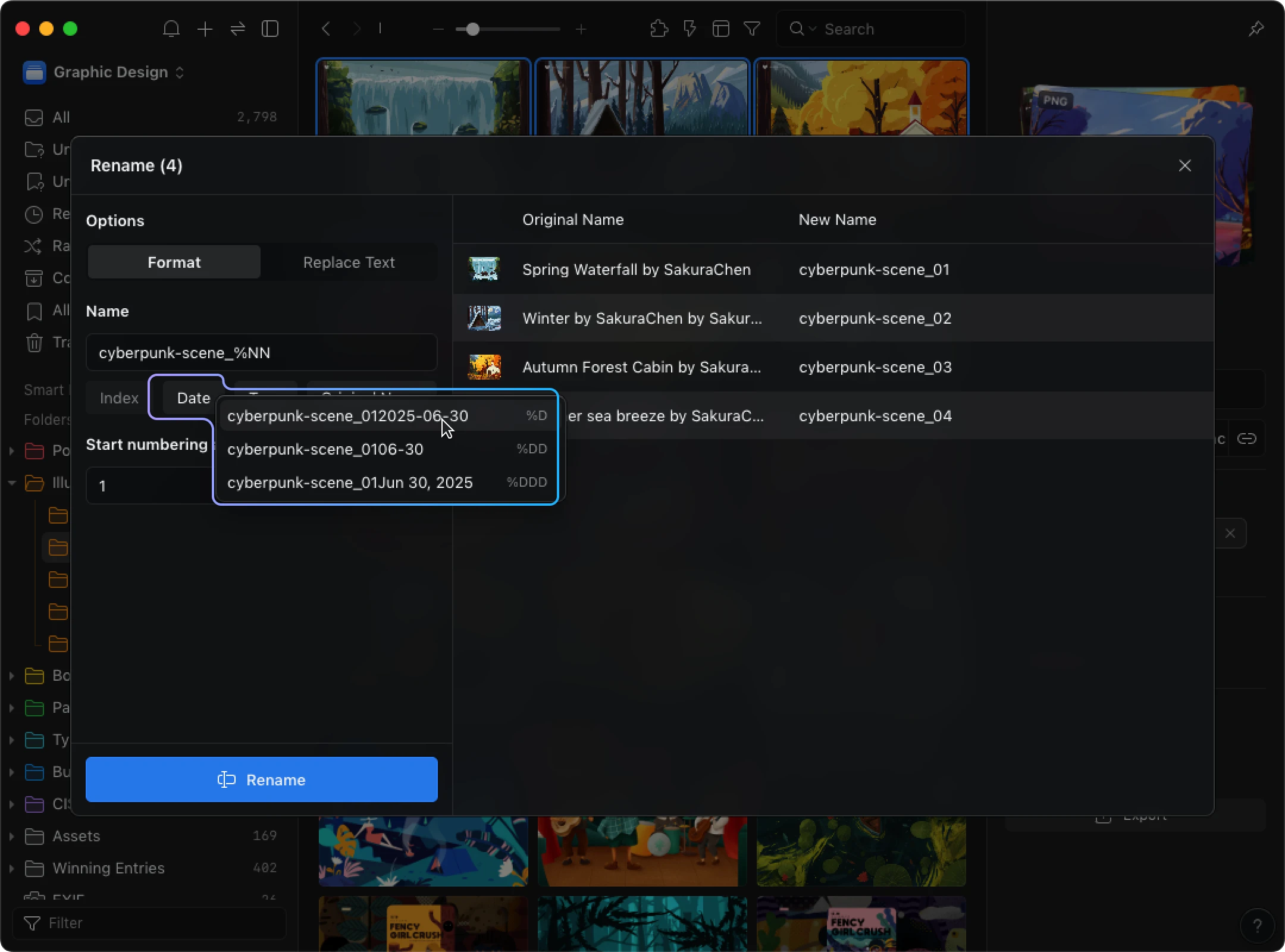
Enter '%D' in the name field as a date code, and the software will automatically add the date to the name. The software offers three date formats: enter %D for 2024-08-08, %DD for 08-08, and %DDD for Aug 08, 2024.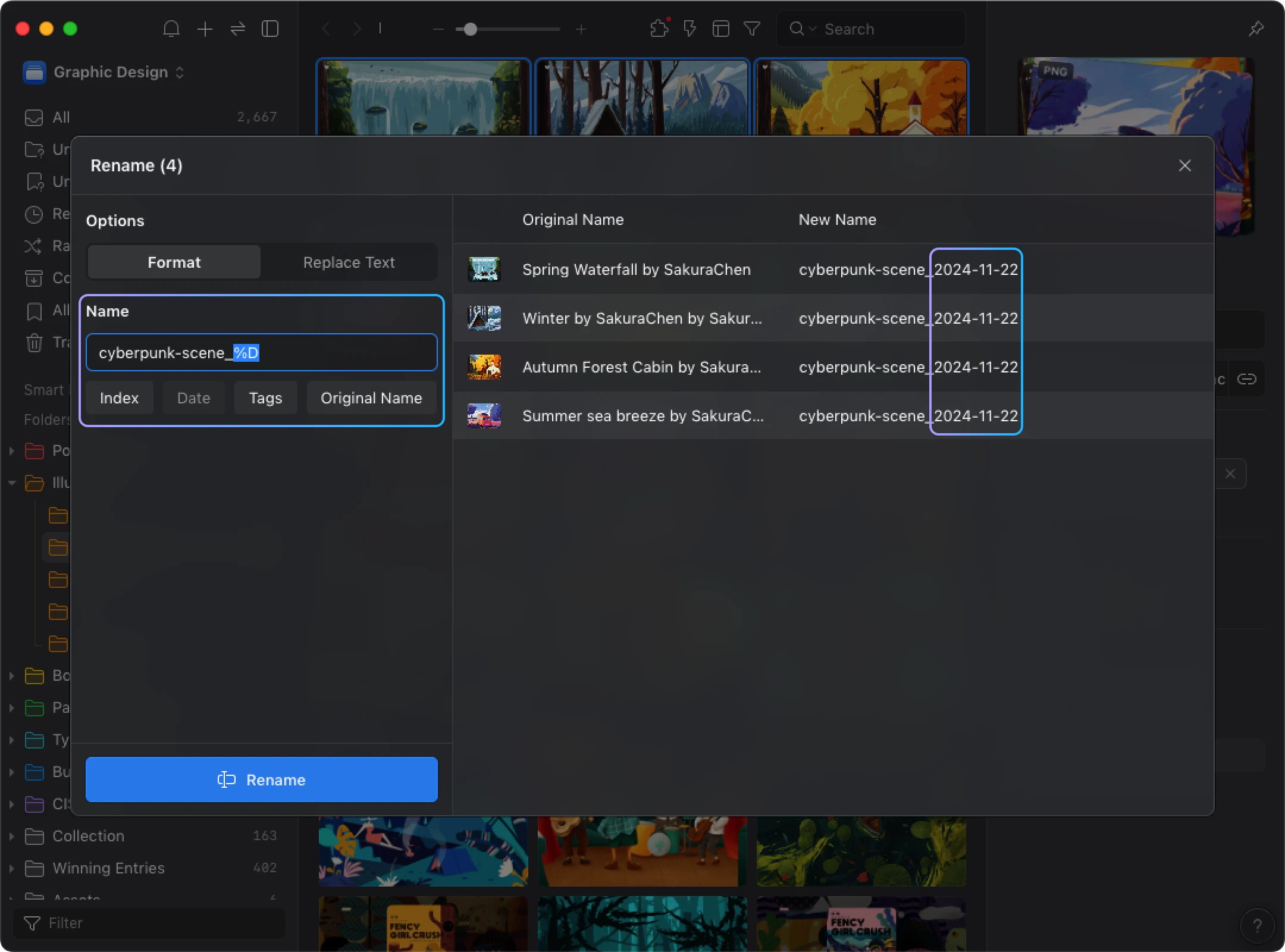 You can also directly click on 'Date' in the window and then select the one you need.
- Tag %T
Enter "%T" in the name field as the tag code, and the software will automatically include the tags associated with the material as part of the file name. - Original Name *
Enter code " * ", Eagle will automatically name it as same as original name.
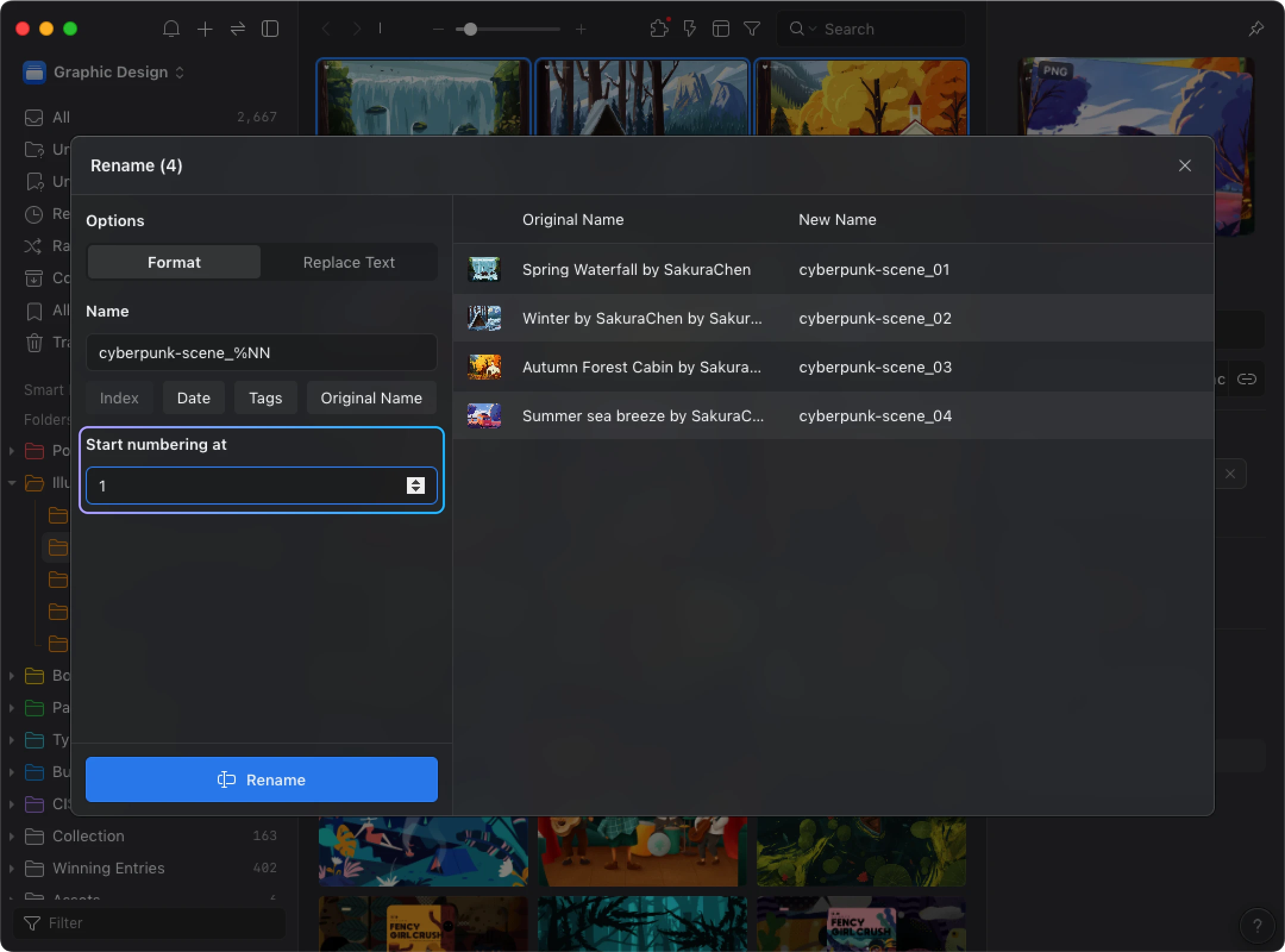
Enter the beginning number and the folder's name will be renamed start form this number,
Replace Text
You can use this feature to replace the specific part of the image name. Supports regular expressions.
Find
Enter the part of the image name you want to replace it.
Replace with
Enter the word that you want to replace with.