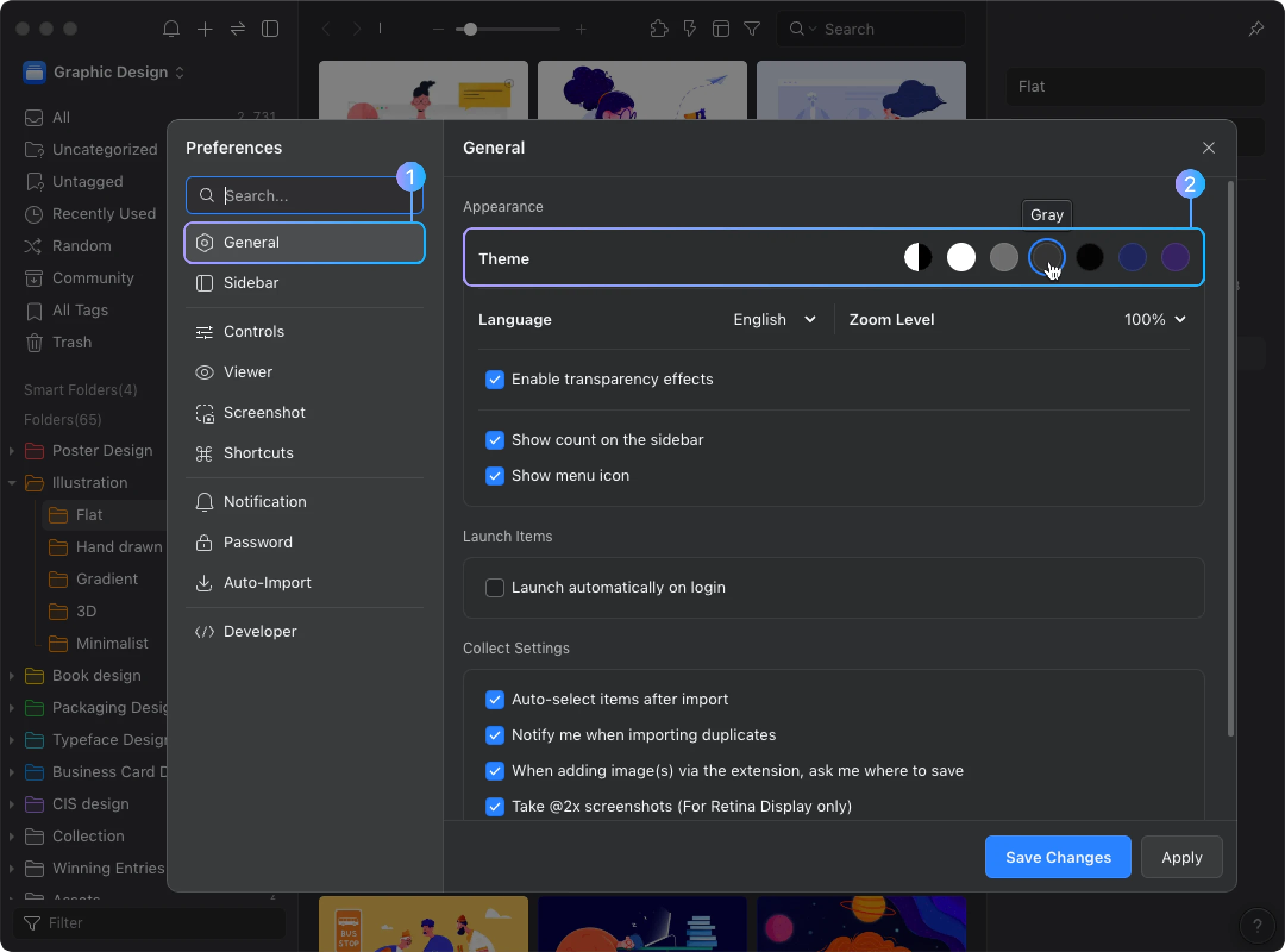
Eagle's default theme color is dark gray, and it offers a variety of themes ranging from light to dark: Light, Light Gray, Dark Gray,Dark, as well as Purple and Blue. Additionally, there is an "Auto" option that automatically adjusts to display light or dark themes according to system settings. To change the interface color theme, follow these steps:
- Open Eagle's "Preferences" and select "General" on the left.
- Under "Appearance" on the right, choose your preferred theme color.