Eagle
  • Home
  • Extension
  • Blog
  • Learn

    Quick StartVideo TutorialsAll Features

    Design Resources

    UI DesignFontsIconsIllustrationsTools

    Developer

    Plugin CenterPlugin APIWeb API
  • Support
Plans & pricing
Home Extension Blog Support Plans & pricing

Learn

Quick StartVideo TutorialsAll Features

Design Resources

UI DesignFontsIconsIllustrationsTools

Developer

Plugin CenterPlugin APIWeb API
All Knowledge Resources Inside Eagle Updates
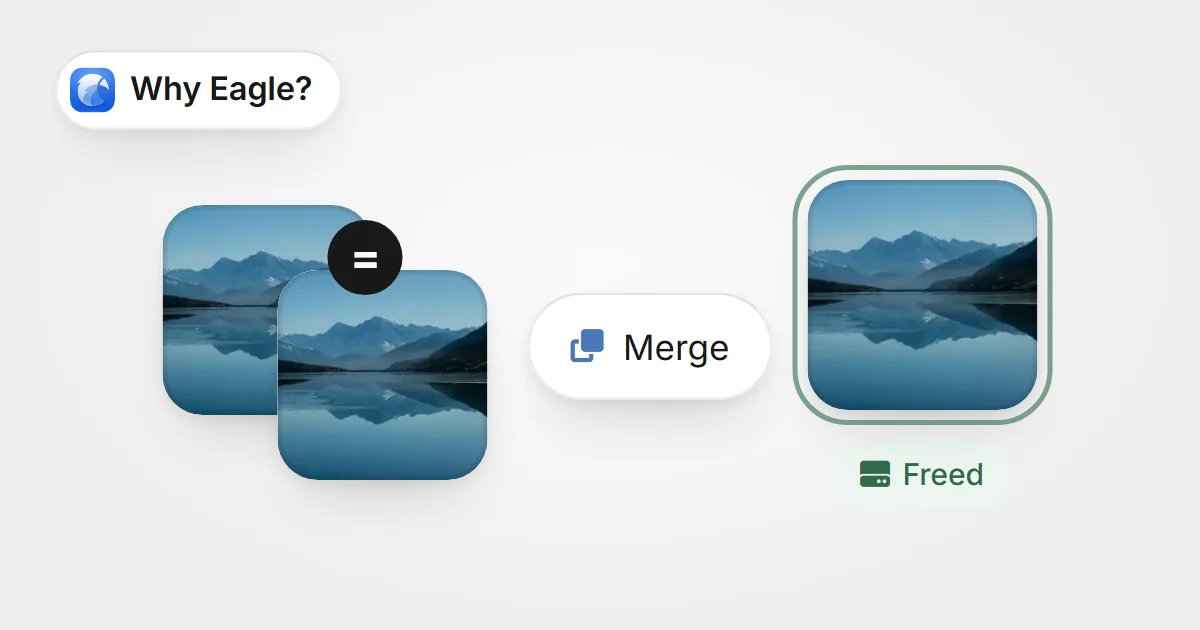
Two identical copies of an image merge into one, with a disk space Freed badgeTwo identical copies of an image merge into one, with a disk space Freed badge

No More Duplicate Images: Eagle’s Scanning for Identical Files Frees Up Your Hard Drive

Eagle’s Scanning for Identical Files feature automatically detects and merges duplicate files—including tags and notes—so you can quickly free up valuable storage space and keep your asset library organized.

Knowledge2025-07-07
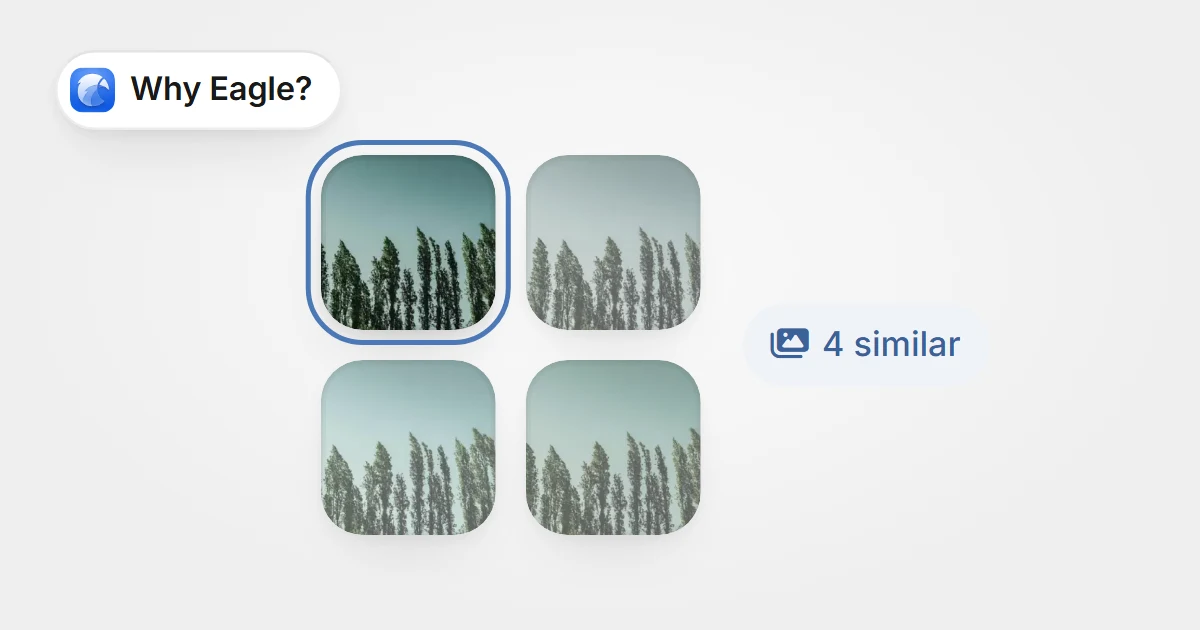
Four lookalike versions of one photo grouped together, one kept, with a 4 similar badgeFour lookalike versions of one photo grouped together, one kept, with a 4 similar badge

Say Goodbye to Lookalike Image Nightmares: Free Up Space Instantly with Eagle’s Similar Duplicate Image Finder

Eagle’s Similar Duplicate Image Finder quickly identifies lookalike images in large libraries and helps you merge or delete true duplicates—freeing up space and boosting organization.

Knowledge2025-07-07
Eagle 4.0 Build11: Stability Enhancements and Bug Fixes

Eagle 4.0 Build11: Stability Enhancements and Bug Fixes

This update focuses on improving user experience and stability. It fixes various issues related to drag-and-drop, tag sorting, folder naming, and renaming processes. Enhancements include better similar image detection, support for long audio files, AVIF preview, and new thumbnail display controls to streamline your workflow.
Updates2025-06-27
Three web pages saved as visual bookmark cards with thumbnails, the middle one bookmarkedThree web pages saved as visual bookmark cards with thumbnails, the middle one bookmarked

Beyond Traditional Bookmarks: A Smarter Way to Collect and Organize Webpages

Eagle's web bookmark offers designers visual inspiration management with thumbnail previews, flexible categorization, tags, embedded browsing, and notes, overcoming traditional bookmark limits to boost efficiency.

Knowledge2025-06-20
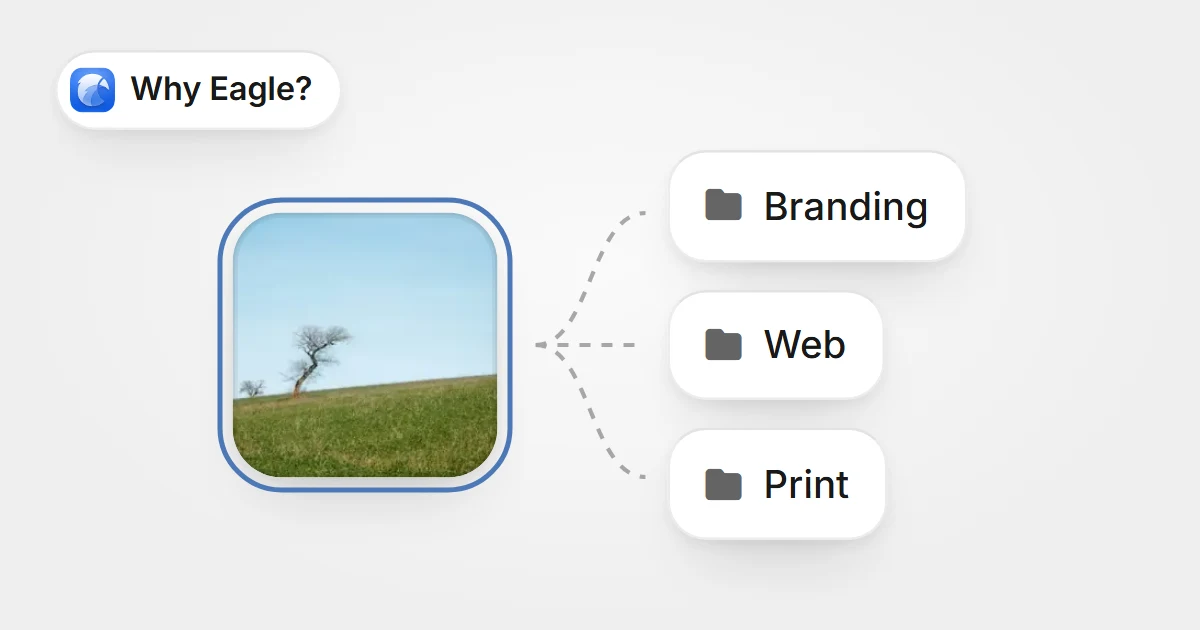
One image linked to three folders at once, Branding, Web and Print, without duplicating itOne image linked to three folders at once, Branding, Web and Print, without duplicating it

How Eagle Helps Designers Efficiently Organize and Manage Design Assets

Eagle streamlines design asset organization with fast categorization, batch processing, and sorting into multiple folders, saving space. Powerful search boosts your creative flow.

Knowledge2025-06-20
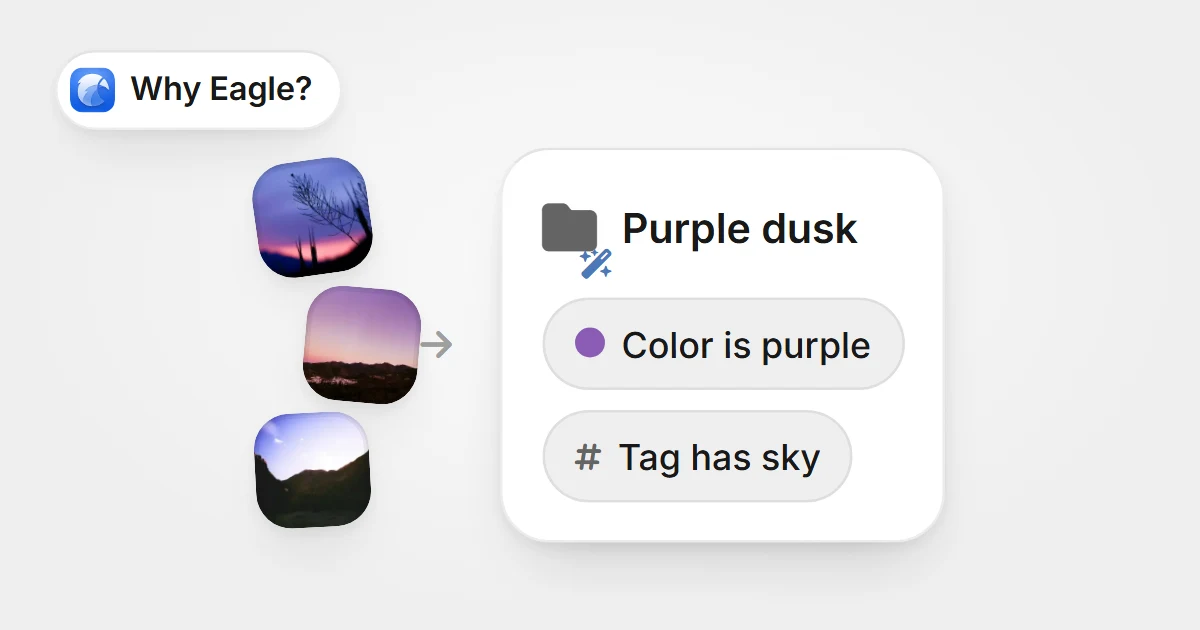
Purple images flowing into a smart folder named Purple dusk, defined by a colour rule and a tag rulePurple images flowing into a smart folder named Purple dusk, defined by a colour rule and a tag rule

How Traditional Folders Slow Down Your Design Workflow: A Deep Dive into Eagle's Smart Folders

Eagle's smart folders auto-categorize assets, solving designers' management pain points and boosting workflow efficiency and creativity.

Knowledge2025-06-20
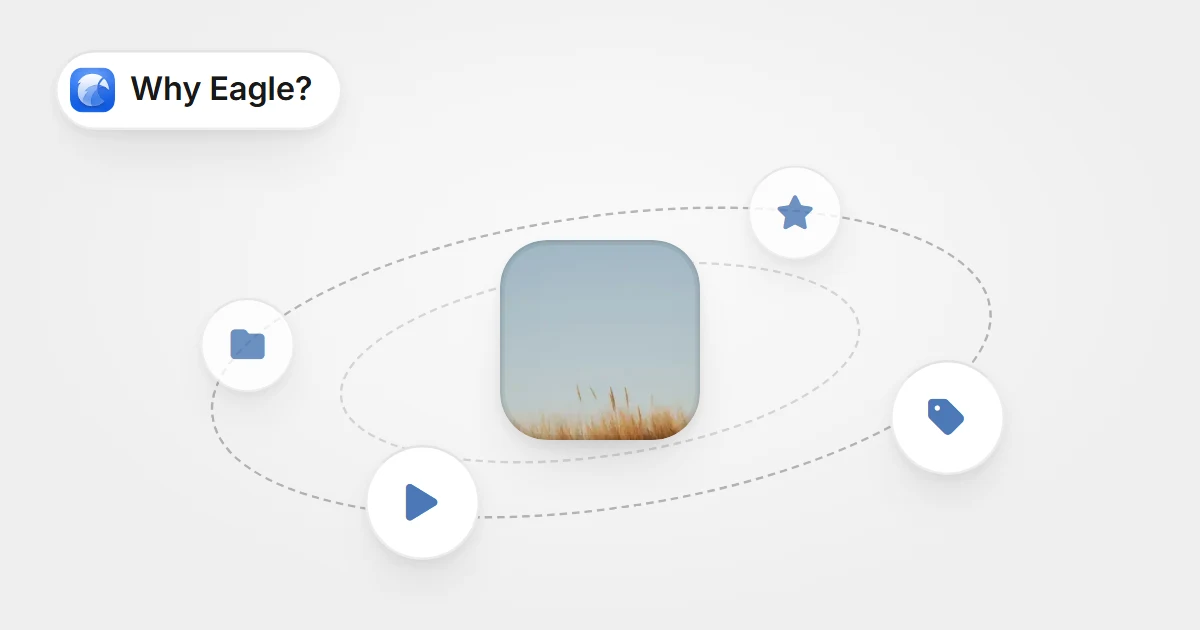
One image at the centre of an orbit of action steps: move to folder, rate, tag and runOne image at the centre of an orbit of action steps: move to folder, rate, tag and run

Stop Wasting Time on Repetitive Tasks: Eagle’s “Actions” Automates the Dullest Parts of Design Asset Management

Automate repetitive design tasks with Eagle’s Actions—organize, tag, and rate files in one click for a faster, more efficient creative workflow.

Knowledge2025-06-20
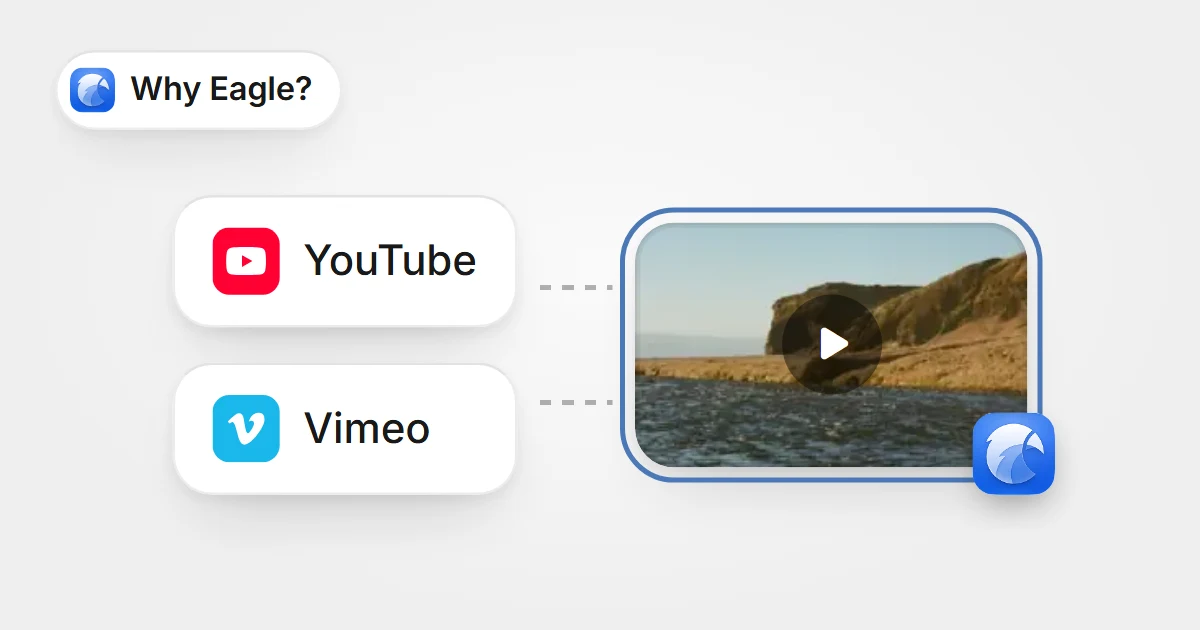
YouTube and Vimeo linked to one saved video thumbnail in EagleYouTube and Vimeo linked to one saved video thumbnail in Eagle

The Ultimate Video Inspiration Organizer for YouTube and Vimeo

Eagle helps designers efficiently manage YouTube and Vimeo video inspirations with one-click saving, auto-thumbnails, hover previews, and flexible tag organization, solving the clutter and lack of visuals in traditional bookmarks.

Knowledge2025-06-20
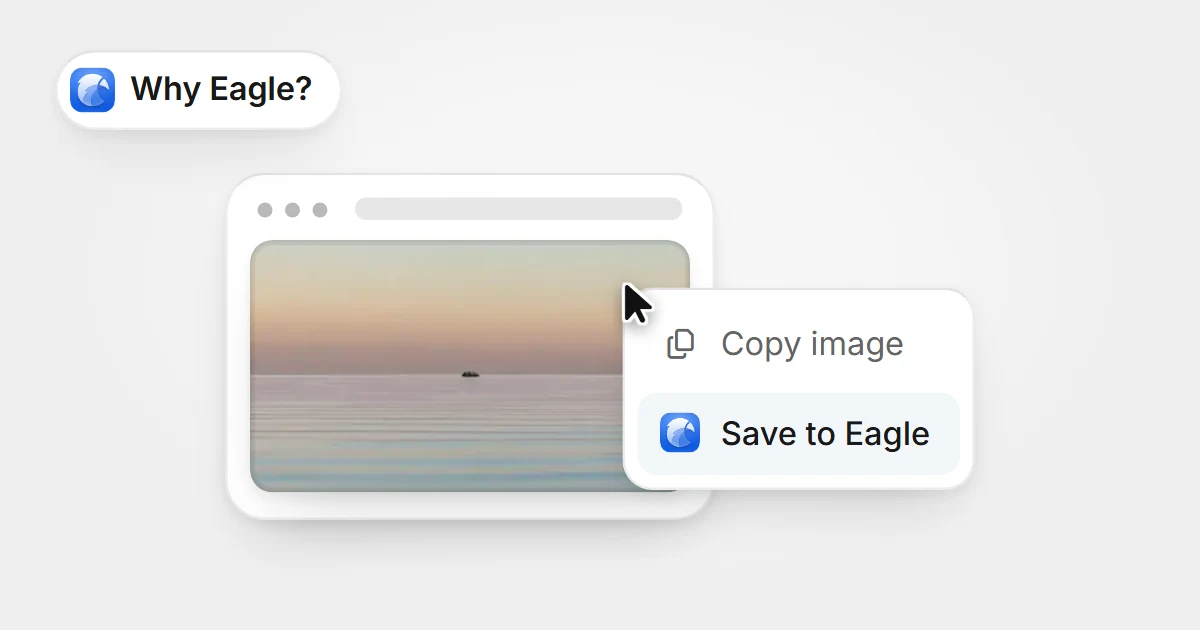
A web page image with a right-click menu open on it and Save to Eagle highlightedA web page image with a right-click menu open on it and Save to Eagle highlighted

An Effortless Way to Capture Web Inspiration

Designers often seek inspiration online, but saving images or screenshots can be tedious and restricted. Eagle’s web image/screenshot feature makes collecting effortless.

Knowledge2025-06-16
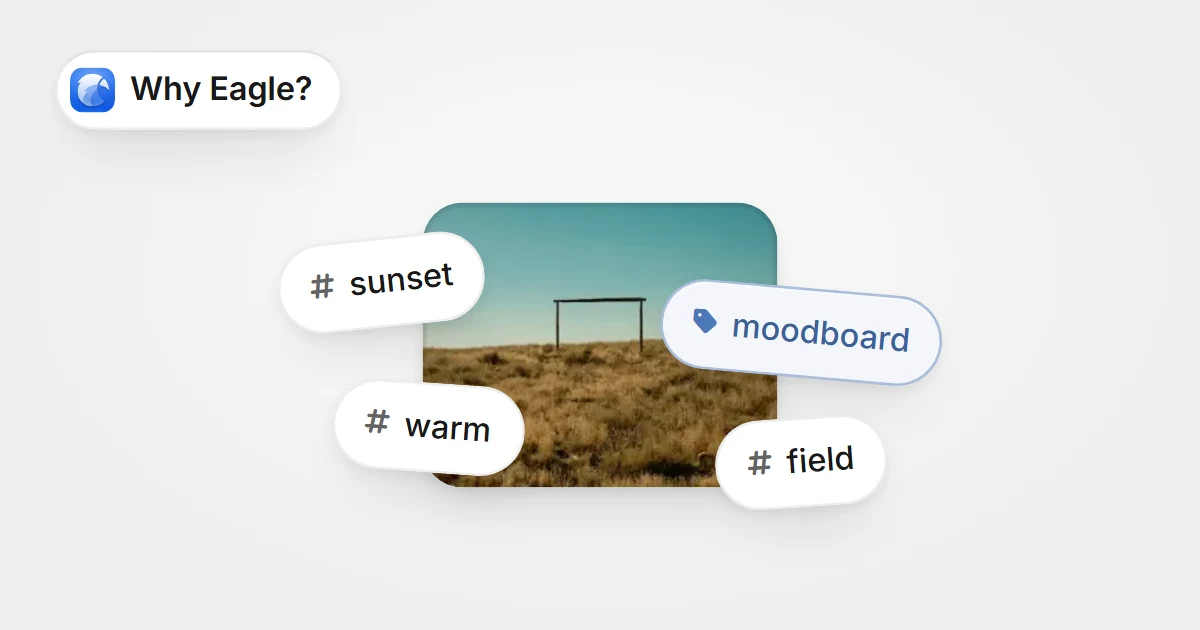
A photo with tag chips stuck around it: sunset, moodboard, warm and fieldA photo with tag chips stuck around it: sunset, moodboard, warm and field

Streamline File Management: How Eagle Tags Boost Design Assets Organization

Every designer knows this feeling: a project deadline is looming, and you clearly remember saving that perfect inspirational image somewhere, but now it's nowhere to be found. You open your computer only to face a tangled mess of folders, each labeled vaguely as "references" or "inspiration." You try using the system search, but since the files weren't clearly named or labeled initially, the search yields nothing useful. Frustration sets in, and you either waste precious time manually searching or give up entirely and re-download similar images online.

Knowledge2025-06-13
Eagle 4.0 Build 10: Enhanced Batch Renaming and Thumbnail Support

Eagle 4.0 Build 10: Enhanced Batch Renaming and Thumbnail Support

Enhances batch renaming with autocomplete, folder-based naming, time format options, and Blender thumbnail support for a smoother experience.

Updates2025-06-10
Eagle 4.0 Build 9: Stability Enhancements and Bug Fixes

Eagle 4.0 Build 9: Stability Enhancements and Bug Fixes

This update will not be automatically pushed to all users. If you are interested in this update, feel free to visit the Eagle official website at any time to download the latest version. Please note that we typically only send update notifications through the Eagle software itself during major version updates, such as upgrading from 4.0 to 4.1. For minor improvements, like from 4.0 Build 9 to Build XX, we do not send individual notifications. Additionally, we will continue to post the latest update information on our official blog. For those who wish to experience the latest features, we welcome you to download and reinstall.

Updates2025-05-07
  • 上一頁
  • 1
  • 2
  • 3
  • 4
  • 5
  • ...
  • 12
  • 下一頁

Eagle

  • Plans & pricing
  • Download
  • Latest Development
  • Get Free License

Features

  • Plugins
  • Extension
  • Duplicate Check
  • Batch Rename
  • Tag Selection
  • File Selection
  • Quick Switch
  • Inspector
  • Filter

Get Help

  • Help Center
  • FAQs
  • Troubleshooting
  • Recover Purchased License
  • Contact us
  • Privacy
  • EULA

Resources

  • Get Started
  • Tips & Tricks
  • Community
  • Blog
  • Plugin API
  • Web API

Business

  • Content Partnership
  • Event Sponsorship
  • Media Sponsorship
  • Media Kit
Product Hunt Product Hunt
Eagle

© 2017-2026 OGDESIGN.INC All rights reserved

X (Twitter) Facebook Instagram
LanguageEnglish
  • English
  • 繁體中文
  • 简体中文
  • 日本語
  • 한국어