A founder’s view
Pinterest vs EagleI still use Pinterest, just not to manage my design assets

I built Eagle, but I still open Pinterest whenever I'm looking for design ideas.
Before designing a new feature, I like to see how other people have approached the same problem. Even when I think I know what I want, there's usually something I haven't considered.
Pinterest is one of the places I go for that. I'll start with a particular interface and end up following a trail of images in a completely different direction.
What I don't do is keep my entire collection of design references there. The tool I want for discovering an idea isn't necessarily the tool I want when I need to find it again six months later.
Here's how I use Pinterest and Eagle together, and why you might not need Eagle at all.
Why I still like using Pinterest
Dribbble and Behance are full of work designers have chosen to publish. Pinterest is different. You also find things other people happened to notice and save.
That might be a settings screen from a real product, a small interaction on a website, or an obscure piece of game UI. Sometimes there's no obvious keyword you could have searched for.
Say I'm researching settings interfaces. I might find one useful screenshot, open the Board it came from, and discover that someone has already collected dozens of examples. I can start there instead of searching from scratch.
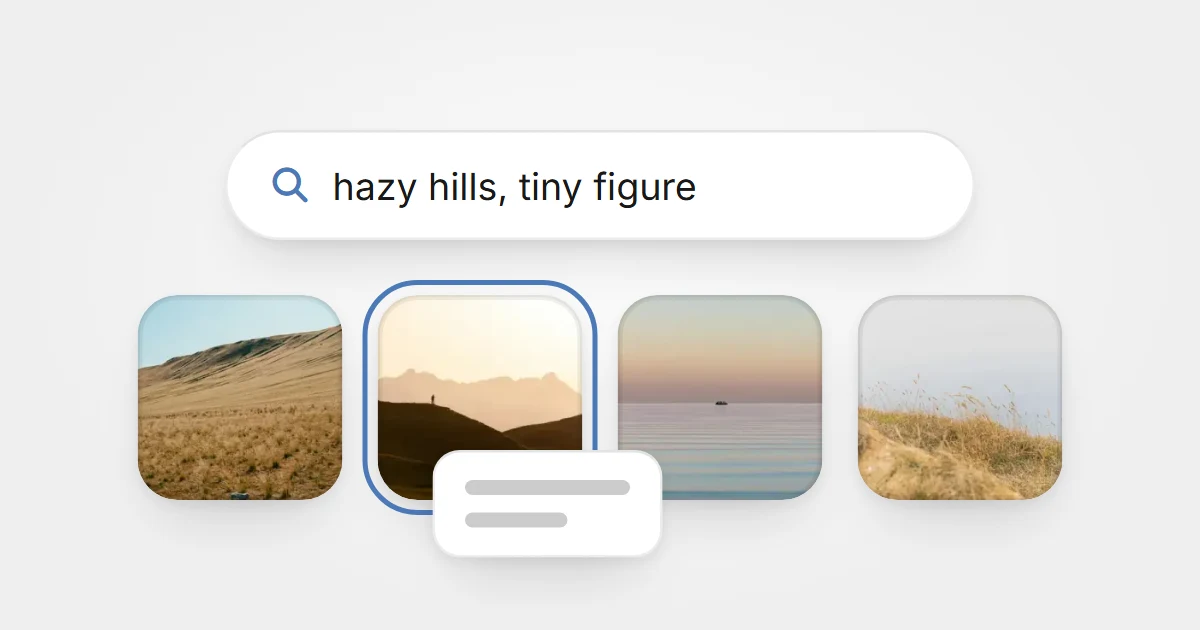
I use Pinterest's visual search a lot, too. Often I can recognize the kind of design I'm looking for without knowing what it's called. Starting with an image is much easier than guessing the right words.







I value that kind of exploration. Building Eagle hasn't changed that.
If you only save a few hundred images, Pinterest may be all you need
If you have five or ten Boards and a few hundred images, opening a Board and scrolling through it is usually enough. Pinterest is free, convenient on a phone, and easy to share.
Even as a professional designer, you might only need a couple of moodboards to discuss a direction with a client. I wouldn't tell you to buy Eagle just for that.
The problem changes when you start working with your collection rather than just looking at it. You need to find a screen you saved months ago, remove old references, or pick a handful of images from several thousand.
Saving something is easy. Finding it and using it again is the harder part.
That's the kind of work I'd rather do in a dedicated library.
My library has 200+ categories and 8,000 design references
I've kept a UI Design Library for years. It now has more than 200 categories and around 8,000 references I've selected myself.
I don't just collect them and forget about them. While designing Eagle, I regularly return to old examples, compare different approaches, move things around, and delete what I no longer need.
If I moved that library to Pinterest, storage wouldn't be my concern. Managing it would.
Browsing: I want to jump to the end of a long list
Imagine a Board with 1,000 images. You want to revisit something you saved early on. On Pinterest, that generally means scrolling down, waiting for more images to load, then scrolling again.
That works fine when you're discovering new content. It's frustrating when you already know you're looking for something near the end.
In Eagle, I can drag the scrollbar directly to a later point in the list without loading every previous batch. It sounds minor until you have to do it regularly.



























When I work with thousands of images, details like this matter.
Batch organizing: I don't want to click every image
Pinterest does have an Organize feature. You can select several Pins and move them together.
But when I'm selecting dozens of references or clearing out a hundred old images, checking each one takes time. On a desktop, I want to drag a selection box, use Shift to select a range, and move or delete everything at once.
You won't see those interactions in an exciting product slogan. You notice them when you organize images every day.












Finding things again: one image can belong in several categories
A UI screenshot might fit under settings, dark mode, and forms. Months later, I might search for form examples and have no memory of which folder I originally used.
In Eagle, I can put it in multiple folders and add tags, ratings, or notes. I can filter by color, size, or format, and use smart folders to bring matching images together automatically.
Pinterest has Boards, Sections, and a way to search saved Pins. I'm not claiming it has no organization tools. I just need more ways to find and rearrange things as my library gets larger.
I want to be able to find an image years after I saved it.
Saving a Pin isn't the same as keeping the original image
Another thing I care about is the resolution of the image I actually have.
Sometimes a reference looks great as a thumbnail. Then I try to inspect the typography, material, or layout details and discover that enlarging it doesn't reveal anything useful.
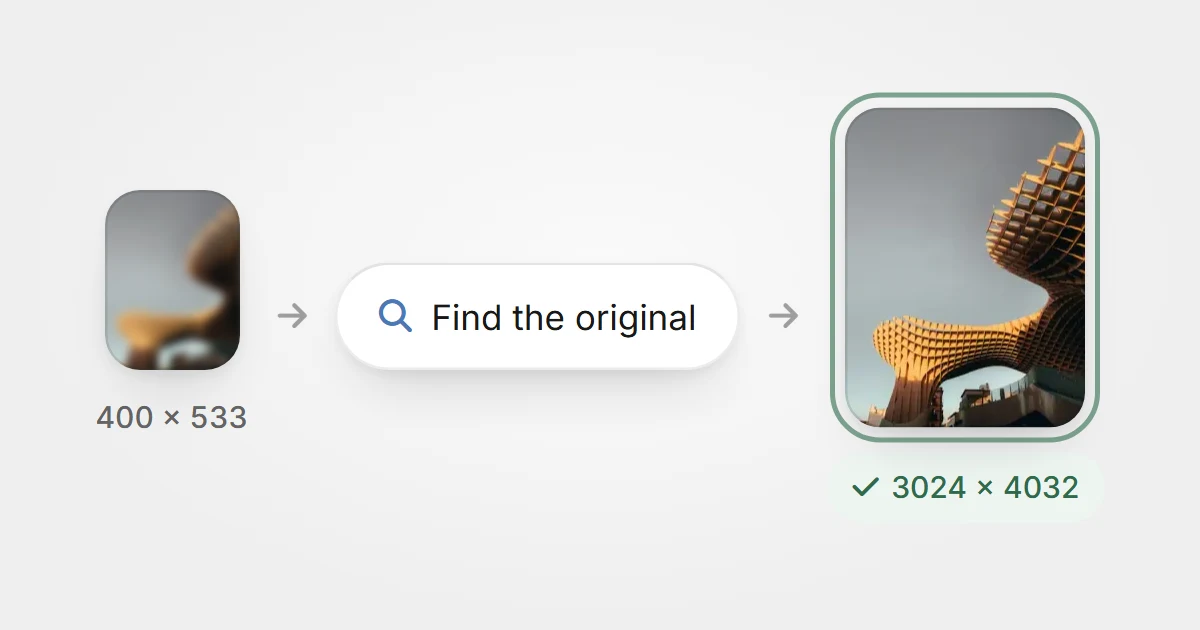
Pinterest shows the image version available through its platform, which isn't necessarily the source's original resolution. An artwork might be 4,000 × 4,000 pixels at its source, but that doesn't mean you can inspect or download that version from Pinterest.



That's fine if you're just getting a feel for a style. Sometimes I need to look much closer.
And my working files aren't limited to still images. I also deal with videos, fonts, PSDs, PDFs, and other formats that don't really belong in a social discovery feed.
Eagle stores the files it actually obtains. When I save through the browser extension, we try to retrieve a suitable larger version if the source website makes one available. That doesn't guarantee the original file on every site, and it can't recover details the source never provided.
I want a file I can inspect, organize, and back up myself, not just a saved entry I have to revisit on a platform.
A colleague really did lose access to a Pinterest account
There's another reason I'm cautious about keeping all my working references on a platform.
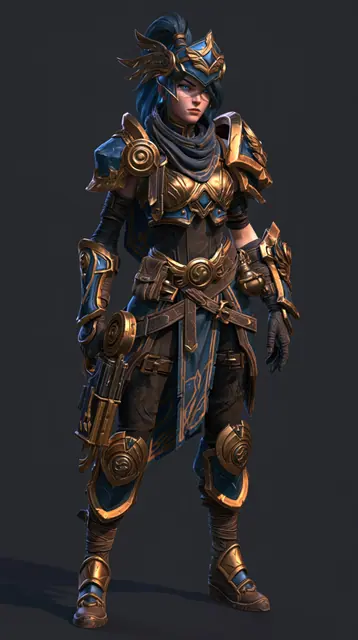
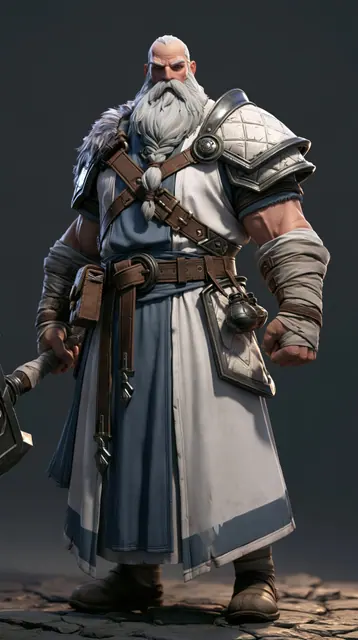
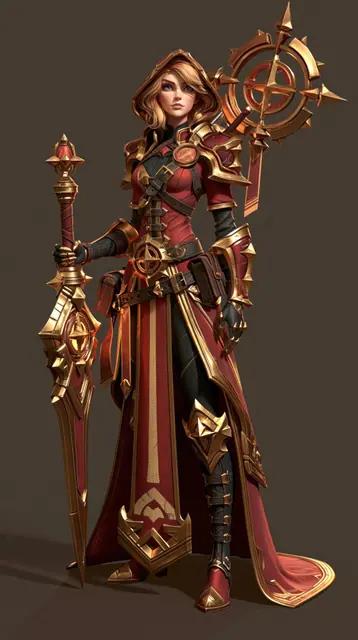
Some colleagues had used Pinterest for years to collect design references, including game characters, poses, and concept art. Those are ordinary references in creative work, but some saved content was flagged for possible copyright or adult-content issues.
Sometimes they had only saved images other people posted, rather than uploading the works themselves. The saved content could still be affected by the platform's rules and account reviews.
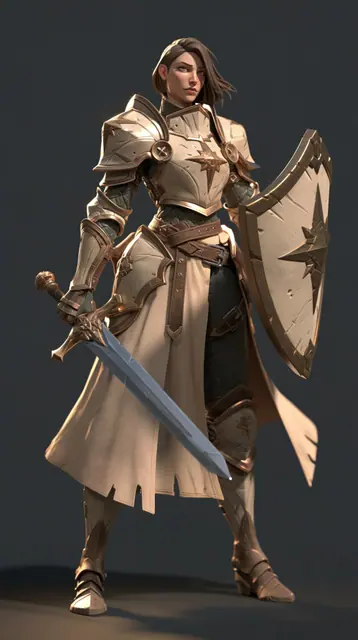

Eventually, colleagues had accounts suspended and temporarily lost access to years of saved material. Some recovered their accounts after appealing; others didn't.
I can't judge every moderation decision, and I understand why a large platform needs copyright and content policies. But I don't want access to years of work references to depend entirely on the status of a single account.
Years of saved references can suddenly be out of reach when an account becomes inaccessible.
This isn't unique to Pinterest. Any collection tied to a third-party account can face similar risks.
Keeping files on your own computer isn't risk-free either. Drives fail, backups matter, and saving a picture doesn't give you copyright or commercial-use rights.
Still, at least you can choose where the files live, how to back them up, and which software to use. That may be unnecessary effort for casual browsing, but for years of working references, I think it's worth considering.
What changes when you compare the features?
If you're choosing between the two, here's a practical comparison of what each can and can't do.
| Aspect | Eagle | |
|---|---|---|
| 01Discovering new ideas | Huge amount of community content, recommendations, and crowd curation | Mainly manages your own assets; pairs with outside search |
| 02Visual search | Great at branching out from one image to similar content | Finds similar images in your library, and searches the web through a plugin |
| 03Saving from the web | Save Pins to boards | Drag and drop, right-click, or batch save on any site; keeps the files |
| 04Browsing at scale | Continuous scrolling, content loads in batches | Jump quickly through long lists; several browsing layouts |
| 05Batch selection | Check items in Organize, then move them | Drag to select, Shift-click ranges, organize and delete in bulk |
| 06Categories | Boards and sections | Nested folders, one asset in several folders, tags, Smart Folders |
| 07Detailed search | Search the platform and your saved Pins | Keyword, color, size, format, and rating filters, combined as needed |
| 08High-res preview | Limited by the image versions and interface the platform provides | View files at the resolution actually saved in your library |
| 09File formats | Mostly images and on-platform video | Images, videos, fonts, audio, and many design file formats |
| 10Offline use | Mostly depends on an online service | Local library works offline |
| 11Data control | Depends on your account and the platform’s content policies | You keep your own library and backups |
| 12Mobile & devices | Mobile app; easy to use across devices | Eagle 4 is mainly desktop; cross-device use is up to you to set up |
| 13Collaboration | Easy to share boards and edit them together | Eagle 4 focuses on managing assets locally |
| 14Cost | Free for everyday browsing and saving | Requires a license, installation, and storage space |
This table covers features available today. It doesn't count unfinished Eagle 5 features as if they were already in Eagle 4.
The useful question isn't which product has the longer feature list. It's how you spend your time.
If you're mainly browsing recommendations and discovering new images, Pinterest is a good fit. If you're repeatedly sorting, selecting, and finding old references, the differences in a desktop library become more noticeable.
How I use Pinterest and Eagle together
When I'm researching a design, I still go to Pinterest for recommendations, other people's Boards, and visual search.
When I find something I want to keep, I save it to Eagle through the browser extension. I also browse Behance, Dribbble, and designers' own sites. Depending on the website, I can drag, right-click, or batch-save images, and we've added extra support for certain sites.
When it's time to design, I return to Eagle to search and compare what I've saved. If an older reference sends me in a new direction, I can also use the Pinterest Visual Search plugin to look for similar examples outside my library.
- PinterestExplore directions with recommendations and visual search
- Browser extensionSave examples worth keeping into your library
- EagleSearch, compare, and organize when you need them
- Visual search pluginBranch out again from images in your library
I don't think everyone needs to move every Pinterest Pin into Eagle. I make the extra effort for references I'll revisit, study, or want to keep for years.
I explore on Pinterest and manage the references I actually need in Eagle.
With AI, I might not always start with a search box
Lately I've also been thinking about how AI agents might change the first step of design research.
I used to open Pinterest, type some keywords, and work through the results. But I already have thousands of references from past research, including approaches I liked and ideas I decided not to use.
What if I could pick a few images from my library, show them to an agent, and explain the question I'm trying to answer? I might say:
“I want to explore this direction, but I'd like to see a few different ways to approach it.”
An agent could review the references I already have, find examples elsewhere, and compare the approaches. I'd decide what was useful and save those results back into my library.
That still requires a designer to ask a clear question and make the judgment calls. But spending less time jumping between websites and sorting search results would leave more time for the design itself.
This is the direction we're working toward with Eagle 5: giving agents access to the references you've collected, while letting them explore beyond your library. The user still decides what to keep.
Even with AI, I don't want Eagle to become another Pinterest. We don't need to build a social network or ask people to publish their libraries. Collecting, organizing, searching, and browsing well is still our job.
It depends on what you do with your collection
If Pinterest works well for you and you don't save much, there's no reason to add another tool. Maintaining a library for a few hundred images you rarely revisit might not be worth it.
But if you've collected thousands of references and regularly need to find old examples, organize them in batches, or inspect them closely, a local asset library is worth trying.
I'll keep using Pinterest. When I find something I know I'll want to revisit years later, though, I save it in Eagle.
I've never felt I had to choose one of these tools over the other.
Finding good references matters. Being able to use them years later matters just as much.