Learn
Design Resources
Developer
You've saved hundreds of screens, but the next project still starts with a new search. Build a UI reference library you can sort, compare and find again.
What's in an image and why you saved it are two different questions.
Finding and downloading an image doesn't mean you can find, understand or use it later. Why asset information matters with agents.
Generating and judging direction are different things. References you chose and assessed help you tell AI what you want and check what comes back.
Decide what your stars mean, then separate rating, comparing and curating so ratings help you make decisions.
Saving is the input. Finding and reusing is the result. See where things break down, and which information is worth keeping yourself.
Learn when to use folders, when to add tags, and how to combine them to find your references again.
Organizing is an investment. Let importance, the odds of reuse and how hard things are to recover decide how much time to spend.
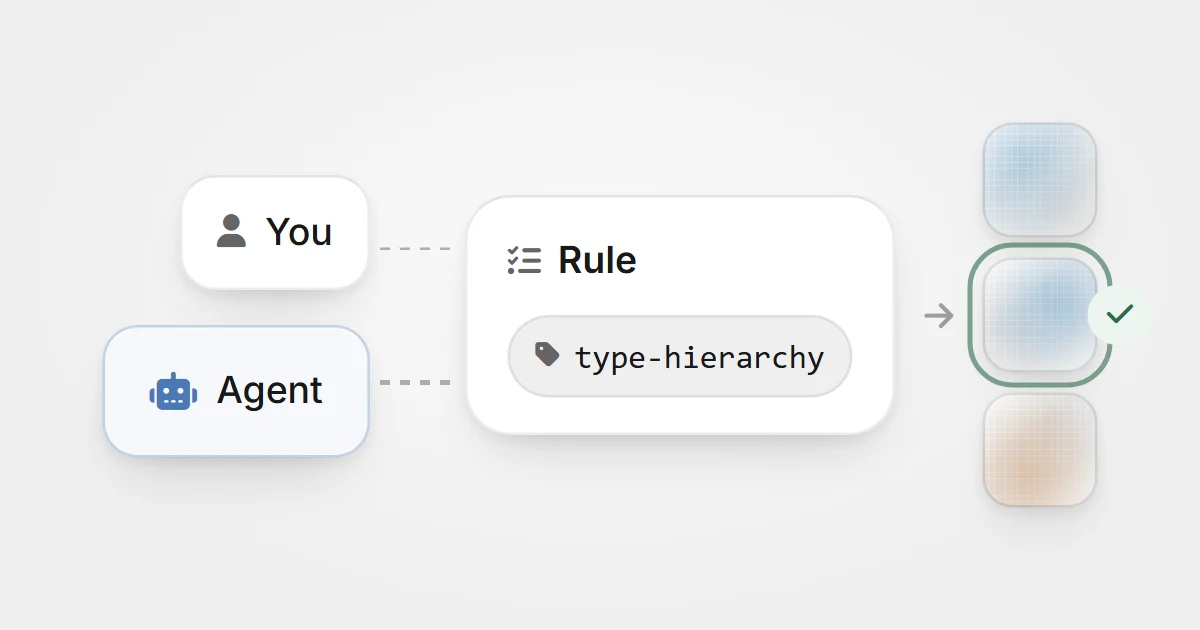
Work with an AI agent to diagnose hard-to-find assets, develop organization rules, and test them on a small batch in your Eagle library.
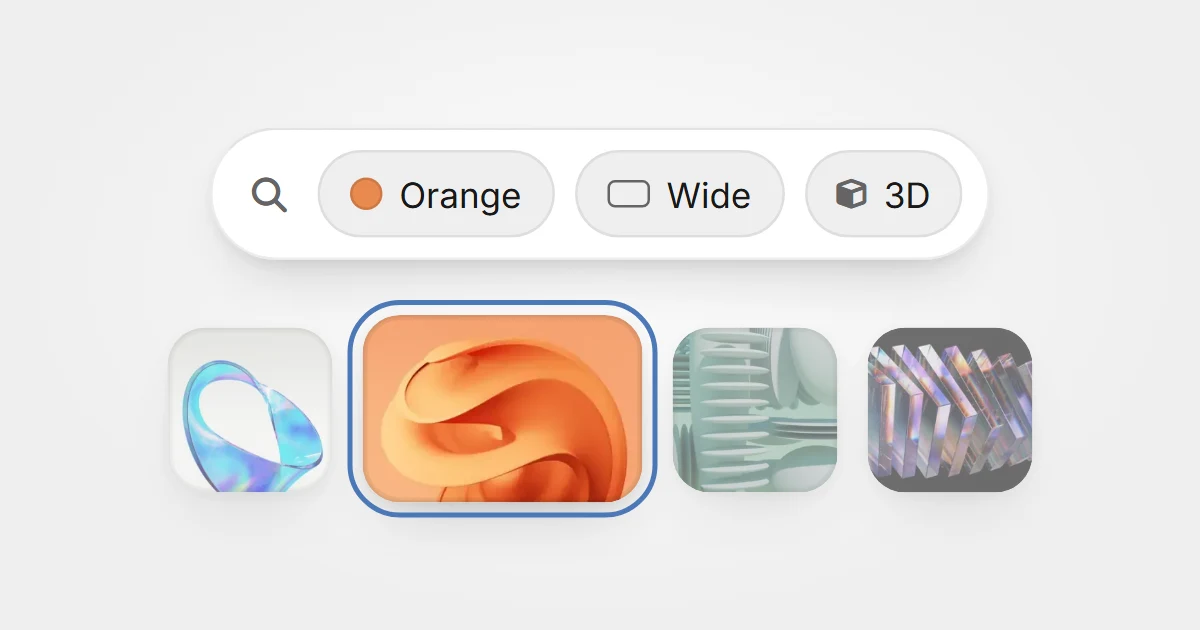
Forgot a filename? Use the colors, proportions, tags, and formats you remember to narrow your search for saved design assets in Eagle.
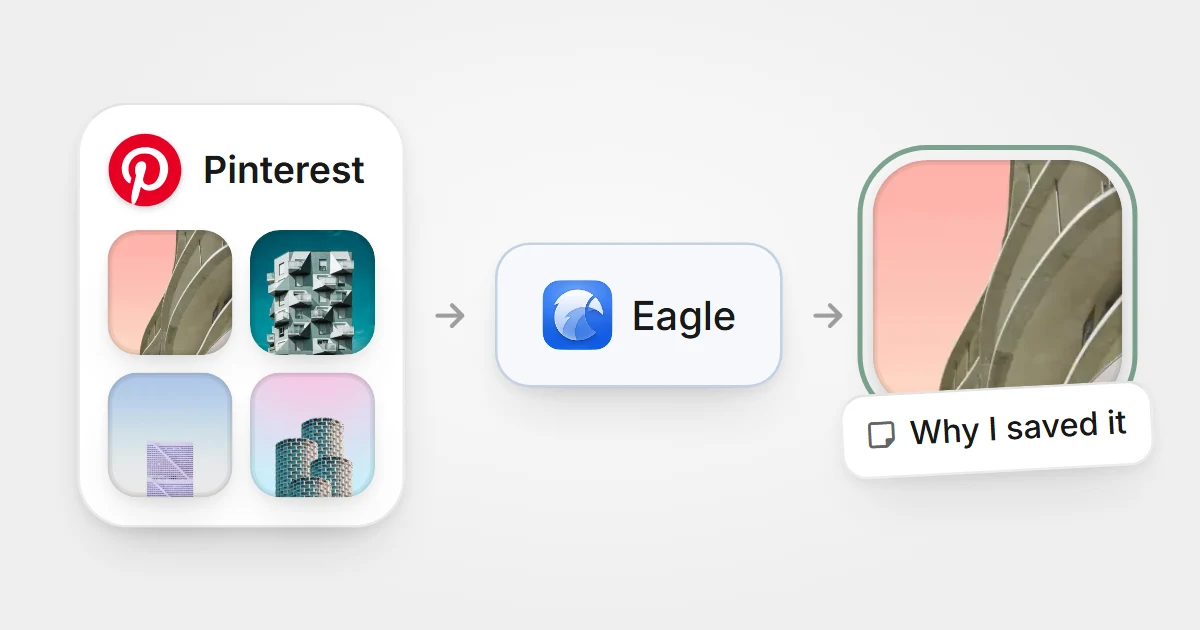
Start with a smaller Pinterest board you use often or need for current work. Compare Pinterest with an Eagle library, then check whether you can find imported references and understand why you saved them before moving more.
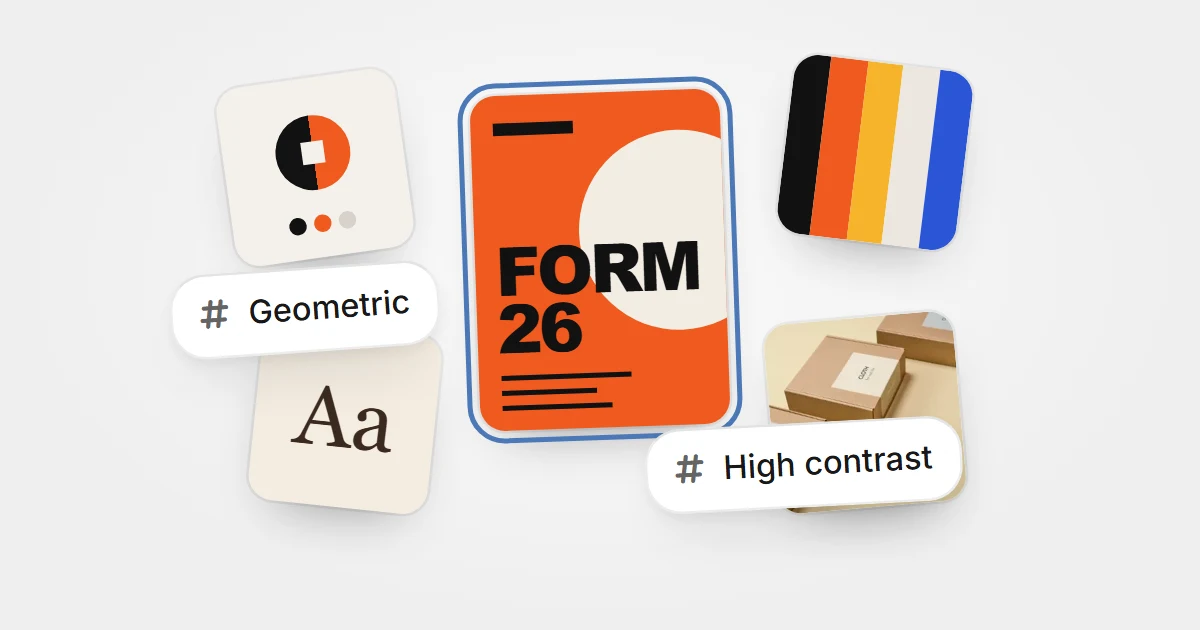
Sort references into folders by design discipline, tag their styles and techniques, and write down what you noticed, so your saves are ready for the next project.